
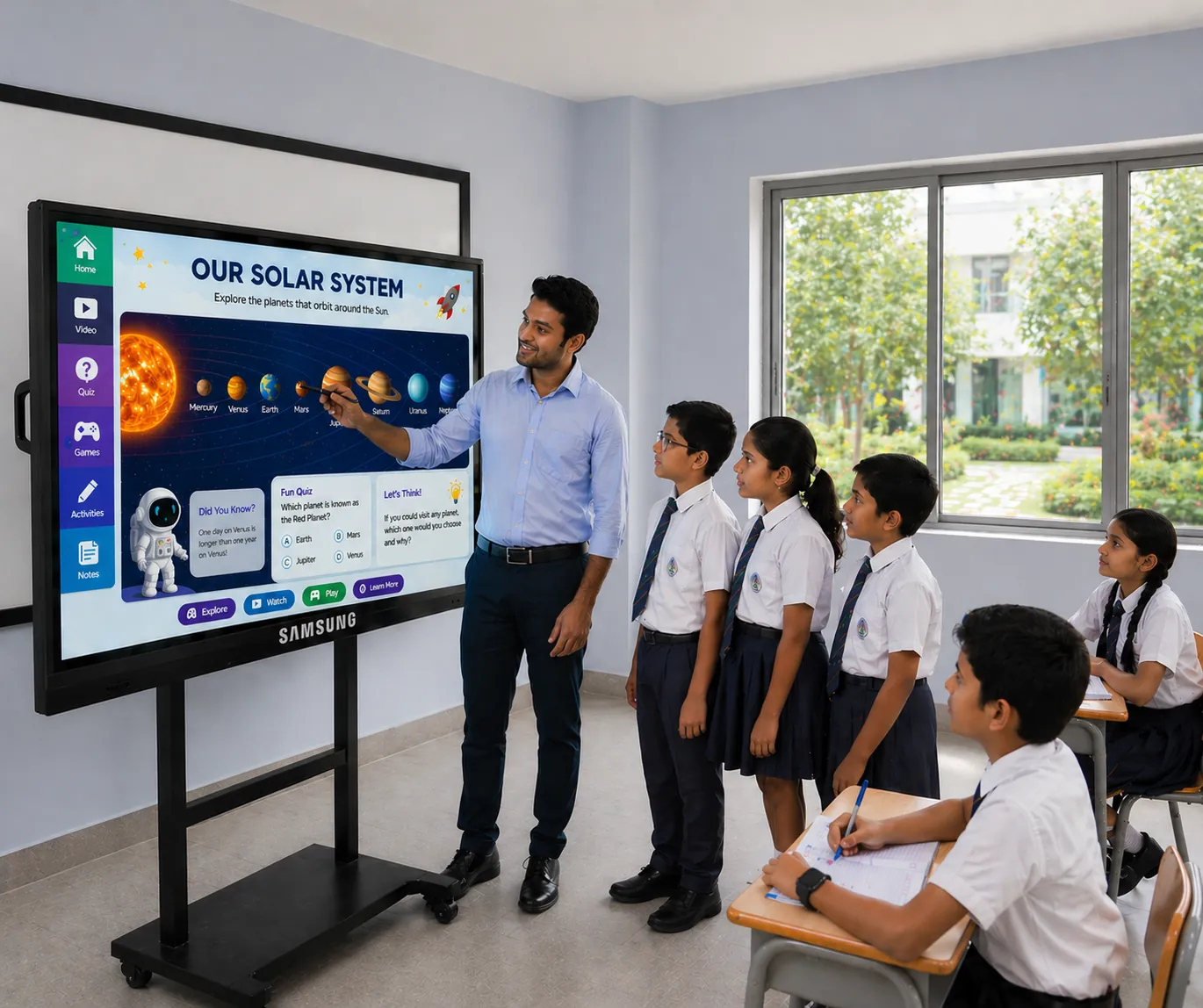
Samsung 65-inch Interactive Flat Panel – Flip Pro Series
Business-friendly interactive display for writing, presenting and quick content sharing in smaller rooms.
Key highlights
- Smooth touch writing for annotation, teaching and brainstorming
- Wireless screen sharing workflow for laptops and mobile devices (feature set varies by model)
- Android-based operation for quick start, plus OPS PC option for full Windows workflow
- Installation planning covers mounting height, cable management and room viewing angles
Clear recommendations and BOQ-friendly scope so your installation works smoothly from day one.
- Model and size guidance based on room layout
- Mounting + cabling scope planning for clean installation
- Optional OPS PC and accessories selection (if required)
- Commissioning + basic user handover guidance
- Warranty and after-sales support planning
Featured Products
Other interactive flat panel options you may compare for your setup.
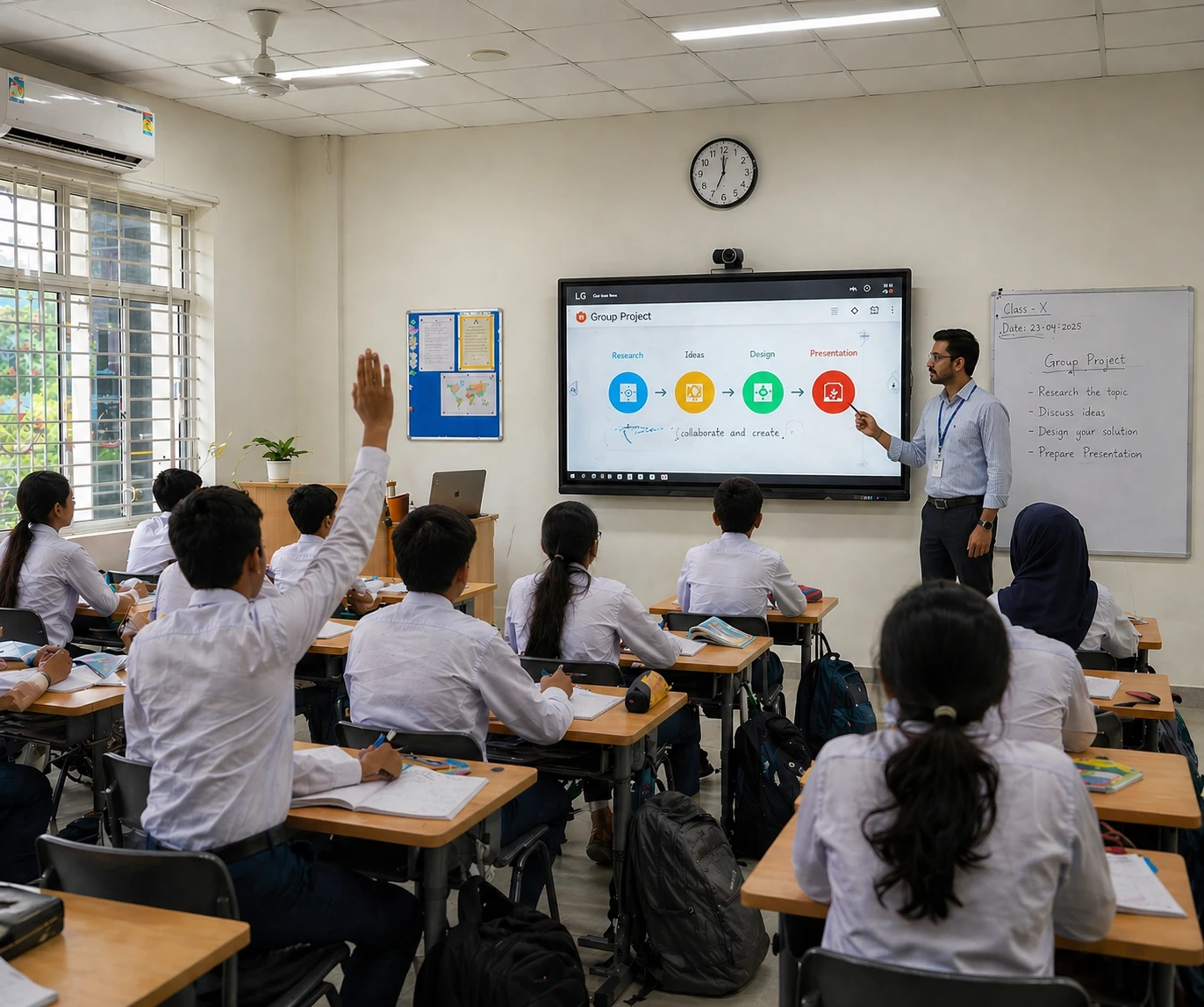
On request (project-based)
Popular classroom size that supports smooth touch interaction and a clean teaching workflow.
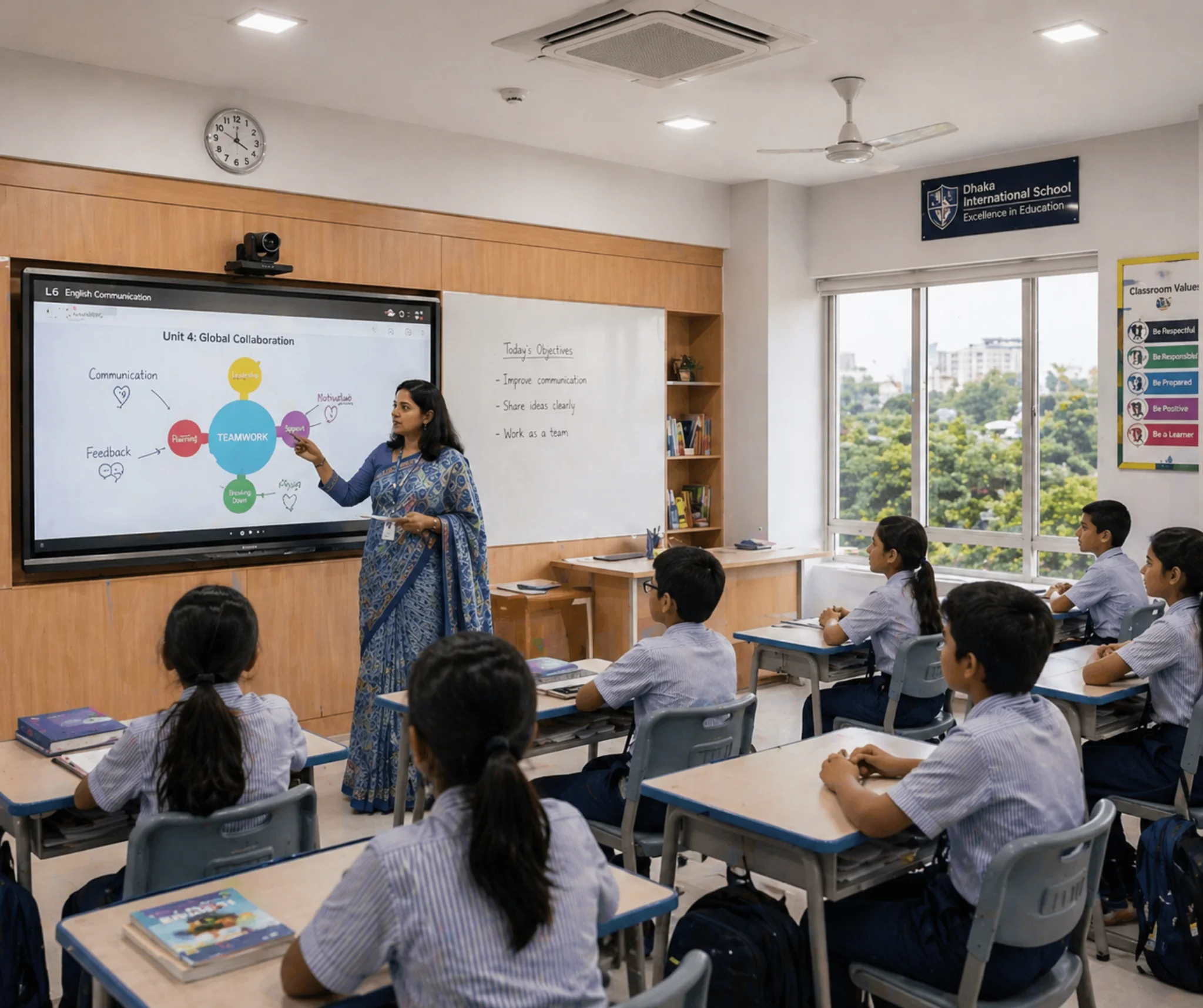
On request (per unit)
Large interactive board option for bigger classrooms and trainings where multiple users collaborate on-screen.
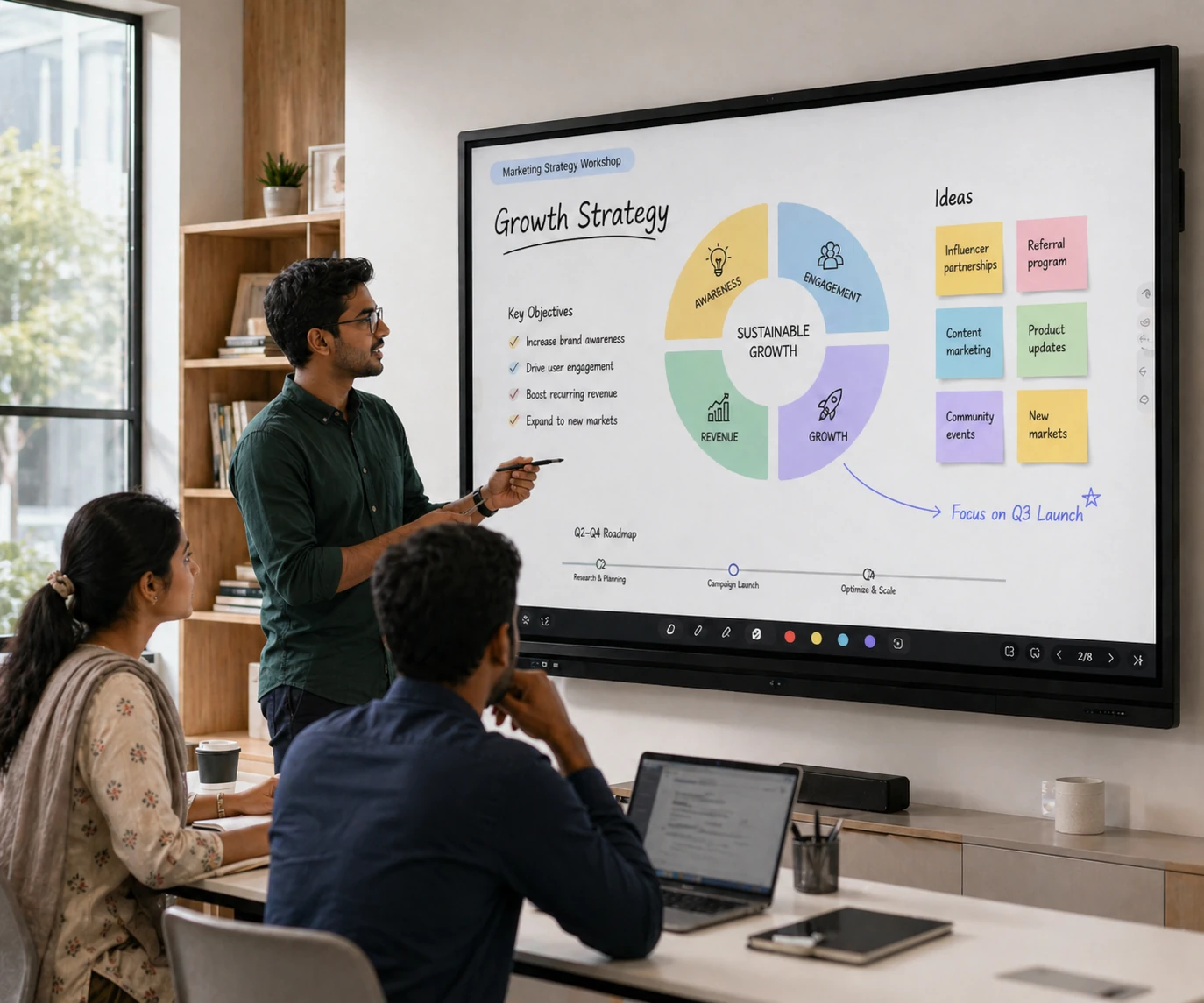
On request (supply + installation)
Compact smart display for meetings, trainings and smaller classrooms with smooth touch writing and screen sharing.
FAQ
Quick answers before ordering an interactive flat panel in Bangladesh.
We can quote for supply-only or supply + installation. Installation scope depends on mounting type, cabling distance, power/LAN readiness and any accessories like OPS PC or trolley.
Size selection depends on room depth, viewing distance, and content type. Share room dimensions and seating layout and we will recommend a practical size for readability.
Not always. Android is enough for whiteboard, basic apps and casting in many rooms. OPS PC is helpful when you need a full Windows workflow, Office/Teams/Zoom requirements, or heavier content handling.