
Digital Podium Price in Bangladesh
A digital podium helps presenters run sessions smoothly: control slides, annotate content, connect to a room display and keep cables organized from one professional lectern. We supply and support digital podium setups in Bangladesh for smart classrooms, universities, training rooms and conference venues. Share your room details to get a practical BOQ and quotation with installation guidance and after-sales support.
Control slides, videos and documents from one workstation.
Write, highlight and explain content naturally during sessions.
Organize connections neatly for safer, professional stage setup.
Connect to LED wall, projector, TV display and audio system.
Digital Podium Models & Price Range in Bangladesh
Choose a model below to see specifications, buyer guidance and integration notes—written in our own words and aligned with real procurement needs.
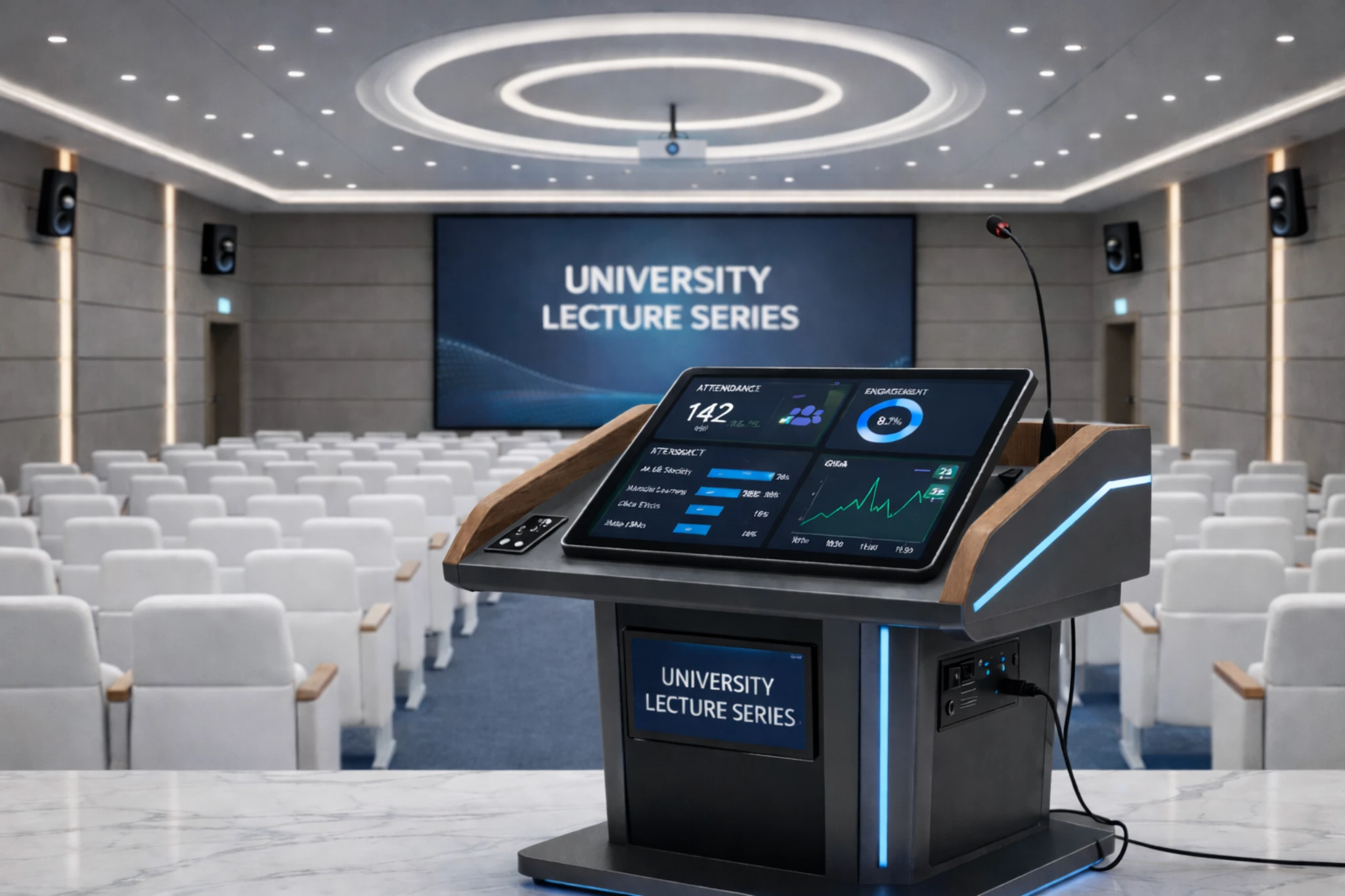
Tk 1,80,000 (project basis)
- Built-in Windows mini PC option for daily teaching workflow
- Classroom audio-ready amplification path
- Secure, lockable storage for PC/UPS and accessories
- Gooseneck mic + handheld mic control for presenters
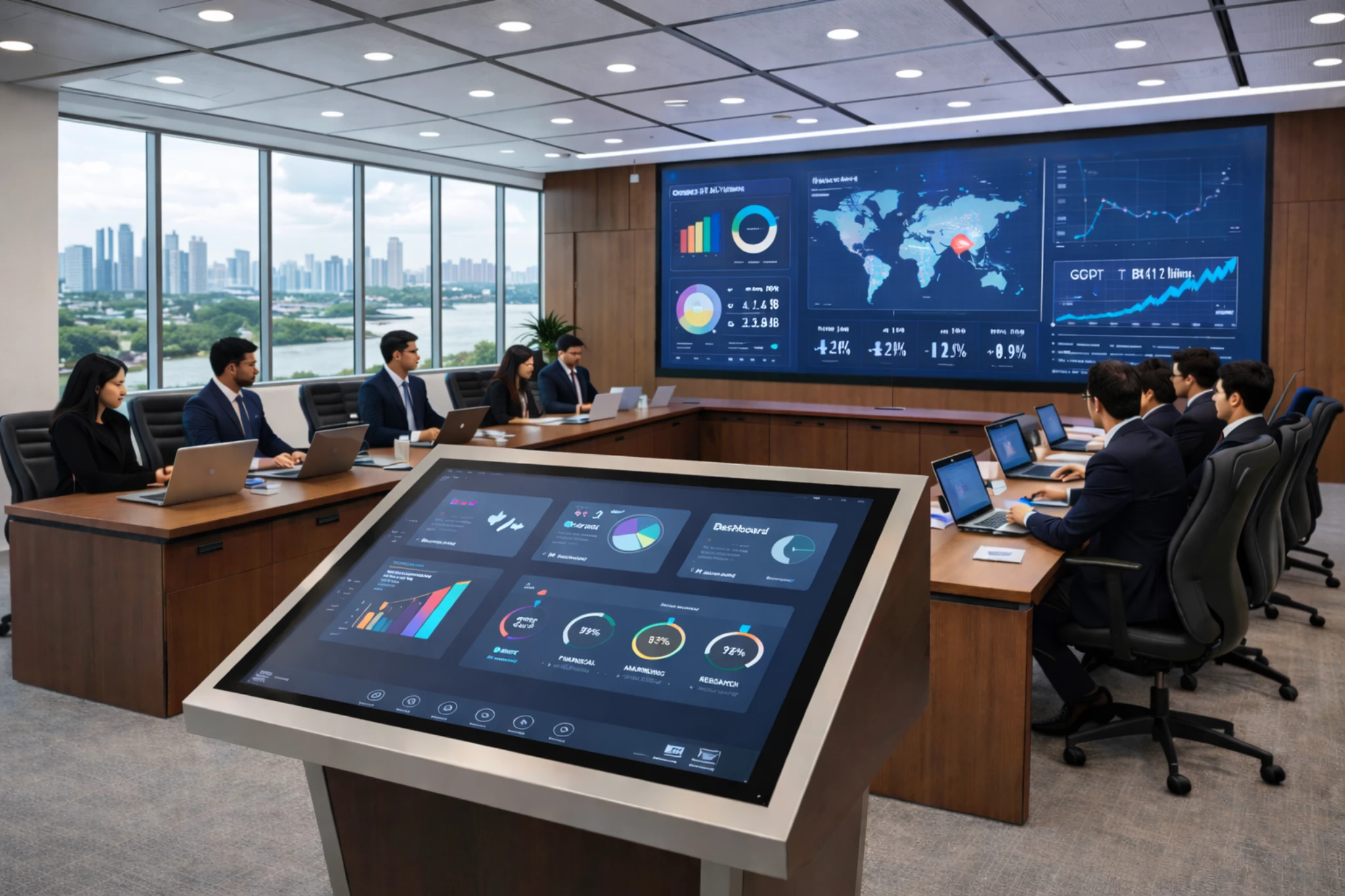
Tk 2,50,000 (configuration dependent)
- 21.5"–27" touch display option for annotation and session control
- Multiple microphone inputs via digital mixer workflow
- Premium podium body with cleaner cable routing panels
- HDMI / VGA / USB connections for laptops and media devices
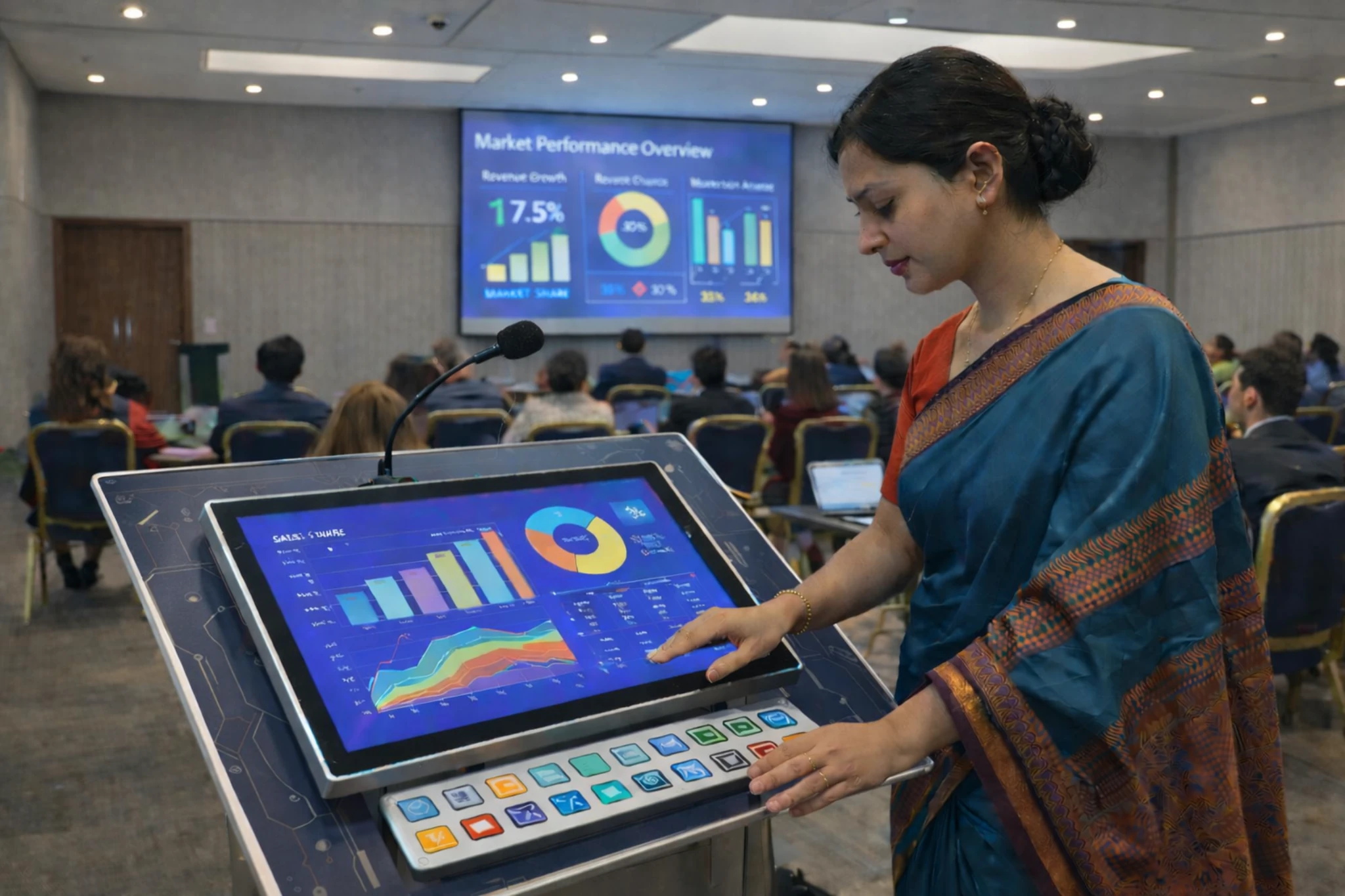
≈ Tk 1,60,000 (configuration dependent)
- Imported podium chassis with flexible local PC integration
- Source switching via multimedia key control panel
- Provision for visualizer / document camera mounting
- A practical choice for universities and training rooms
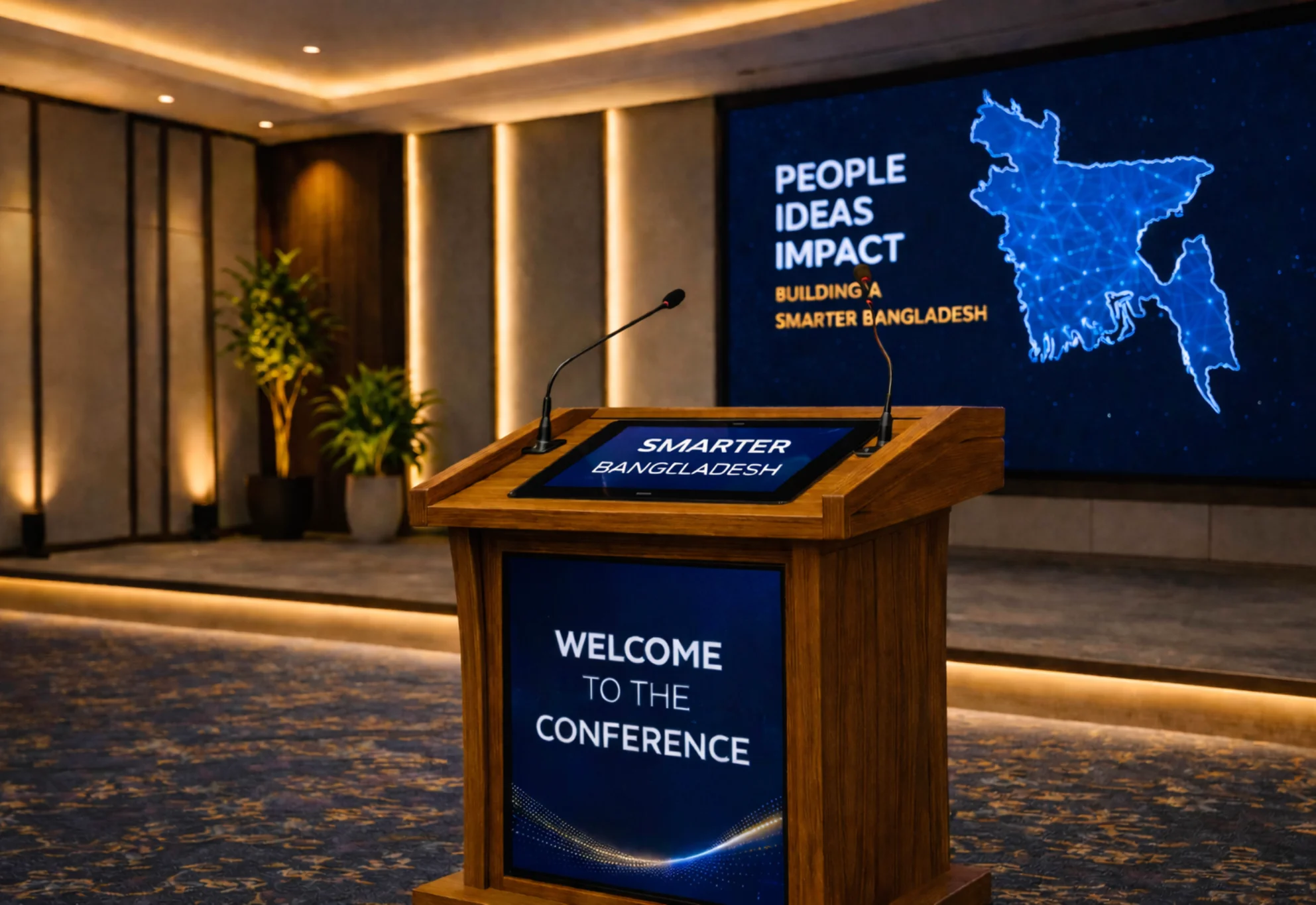
≈ Tk 2,80,000 (configuration dependent)
- Conference mic workflow support
- Recording/streaming-ready audio interface options
- Separate routing options for PA and broadcast output
- Premium finish with optional custom logo plate
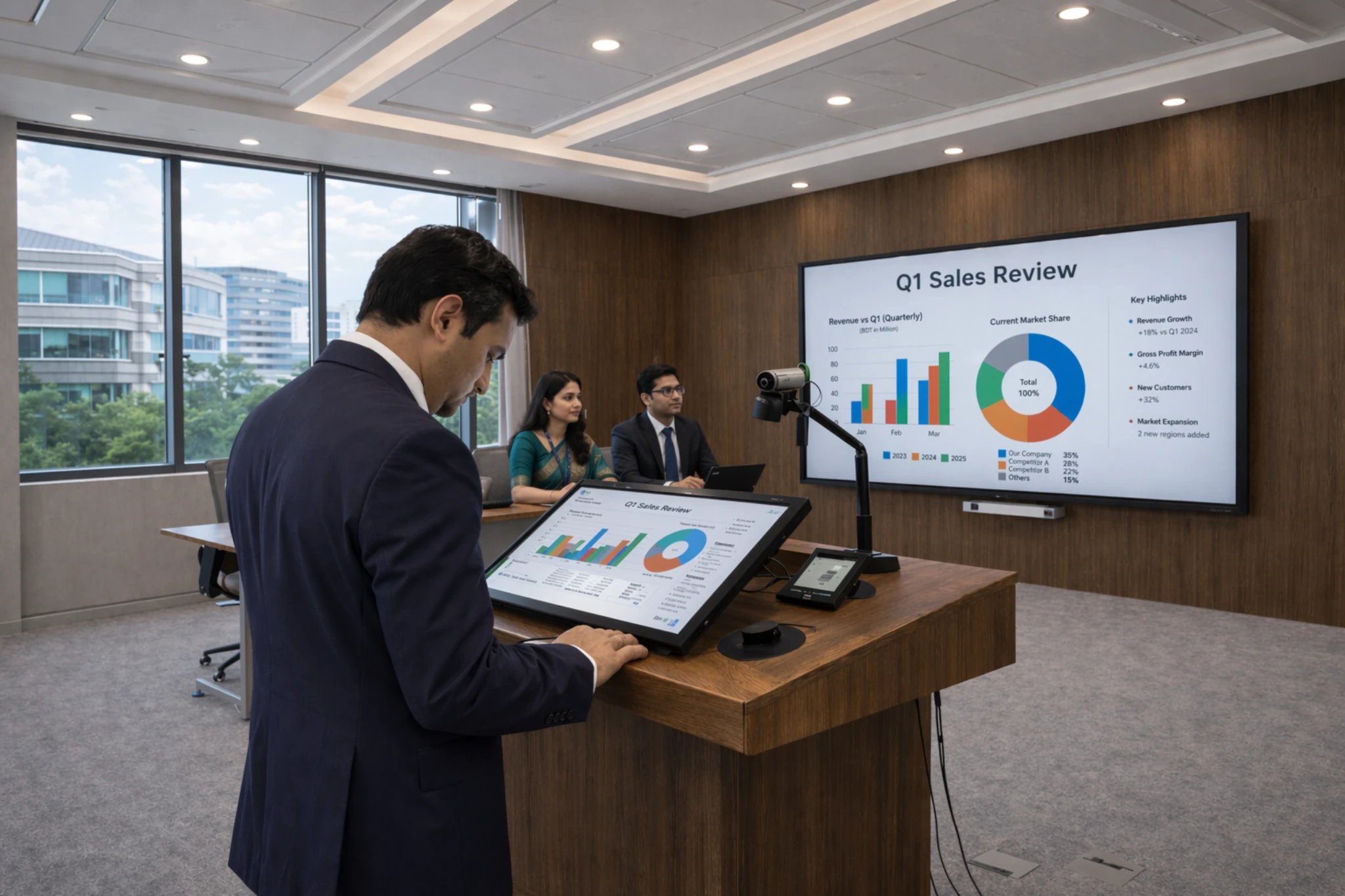
On request (BOQ / tender wise)
- Fabricated to match approved BOQ and drawings
- Material thickness and finishing aligned with tender spec
- Integration-ready for IFP/projector/PA rack and accessories
- LAN/Wi-Fi and recording features as project requirement
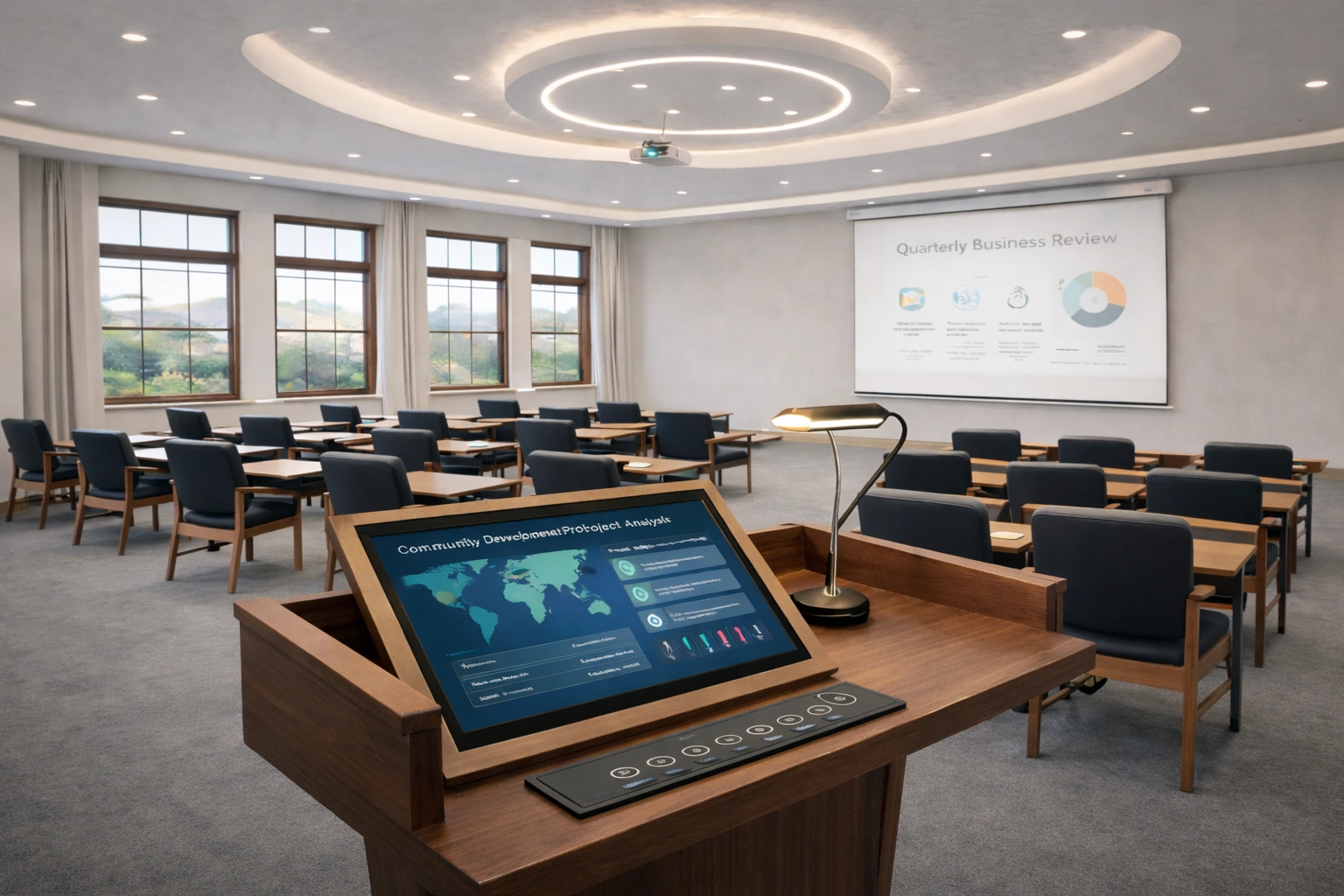
Tk 2,20,000 (project basis)
- Designed for projector or interactive flat panel integration
- Teacher-friendly AV control layout with tidy cable routing
- Fits smart classrooms
- Supports mic/PC/LAN and document camera workflow
What you get with a modern digital podium
In most venues, presentation issues happen because devices, cables and audio controls are scattered. A digital podium simplifies that workflow. Instead of juggling a laptop, remote clicker and extra adapters, you operate the session from one stable lectern—while routing video and audio to the room system in a clean, repeatable way.
Responsive writing and control for training and lectures.
Run Android apps or Windows workflow based on configuration.
Connect to external screens and common content sources.
Work with wired/wireless mic and venue sound system.
LAN/Wi-Fi options for file access and presentation sharing.
Stable design for daily institutional and event use.
Send these points to receive a faster and more accurate digital podium quotation.
- Room type and audience size (classroom, lecture hall, auditorium).
- Main display target (LED wall, projector, TV) and cable distance.
- Touch writing requirement and preferred screen size.
- Android-only use or Windows/PC workflow requirement.
- Microphone and audio plan (existing PA system or new).
- Installation scope: podium placement, cable routing and handover.
Practical specifications, compliance mapping and selection guidance—so procurement teams can compare correctly and reduce mismatch risk.
Where digital podiums are used
Use-case matters. We recommend configuration based on audience size, room depth, and the display/audio system you already have.
Teachers present and control content while staying face-to-class.
Smooth delivery for large audiences with clear display output.
Interactive sessions with annotation, demos and collaboration.
Professional podium experience for corporate and public events.
Reliable connections and clean layout for stage presentations.
Structured delivery for workshops, briefings and ceremonies.
Typical configuration options
Below are common starting points. Final configuration depends on venue workflow, display type and installation scope.
Share your room type, audience size, and the display you want to connect. We’ll suggest a practical digital podium configuration with BOQ clarity and installation planning.
Digital podium buying guide (Bangladesh)
If you’re comparing digital podium price in Bangladesh, these steps help you select the right setup for your room—without over‑specifying or missing key integration details.
Classroom vs lecture hall vs auditorium changes screen size, viewing distance, audio workflow and cable planning.
Plan the connection to LED wall, projector or TV (HDMI path, cable distance, adapters, and safe routing).
If you teach, train or explain diagrams live, touch + annotation becomes the productivity feature that matters most.
Android-only for simple playback, or add a Windows/PC (OPS/mini PC) for office apps, Zoom/Teams and advanced content.
Mic type (wired/wireless), PA system integration, recording/streaming needs and feedback control depend on venue workflow.
List key specs (display, touch, connectivity, accessories, installation scope) so procurement can compare like-for-like.
Key specifications explained
A world-class smart podium setup is less about a long spec sheet—and more about choosing the specifications that match daily use. Here’s what matters most for classrooms, lecture halls and conference venues.
Smooth writing, accurate pen tracking and palm rejection help presenters annotate naturally without delay.
Larger rooms benefit from bigger touch displays and better visibility so the presenter doesn’t struggle on stage.
A digital podium must connect cleanly to the room display and support common inputs for laptops, media and accessories.
A built-in PC enables Windows workflow (Office, browsers, conferencing), while Android suits simpler app-based use.
The right plan covers mic inputs, PA routing, recording/streaming interface options and clean cable management.
Stable body design, access panels and service-friendly layout reduce downtime in daily institutional use.
Installation & integration workflow
A digital podium is a room system—so reliable results come from planning the display, audio, cabling and presenter workflow together.
Room type, audience size, display target and must-have features (touch, mic, PC/OPS).
Model recommendation with BOQ clarity, accessories list and integration notes.
Cable distance, routing path, signal adapters and safe placement plan for a clean setup.
Connect display/audio, verify sources, test writing/annotation, and confirm stable performance.
Basic operating guidance so teachers/presenters can run sessions confidently from day one.
Support for troubleshooting, configuration updates and service coordination when needed.
Share these items and we’ll recommend a practical configuration with BOQ clarity and installation notes.
- •Room type and audience size (classroom, lecture hall, auditorium).
- •Main display target (LED wall, projector, TV) and cable distance.
- •Touch writing requirement and preferred screen size.
- •Android-only use or Windows/PC workflow requirement.
- •Microphone and audio plan (existing PA system or new).
- •Installation scope: podium placement, cable routing and handover.
The goal is a clean, reliable podium setup that works daily—so we focus on integration details, not just the hardware.
- •A practical configuration recommendation matched to your room and daily workflow.
- •BOQ-ready spec summary (display, touch, connectivity, PC/OPS option, accessories).
- •Integration notes for your display target (LED wall / projector / TV) and cable distance.
- •Audio workflow guidance (mic + PA routing) and clean cable management plan.
- •Installation + testing checklist and a user handover guide for presenters/teachers.
BOQ / tender-ready notes
For procurement, the goal is simple: compare like-for-like digital podium specifications so the delivered setup matches the room workflow. Use these notes to write clearer requirements and reduce mismatch risk.
- •Specify the display target and cable distance (LED wall / projector / TV) so integration scope is clear.
- •Mention OS/PC requirement: Android-only vs Windows/PC (OPS/mini PC) workflow.
- •List connectivity needs (HDMI output, USB ports, LAN/Wi-Fi) and any source switching requirement.
- •Define audio scope: number/type of microphones, PA integration, and any recording/streaming requirement.
- •Confirm accessory needs (document camera/visualizer mount, keyboard/mouse, secure storage).
- •Write installation scope explicitly (placement, cable routing, testing and user handover).
- •Only comparing display size—without confirming touch quality, connectivity and integration scope.
- •Skipping cable distance and routing details (leading to messy and unsafe installations).
- •Not defining audio workflow (mic types, PA routing, and recording/streaming requirements).
- •Unclear PC/OS requirement, causing mismatch in software workflow for teachers/presenters.
Share your BOQ/drawings and venue type. We’ll recommend a configuration and help define practical, comparable specifications.
FAQs
Quick answers about digital podium price, configuration and installation support in Bangladesh.
A digital podium (also called a smart podium or interactive lectern) combines a presentation workstation with a built-in touch display. It helps presenters control slides, annotate content, play videos and connect to a room display or projector from one place.
Price depends on display size and brightness, touch performance, OS/PC option, microphone and audio features, connectivity (HDMI/USB/LAN/Wi-Fi), build quality, and installation scope. Share your venue type and requirements to get an accurate quotation.
Yes. A typical setup supports HDMI output to an LED video wall, projector or large display. We also plan cable length, signal adapters and safe cable routing in the BOQ.
Yes. We support delivery, setup, cable management guidance, basic configuration, and user handover so teachers or presenters can operate the system confidently.
Yes. Digital podiums are commonly used for smart classrooms, lecture halls and training rooms because they keep the presenter organized and reduce switching between multiple devices.
Often yes. Depending on the room setup, the podium can work with an existing PA system, mixer/amplifier and wired or wireless microphones. We recommend a practical audio plan based on room size and audience count.
Yes. We can help with model selection, compliance mapping, and BOQ clarity so procurement teams can compare like-for-like specifications.
Send your location, room type (classroom/lecture hall/auditorium), the main display type (LED wall/projector/TV), and any must-have features (touch, mic, PC/OPS). We'll propose a suitable configuration and budget range.