Quick Summary
- Confirm screen dimensions and final mounting position in advance.
- Balance load distribution across circuits to avoid overheating.
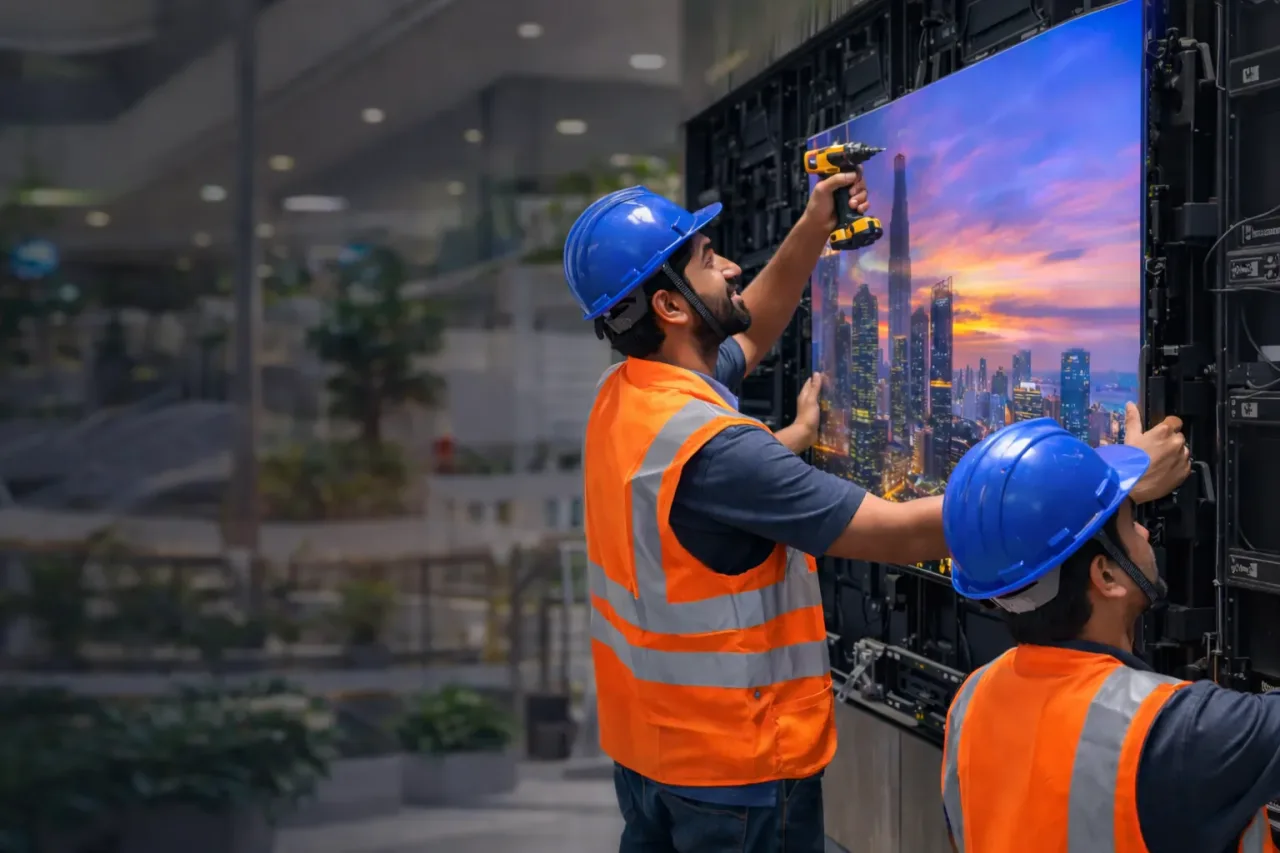
- Check frame level and cabinet lock alignment before final tightening.
Introduction
Step-by-step LED screen installation guide covering planning, power, mounting, control setup, and maintenance best practices. The sections below explain the practical choices, trade-offs, and planning details to review before selecting a solution or requesting a quotation.
For available models and current planning details, visit our . For topic-specific options, see our .
Table of Contents
Section 1
Planning the LED Display
Before installation starts, define your project goals clearly: screen size, viewing distance, content type, and operating hours. Good planning prevents wrong pitch selection and expensive on-site changes.
Site survey is essential to check wall condition, cable route, electrical source, ventilation, and maintenance access. These details directly affect installation quality and long-term reliability.
Prepare a complete BOQ and execution checklist before dispatching hardware. A structured plan helps your team complete installation faster and with fewer technical risks.
- Confirm screen dimensions and final mounting position in advance.
- Validate viewing distance and content format for pitch recommendation.
- Plan cable path, electrical panel load, and service access points.
Section 2
Power Requirements
Power design is one of the most critical parts of LED screen installation. Unstable power supply and poor grounding are common causes of flicker, restart issues, and component failure.
Calculate total load based on cabinet count and choose proper breakers, cable gauge, and protection devices. Always keep power headroom for peak operation.
For outdoor projects, surge protection and grounding quality should be treated as mandatory, not optional.
- Balance load distribution across circuits to avoid overheating.
- Use proper earthing and surge protection for system safety.
- Verify input voltage stability before final commissioning.
Section 3
Structure and Mounting
The structure must hold cabinet weight safely and keep the screen surface flat. Poor frame alignment causes visible panel mismatch and long-term mechanical stress.
Choose mounting method based on site type: wall mount, hanging structure, or free-standing frame. Ensure there is enough rear or front service access for maintenance.
For outdoor installations, consider wind load, rain path, and corrosion protection during structure design.
- Check frame level and cabinet lock alignment before final tightening.
- Keep safe access for future repair and cleaning operations.
- Use weather-resistant hardware for outdoor deployment.
Section 4
Control System Setup
After physical installation, configure sender card, receiving cards, and controller mapping accurately. Wrong mapping can cause missing zones, mirrored output, or signal instability.
Run grayscale and content playback tests to verify visual consistency across the full screen. Save the final control profile as backup for quick recovery.
Train the operator on content upload, safe restart flow, and basic troubleshooting so daily use remains stable.
- Complete signal mapping before live content rollout.
- Validate refresh, color, and brightness profile in real conditions.
- Keep backup of configuration files after handover.
Section 5
Maintenance Tips
Proper maintenance extends LED display life and protects image quality. Most failures can be reduced through routine checks instead of waiting for breakdown.
Create a simple maintenance schedule for cleaning, cable inspection, controller health checks, and calibration review.
Document every fault event and resolution. This helps identify recurring issues and improves long-term uptime strategy.
- Perform regular visual and electrical inspections.
- Keep spare receiving cards and power supplies for faster recovery.
- Schedule periodic calibration for quality-sensitive screens.