Sasha Corporation logo
Control Systems - Bangladesh

Digital Podium Price in Bangladesh

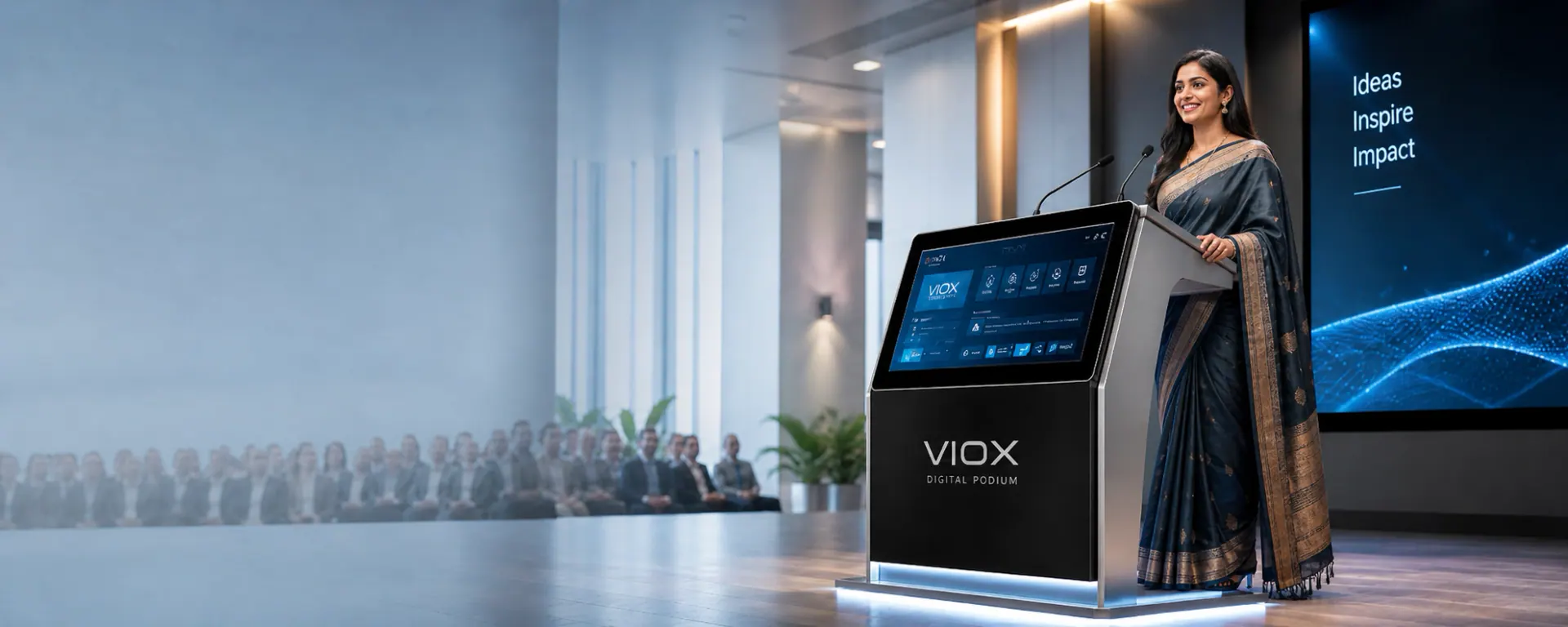
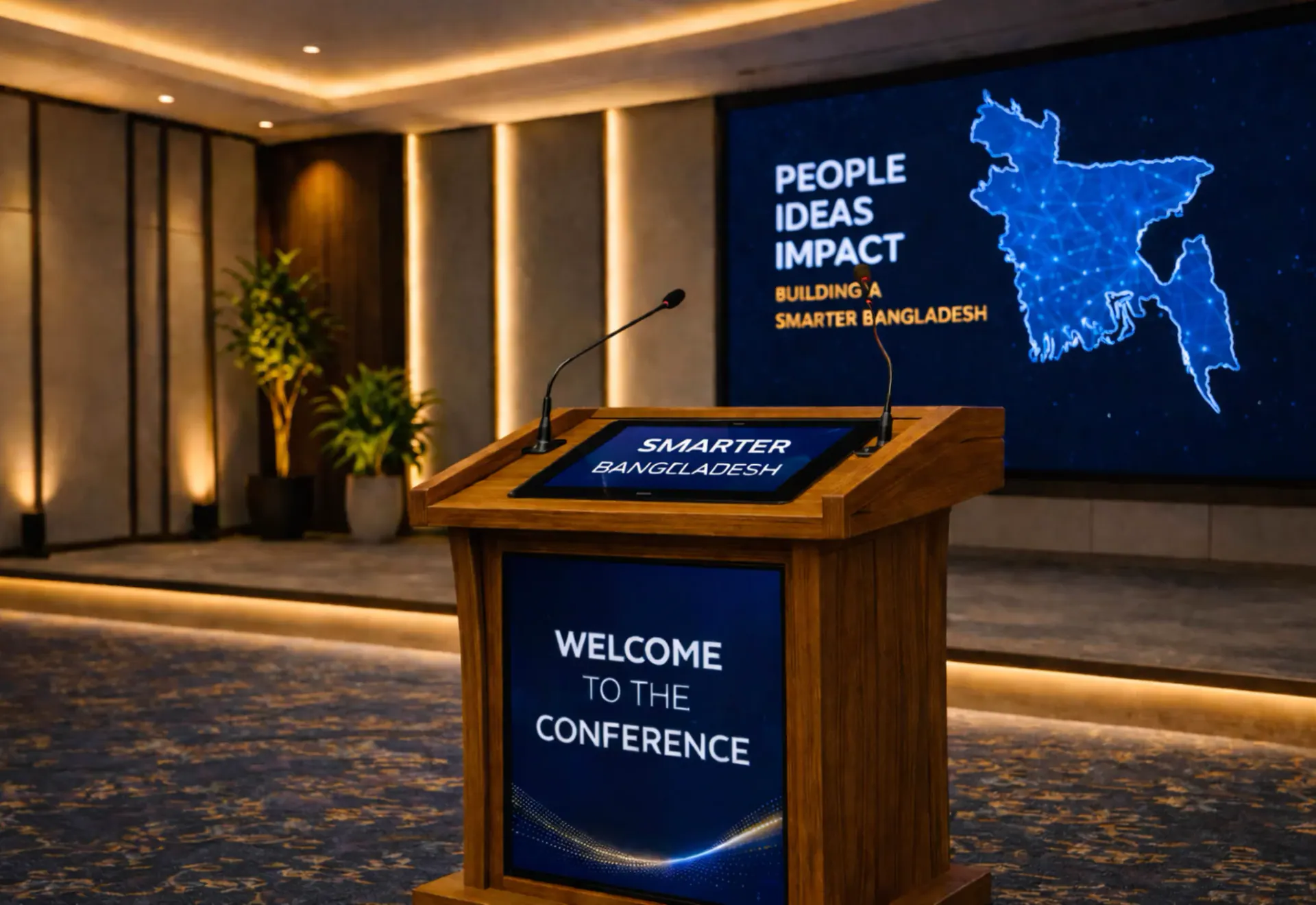
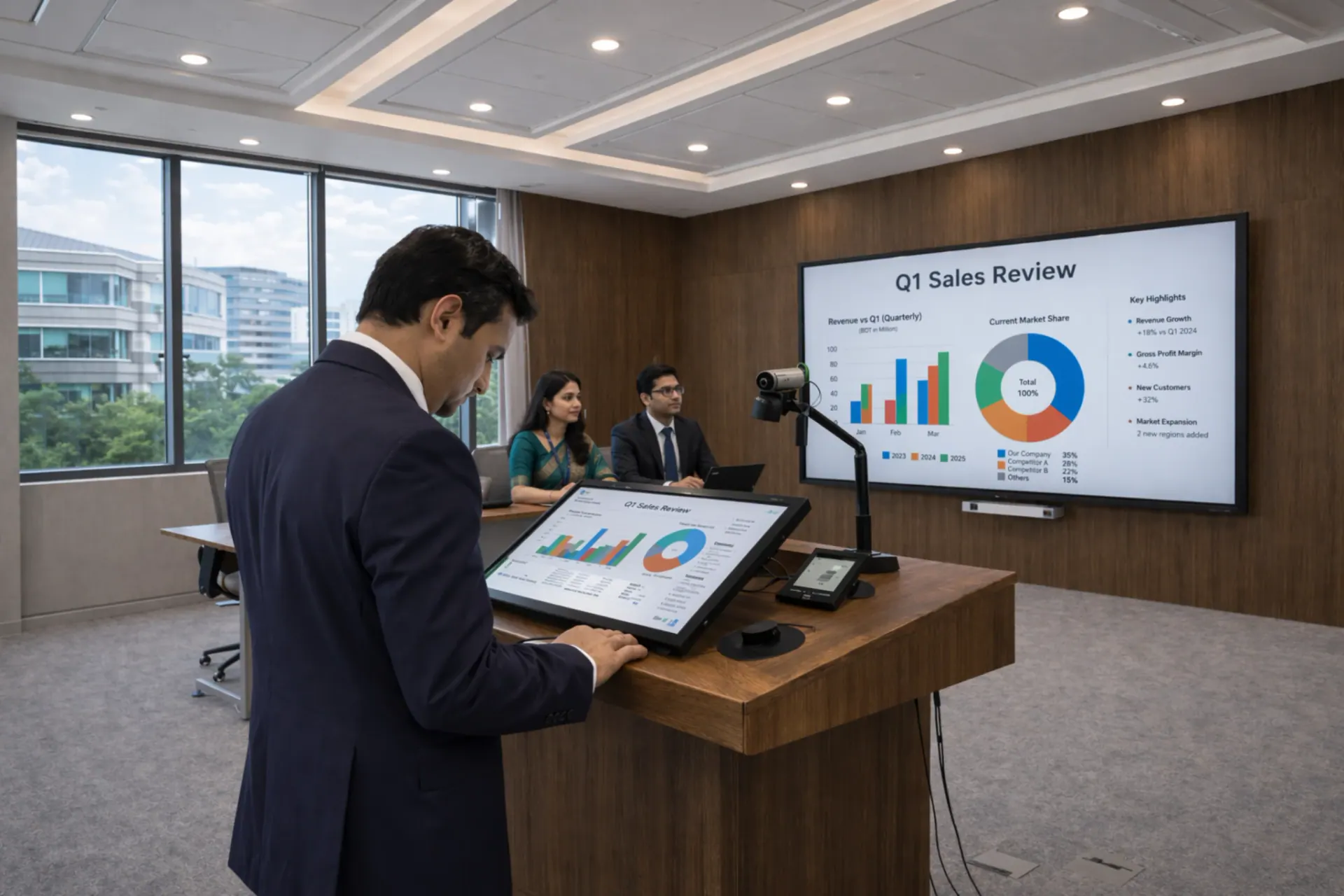
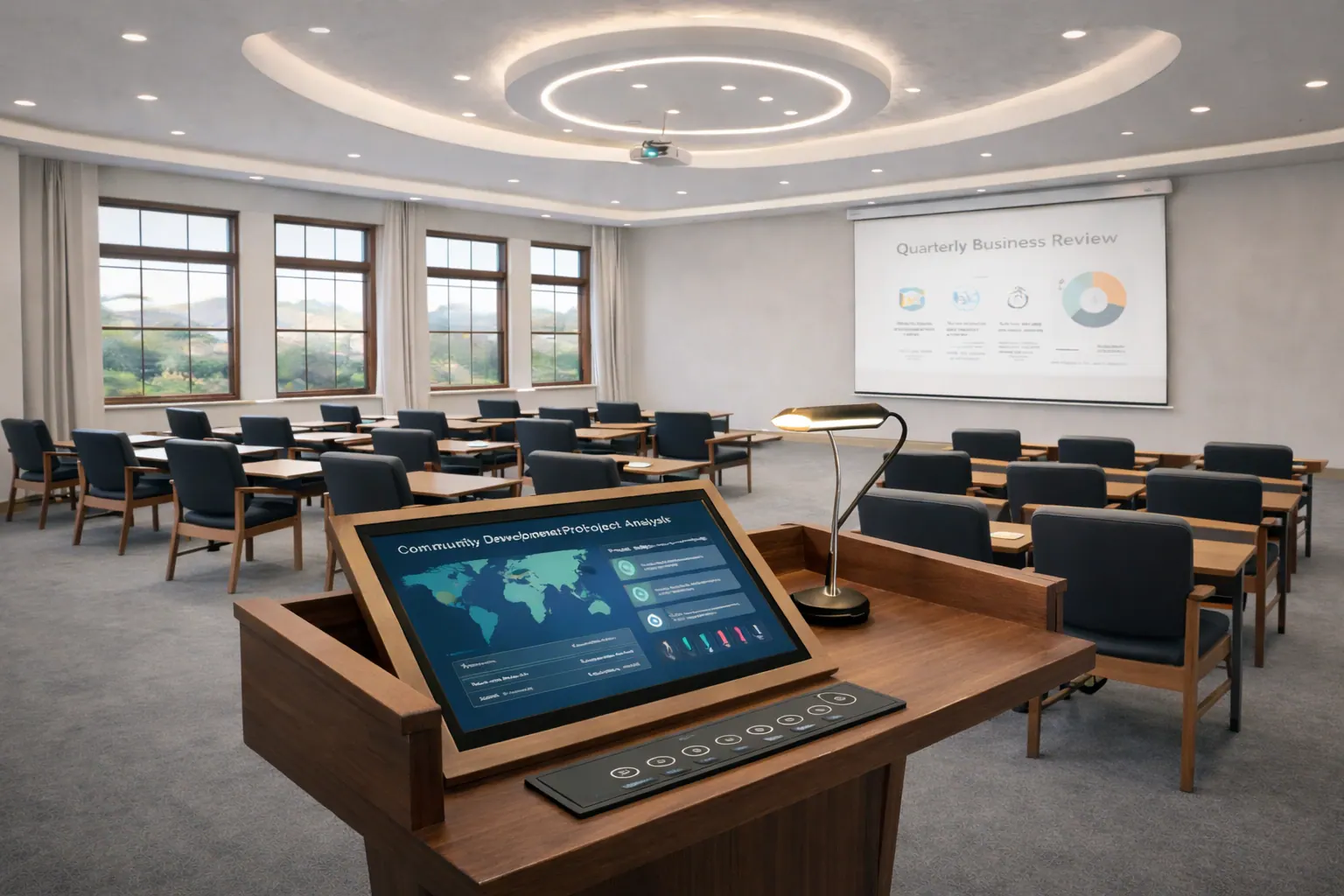
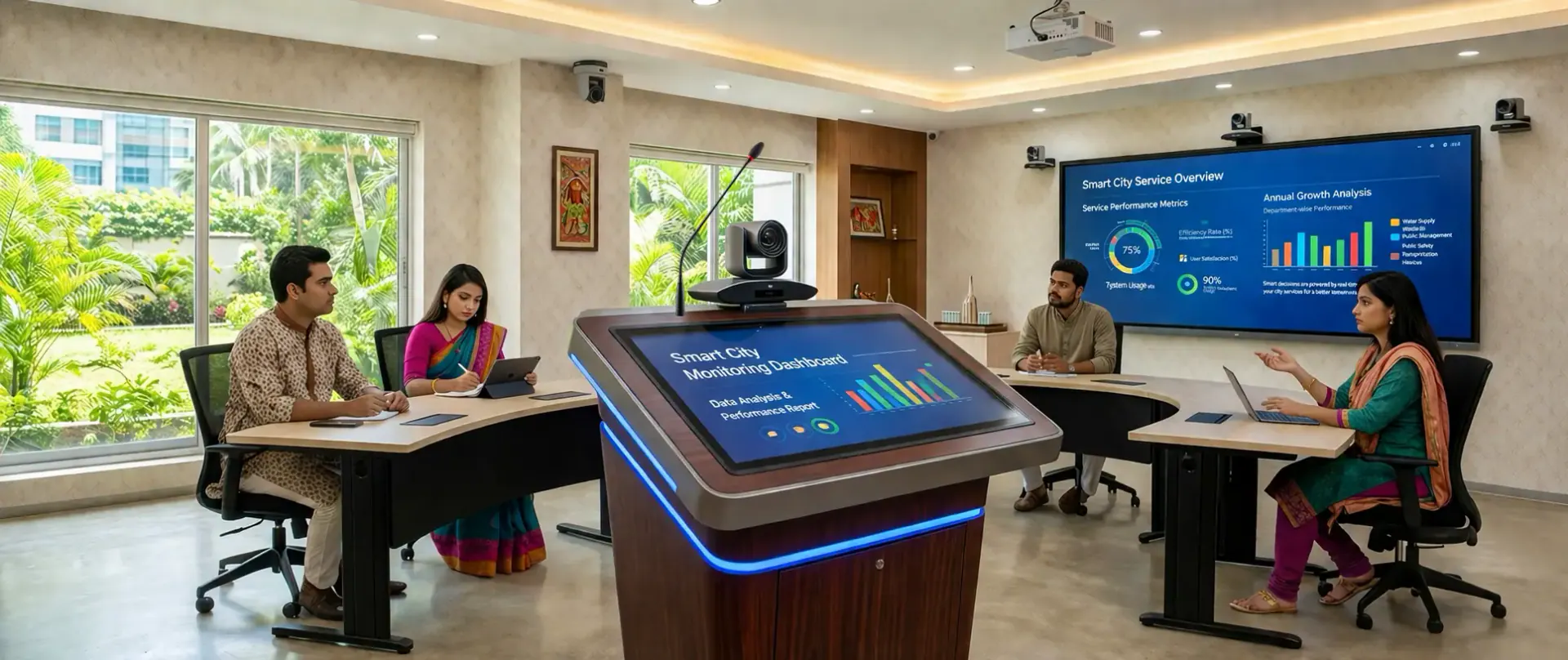
A digital podium helps presenters control slides, annotate content and run sessions from one lectern.

Digital Podium Models & Price Range in Bangladesh

Choose a model below to compare price range, highlights and real-world configuration fit for classrooms, lecture halls and conference venues.

View details
Standard Digital Podium with Built-in PC & Sound System
Standard Digital Podium with Built-in PC and Sound System
View details
Premium Digital Podium with Interactive Touch Display
View details
OEM Digital Podium – Multimedia Lectern
View details
Auditorium Digital Podium with AV & Conference Integration
Auditorium Digital Podium with AV and Conference Integration
View details
Tender-Based Custom Digital Podium (BOQ Compliant)
View details
Smart Classroom Digital Podium with Projector / IFP Integration

What you get with a modern digital podium

A digital podium simplifies presentation workflow by keeping content, cabling and room integration under one stable lectern instead of spreading controls across multiple devices.

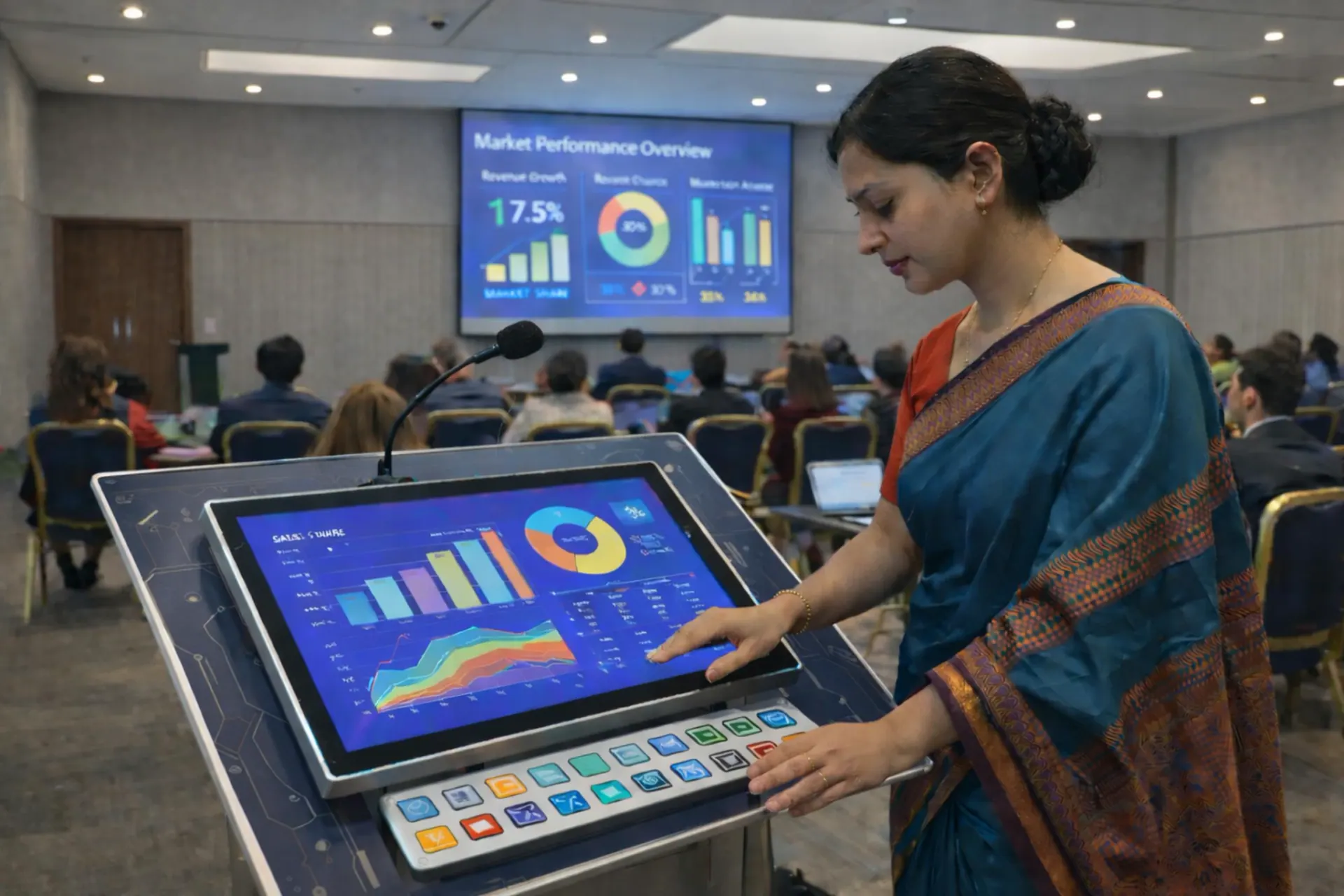
Interactive touch display

Responsive writing and control for training and lectures.

Built-in OS / PC option

Run Android apps or Windows workflow based on configuration.

HDMI output & AV inputs

Connect to external screens and common content sources.

Microphone & audio integration

Work with wired/wireless mic and venue sound system.

Network & sharing

LAN/Wi-Fi options for file access and presentation sharing.

Durable podium body

Stable design for daily institutional and event use.

Buyer checklist
Share for fast BOQ

Send these points to receive a faster and more accurate digital podium quotation.

  • Room type and audience size (classroom, lecture hall, auditorium).
  • Main display target (LED wall, projector, TV) and cable distance.
  • Touch writing requirement and preferred screen size.
  • Android-only use or Windows/PC workflow requirement.
  • Microphone and audio plan (existing PA system or new).
  • Installation scope: podium placement, cable routing and handover.
Digital Podium
BOQ & tender support

Practical specifications, compliance mapping and selection guidance help procurement teams compare correctly and reduce mismatch risk.

Where digital podiums are used

Use-case matters, so we recommend digital podium configuration based on audience size, room depth and the display or audio system already in place.

Smart Classroom

Teachers present and control content while staying face-to-class.

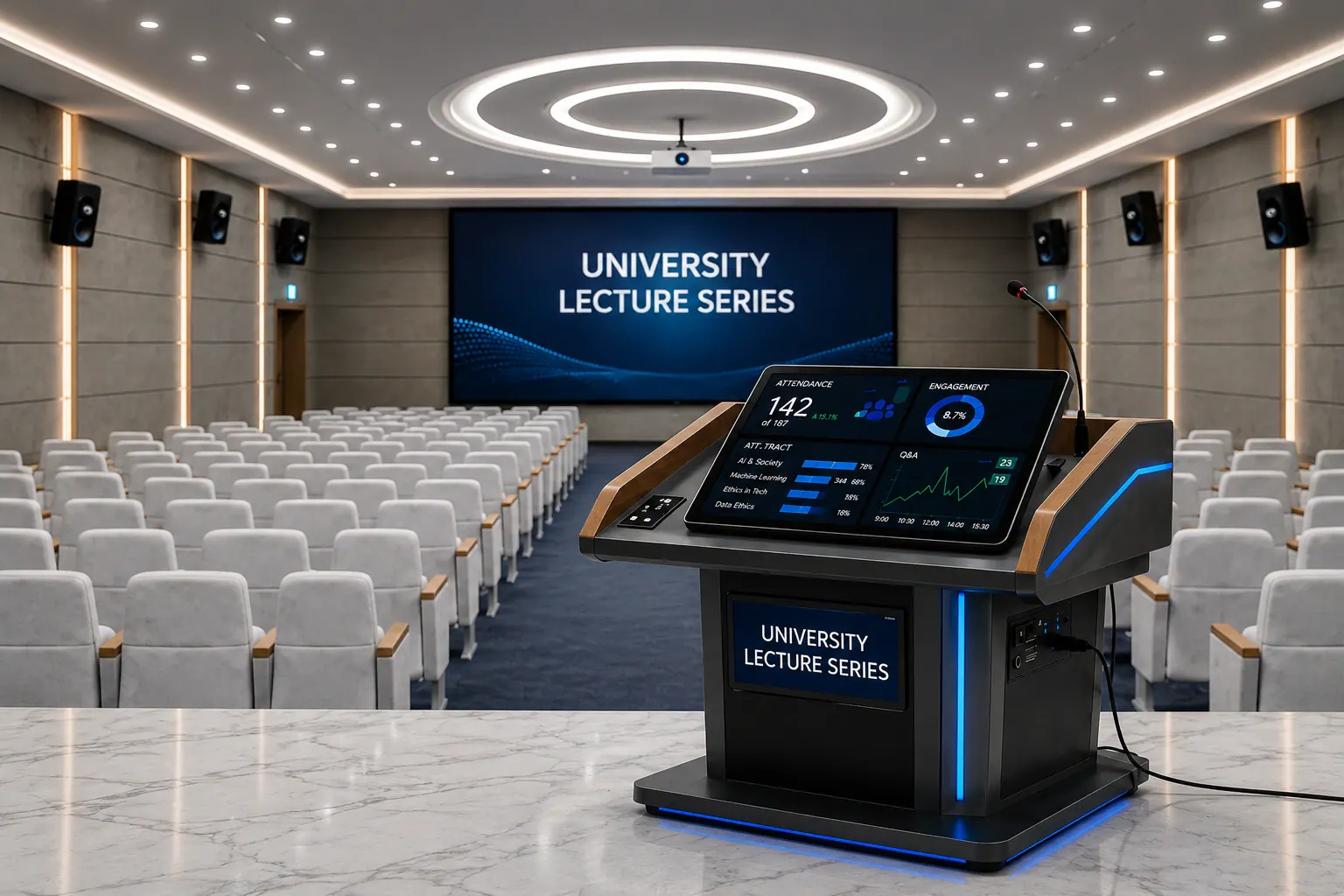
University Lecture Hall

Smooth delivery for large audiences with clear display output.

Training Room

Interactive sessions with annotation, demos and collaboration.

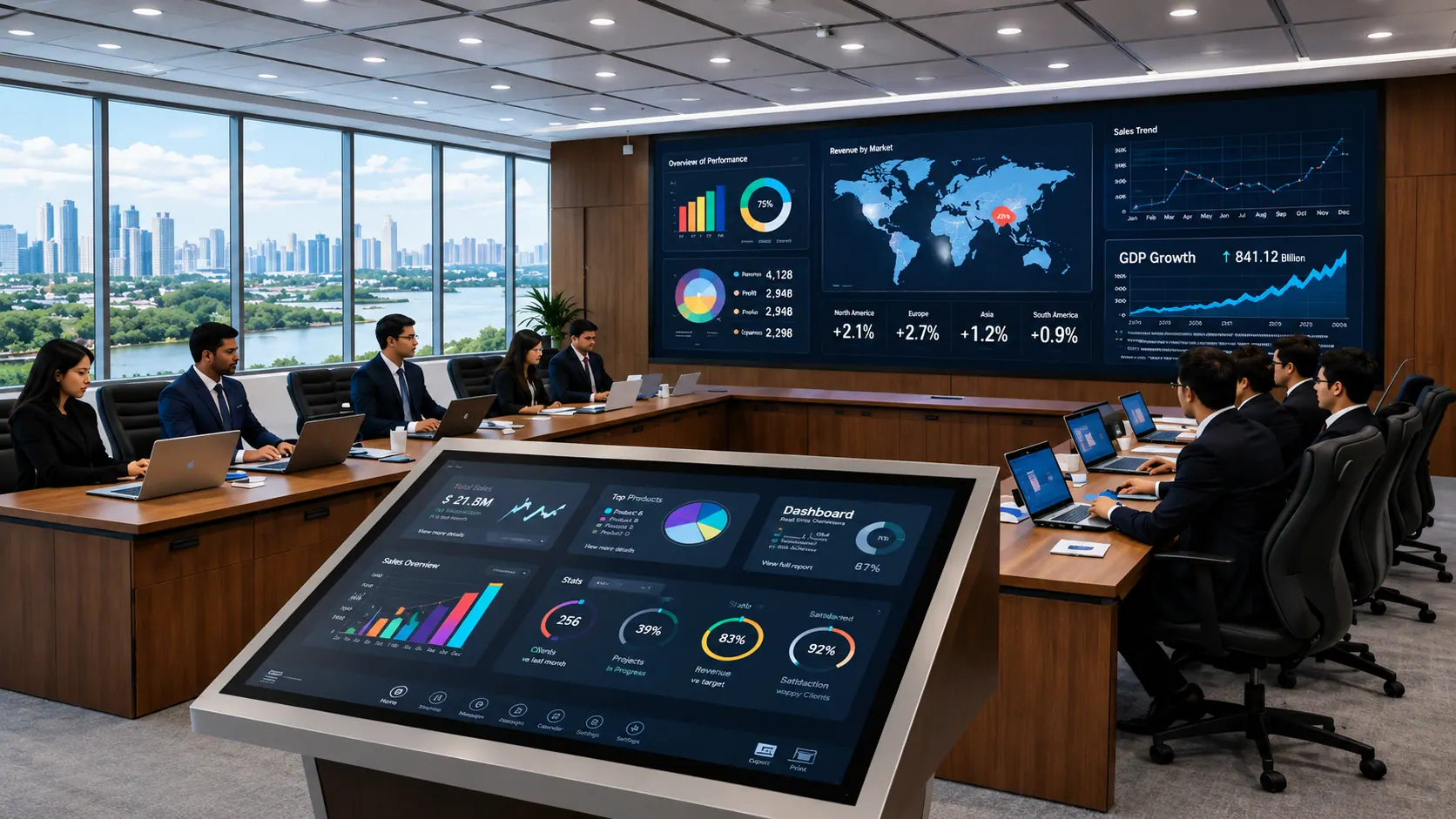
Conference & Seminar

Professional podium experience for corporate and public events.

Auditorium Stage

Reliable connections and clean layout for stage presentations.

Public Institution Programs

Structured delivery for workshops, briefings and ceremonies.

Typical configuration options

These are common starting points. Final configuration depends on venue workflow, display target and installation scope.

Tap To Expand Configuration Options
Training Room Podium

Small-medium training rooms

Best for
Small-medium training rooms
Includes
Touch podium + HDMI to display + basic mic integration
Lecture Hall Podium

University classrooms & lecture halls

Best for
University classrooms & lecture halls
Includes
Touch podium + PC option + long cable planning + handover
Auditorium / Stage Podium

Auditoriums & formal events

Best for
Auditoriums & formal events
Includes
Podium + AV integration plan + audio workflow + redundancy notes
Need the right setup recommendation?

Share your room type, audience size and the display you want to connect for a practical digital podium recommendation with BOQ clarity.

Digital podium buying guide (Bangladesh)

If you are comparing digital podium price in Bangladesh, these steps help you select the right setup for your room without over-specifying or missing key integration details.

Start with the room, not the brochure

Classroom vs lecture hall vs auditorium changes screen size, viewing distance, audio workflow and cable planning.

Confirm the main display target

Plan the connection to LED wall, projector or TV (HDMI path, cable distance, adapters, and safe routing).

Decide touch workflow needs

If you teach, train or explain diagrams live, touch + annotation becomes the productivity feature that matters most.

Choose OS / PC approach

Android-only for simple playback, or add a Windows/PC (OPS/mini PC) for office apps, Zoom/Teams and advanced content.

Map the audio plan early

Mic type (wired/wireless), PA system integration, recording/streaming needs and feedback control depend on venue workflow.

Keep BOQ and tender clarity

List key specs (display, touch, connectivity, accessories, installation scope) so procurement can compare like-for-like.

Key specifications explained

A smart podium setup is less about a long spec sheet and more about choosing the right specifications for daily classroom, lecture hall and conference use.

Touch quality & latency

Smooth writing, accurate pen tracking and palm rejection help presenters annotate naturally without delay.

Screen size & viewing comfort

Larger rooms benefit from bigger touch displays and better visibility so the presenter doesn't struggle on stage.

Connectivity (HDMI / USB / LAN)

A digital podium must connect cleanly to the room display and support common inputs for laptops, media and accessories.

PC / OPS integration

A built-in PC enables Windows workflow (Office, browsers, conferencing), while Android suits simpler app-based use.

Audio integration readiness

The right plan covers mic inputs, PA routing, recording/streaming interface options and clean cable management.

Build, finish & serviceability

Stable body design, access panels and service-friendly layout reduce downtime in daily institutional use.

Installation & integration workflow

A digital podium is a room system, so reliable results come from planning the display, audio, cabling and presenter workflow together.

Step 01: Requirement check

Room type, audience size, display target and must-have features (touch, mic, PC/OPS).

Step 02: Configuration proposal

Model recommendation with BOQ clarity, accessories list and integration notes.

Step 03: Site & cable planning

Cable distance, routing path, signal adapters and safe placement plan for a clean setup.

Step 04: Installation & testing

Connect display/audio, verify sources, test writing/annotation, and confirm stable performance.

Step 05: Handover & training

Basic operating guidance so teachers/presenters can run sessions confidently from day one.

Step 06: After-sales support

Support for troubleshooting, configuration updates and service coordination when needed.

Fast quotation checklist

Share these items and we will recommend a practical configuration with BOQ clarity and installation notes.

  • Room type and audience size (classroom, lecture hall, auditorium).
  • Main display target (LED wall, projector, TV) and cable distance.
  • Touch writing requirement and preferred screen size.
  • Android-only use or Windows/PC workflow requirement.
  • Microphone and audio plan (existing PA system or new).
  • Installation scope: podium placement, cable routing and handover.
What you'll receive from us

We focus on integration details so the podium setup stays reliable in daily use, not just on paper.

  • A practical configuration recommendation matched to your room and daily workflow.
  • BOQ-ready spec summary (display, touch, connectivity, PC/OPS option, accessories).
  • Integration notes for your display target (LED wall / projector / TV) and cable distance.
  • Audio workflow guidance (mic + PA routing) and clean cable management plan.
  • Installation + testing checklist and a user handover guide for presenters/teachers.

BOQ / tender-ready notes

For procurement, the goal is simple: compare like-for-like digital podium specifications so the delivered setup matches the room workflow and reduces mismatch risk.

What to include in your BOQ

Use these requirement points so the integration scope and expected workflow stay clear from the beginning.

  • Specify the display target and cable distance (LED wall / projector / TV) so integration scope is clear.
  • Mention OS/PC requirement: Android-only vs Windows/PC (OPS/mini PC) workflow.
  • List connectivity needs (HDMI output, USB ports, LAN/Wi-Fi) and any source switching requirement.
  • Define audio scope: number/type of microphones, PA integration, and any recording/streaming requirement.
  • Confirm accessory needs (document camera/visualizer mount, keyboard/mouse, secure storage).
  • Write installation scope explicitly (placement, cable routing, testing and user handover).
Common mistakes to avoid

These issues often create confusion during tender comparison and final delivery.

  • Only comparing display size without confirming touch quality, connectivity and integration scope.
  • Skipping cable distance and routing details, leading to messy and unsafe installations.
  • Not defining audio workflow, including mic types, PA routing, and recording or streaming requirements.
  • Unclear PC or OS requirement, causing mismatch in software workflow for teachers and presenters.
Need BOQ clarity for a tender?

Share your BOQ, drawings and venue type. We will recommend a configuration and help define practical comparable specifications.

FAQs

Quick answers about digital podium price, configuration and installation support in Bangladesh.

A digital podium (also called a smart podium or interactive lectern) combines a presentation workstation with a built-in touch display. It helps presenters control slides, annotate content, play videos and connect to a room display or projector from one place.

Price depends on display size and brightness, touch performance, OS/PC option, microphone and audio features, connectivity (HDMI/USB/LAN/Wi-Fi), build quality, and installation scope. Share your venue type and requirements to get an accurate quotation.

Yes. A typical setup supports HDMI output to an LED video wall, projector or large display. We also plan cable length, signal adapters and safe cable routing in the BOQ.

Yes. We support delivery, setup, cable management guidance, basic configuration, and user handover so teachers or presenters can operate the system confidently.

Yes. Digital podiums are commonly used for smart classrooms, lecture halls and training rooms because they keep the presenter organized and reduce switching between multiple devices.

Often yes. Depending on the room setup, the podium can work with an existing PA system, mixer/amplifier and wired or wireless microphones. We recommend a practical audio plan based on room size and audience count.

Yes. We can help with model selection, compliance mapping, and BOQ clarity so procurement teams can compare like-for-like specifications.

Send your location, room type (classroom/lecture hall/auditorium), the main display type (LED wall/projector/TV), and any must-have features (touch, mic, PC/OPS). We'll propose a suitable configuration and budget range.

Chat on WhatsApp support