Sasha Corporation logo
Control Systems - Bangladesh

Interactive Flat Panel (IFP) Price in Bangladesh

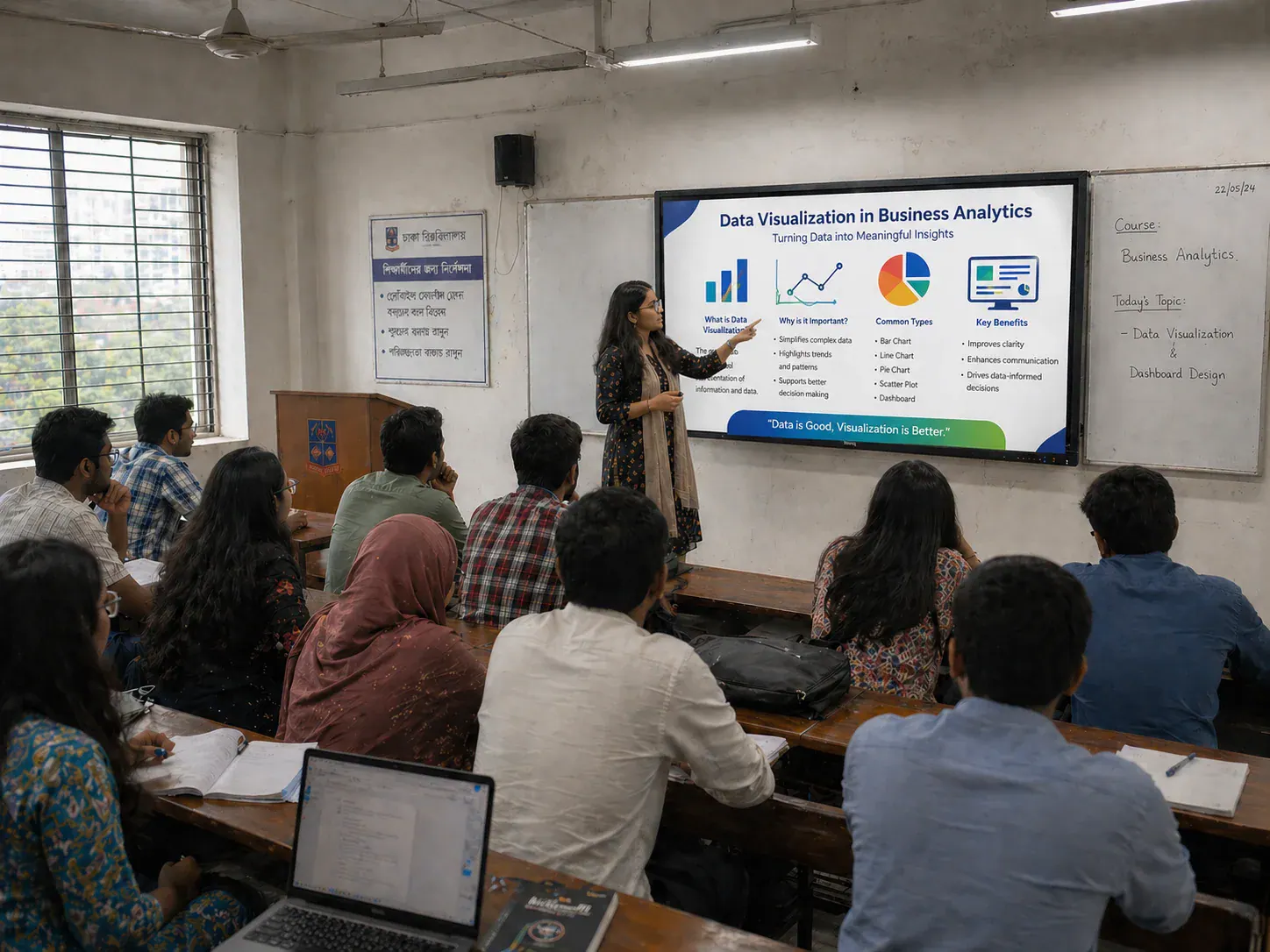
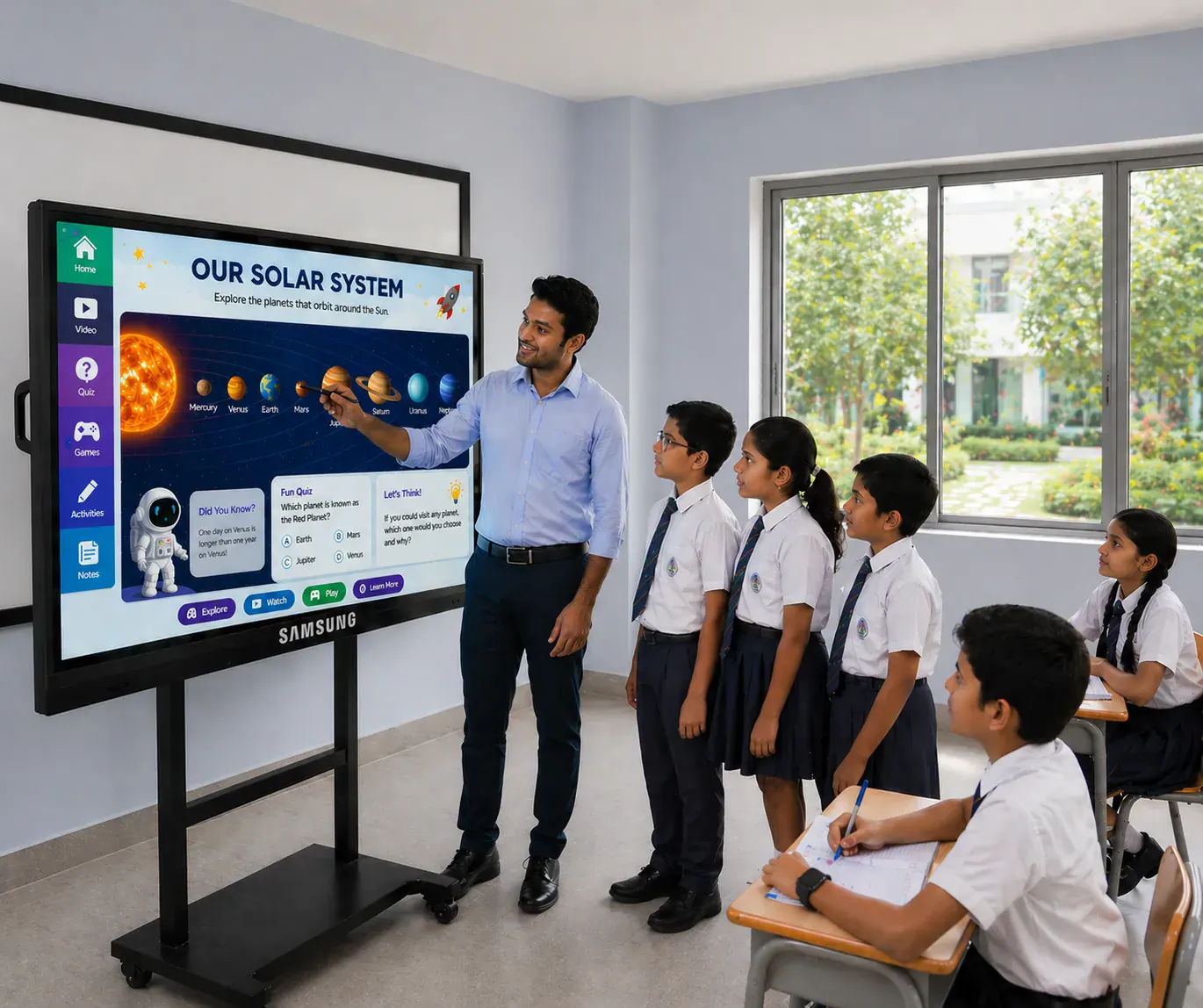
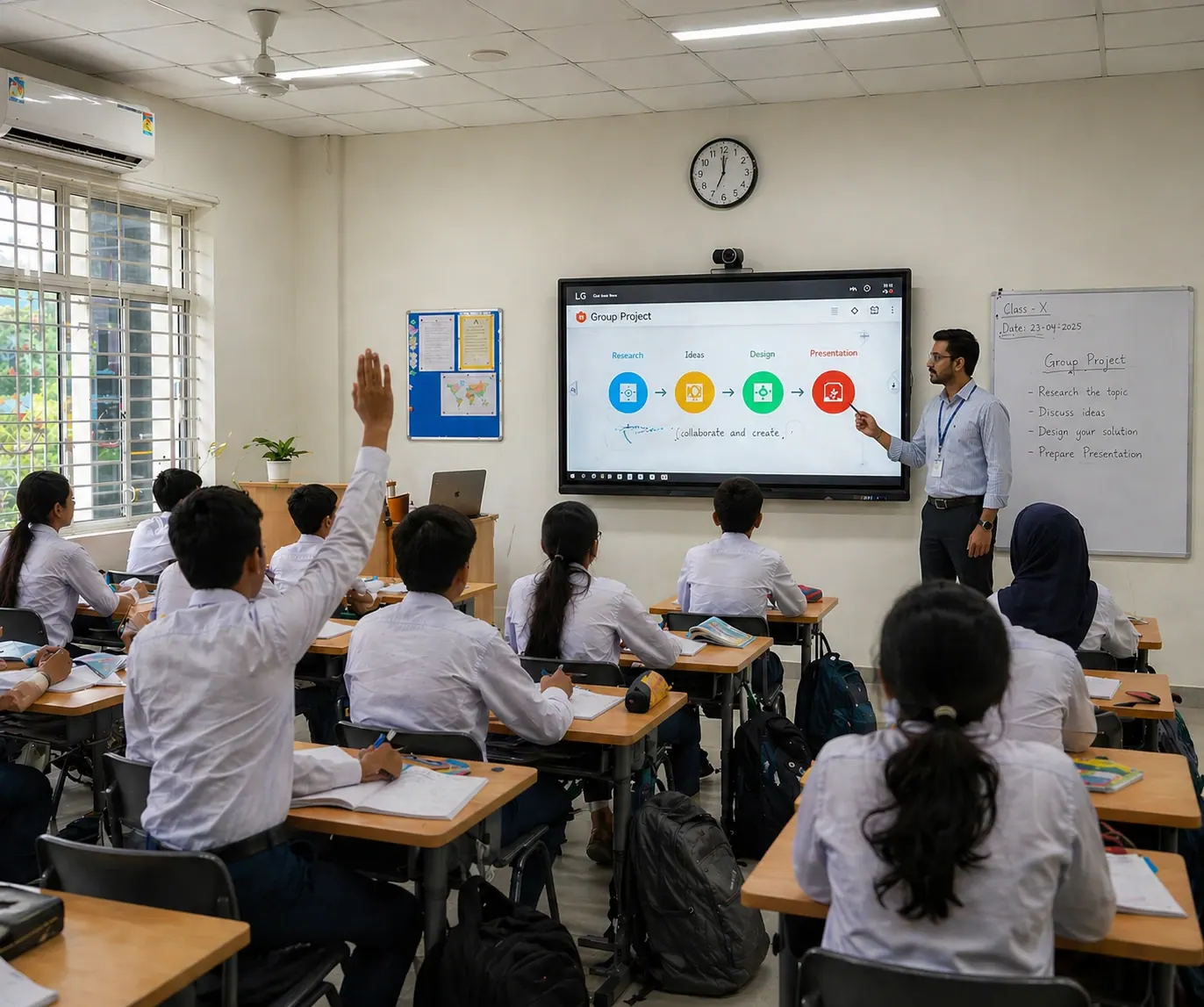
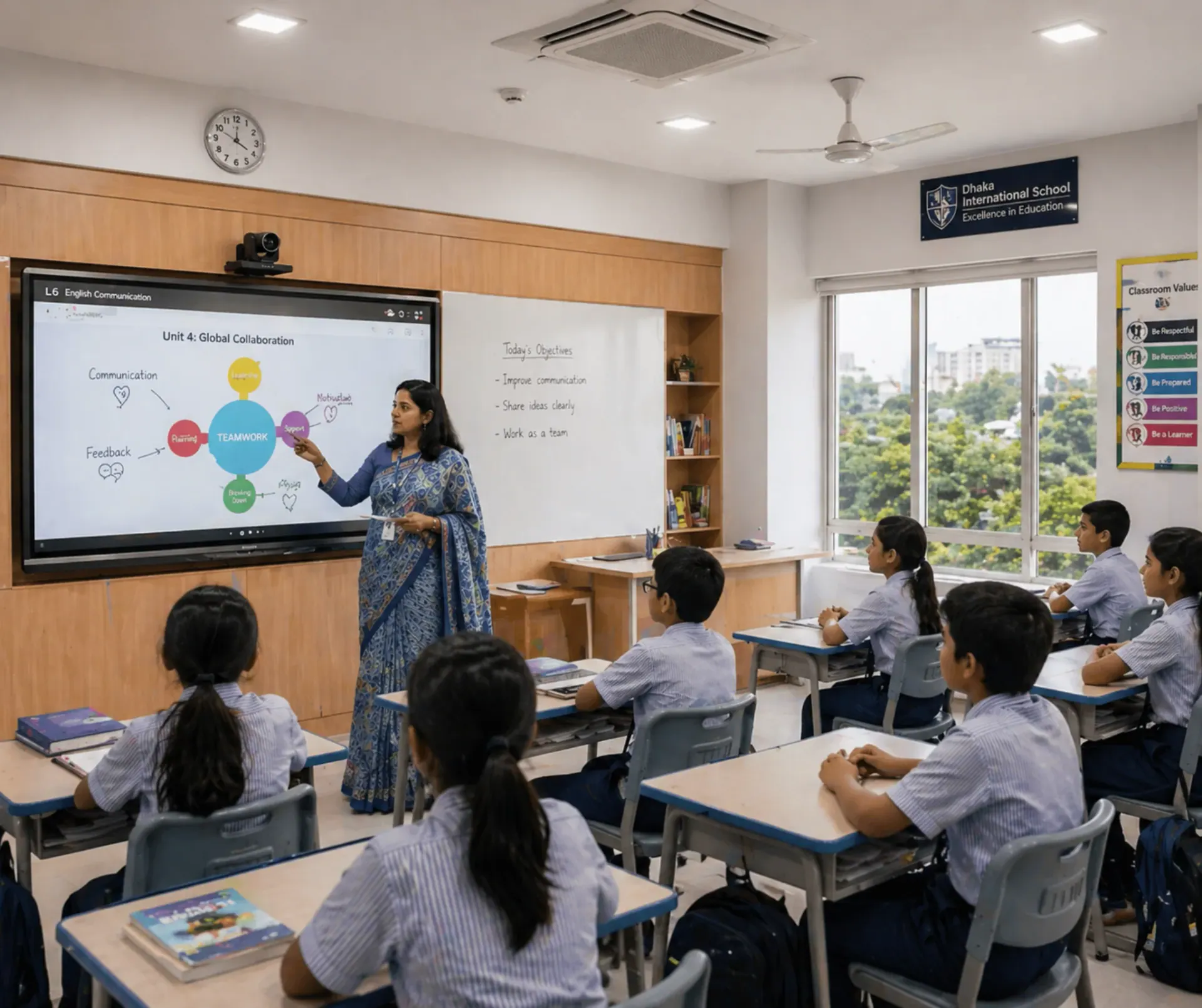
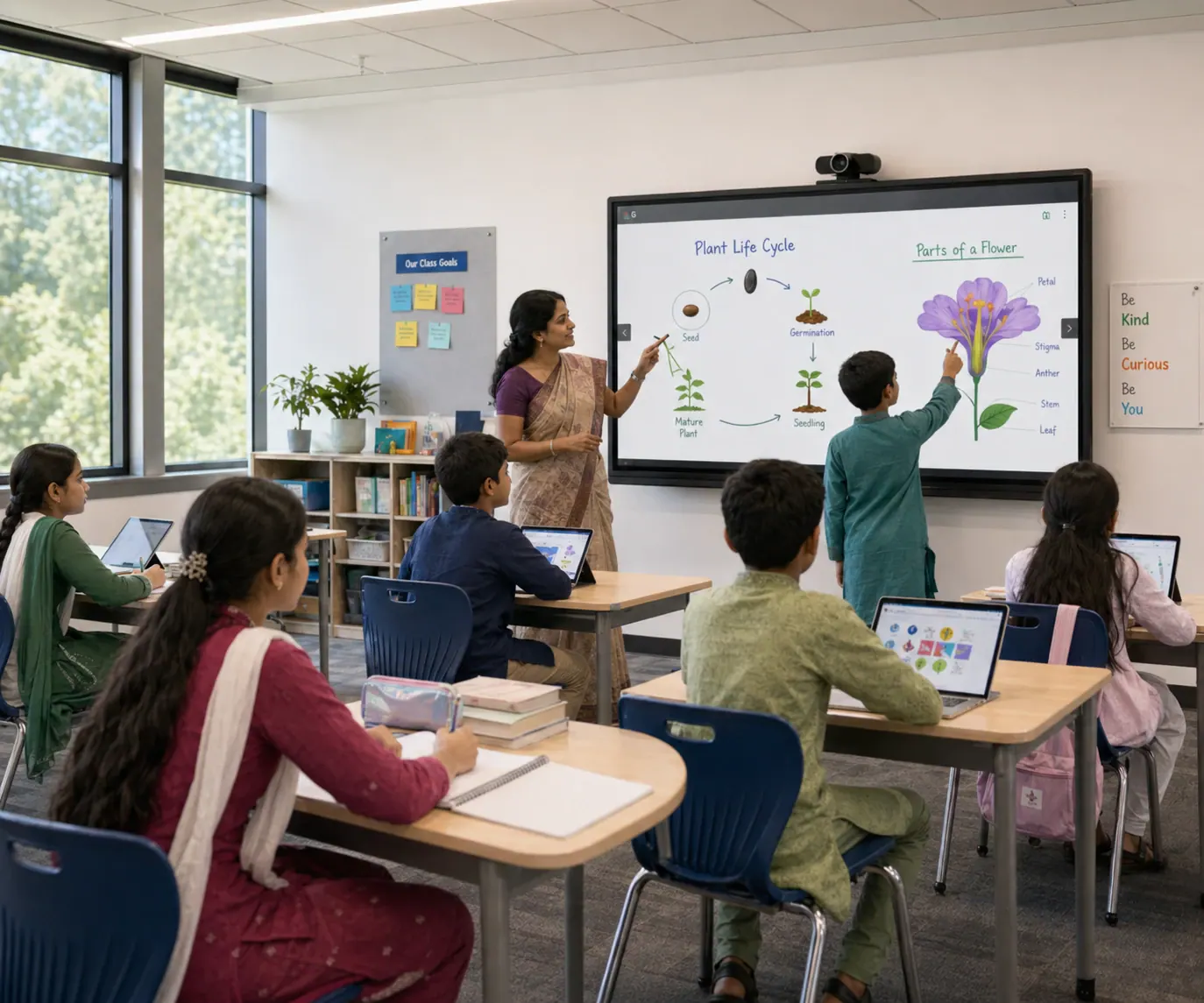
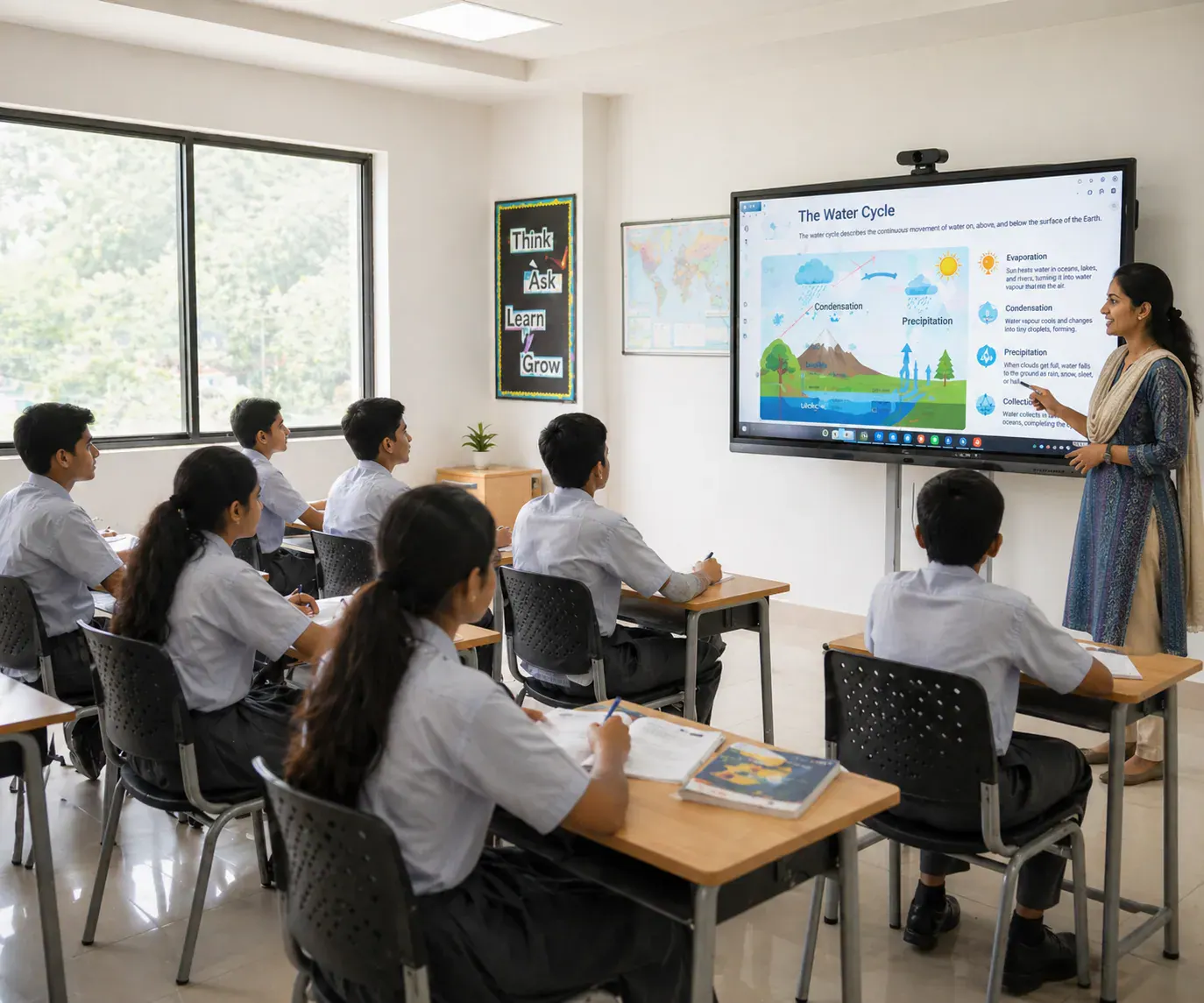
Interactive flat panels upgrade classrooms and meeting rooms with a bright 4K display and touch writing.

Size Selection (Practical Guide)

The best interactive flat panel is the one that stays readable from the back row and fits your daily workflow. Use the guide below, then share your room layout to validate sizing.

65" - Compact rooms

Great for principal rooms, small meetings and trainings where space is limited but touch interaction is required.

75"-86" - Standard classroom size

A common pick for schools, colleges and coaching centers because it stays readable for typical classroom depth.

96"+ - Large venue impact

Best for big training halls and premium boardrooms where the audience sits farther and screen presence matters.

Interactive Flat Panel Models

Popular brand and size combinations are listed below so you can shortlist by room fit, workflow and support scope.

View details
LG 65-inch Interactive Flat Panel – CreateBoard TR3DK Series
View details
LG 75-inch Interactive Flat Panel – CreateBoard TR3DK Series
View details
LG 86-inch Interactive Flat Panel – CreateBoard TR3DK Series
View details
LG 96-inch Interactive Flat Panel – CreateBoard Ultra Series
View details
LG 110-inch Interactive Flat Panel – CreateBoard Ultra Series
View details
Samsung 65-inch Interactive Flat Panel – Flip Pro Series
View details
Samsung 75-inch Interactive Flat Panel – Flip Pro Series
View details
Samsung 86-inch Interactive Flat Panel – Flip Pro WMB
View details
Newline 65-inch Interactive Flat Panel – 4K Android
View details
Newline 75-inch Interactive Flat Panel – 4K Android
View details
Newline 86-inch Interactive Flat Panel – 4K UHD
View details
Ingscreen 65-inch Interactive Flat Panel – 4K Android
View details
Ingscreen 75-inch Interactive Flat Panel – Smart Teaching Display
View details
Ingscreen 86-inch Interactive Flat Panel – Android + OPS
View details
iBoard 65-inch Interactive Flat Panel – 4K UHD
View details
iBoard 75-inch Interactive Flat Panel – Smart Board
View details
iBoard 86-inch Interactive Smart Panel – Android + OPS
View details
iBoard 98-inch Interactive Flat Panel – Large Classroom Display

Interactive Flat Panel Price List in Bangladesh

These are indicative price ranges by screen size to help you shortlist. Final quotation can vary by brand series, Android and OPS PC configuration, mounting type, installation scope and delivery location.

Tap To Expand Price List
65" Interactive Flat Panel

Small classrooms, meeting rooms, reception and compact collaboration spaces

Price
৳ 2,30,000 - ৳ 2,80,000
Use
Small classrooms, meeting rooms, reception and compact collaboration spaces
75" Interactive Flat Panel

Standard classrooms and training rooms where back-row visibility matters

Price
৳ 3,20,000 - ৳ 3,80,000
Use
Standard classrooms and training rooms where back-row visibility matters
86" Interactive Flat Panel

Large classrooms, coaching centers and boardrooms with deeper seating

Price
৳ 4,20,000 - ৳ 5,00,000
Use
Large classrooms, coaching centers and boardrooms with deeper seating
98" Interactive Flat Panel

Large training halls, lecture rooms and premium meeting spaces

Price
৳ 6,80,000 - ৳ 7,80,000
Use
Large training halls, lecture rooms and premium meeting spaces
110" Interactive Flat Panel

Auditoriums and large venues where screen impact is a priority

Price
৳ 8,50,000 - ৳ 9,50,000
Use
Auditoriums and large venues where screen impact is a priority
Tap To Expand Viewing Distance Guide
Up to 2 m

Small meeting rooms / compact classrooms

Size
65"
Room
Small meeting rooms / compact classrooms
2 - 3 m

Standard classrooms / team rooms

Size
65" - 75"
Room
Standard classrooms / team rooms
3 - 4 m

Training rooms / larger classrooms

Size
75" - 86"
Room
Training rooms / larger classrooms
4 - 5 m

Large classrooms / seminar rooms

Size
86" - 98"
Room
Large classrooms / seminar rooms
5 m +

Auditoriums / big halls

Size
98" - 110"
Room
Auditoriums / big halls
What's Included in a BOQ-Ready Quote

Most projects are quoted as a complete solution so comparisons stay fair across vendors.

  • Interactive flat panel model and size (Android platform, touch capability, speaker output and glass type).
  • Mounting option: wall mount or trolley stand, plus installation height planning.
  • Cabling and connectivity: HDMI/USB/LAN, power protection and clean cable management.
  • Optional OPS PC (Windows) when Office/Teams/Zoom workflow is required.
  • Delivery, professional installation, commissioning, user handover training and warranty terms.

Interactive Flat Panel in Bangladesh: What to Compare

If you are comparing interactive flat panel price in Bangladesh, focus on project fit, not only a single unit price. Two same-size panels can perform very differently based on touch response, Android performance, glass quality, OPS PC readiness, accessories and after-sales support.

Smart classroom use-case (school, college, university)

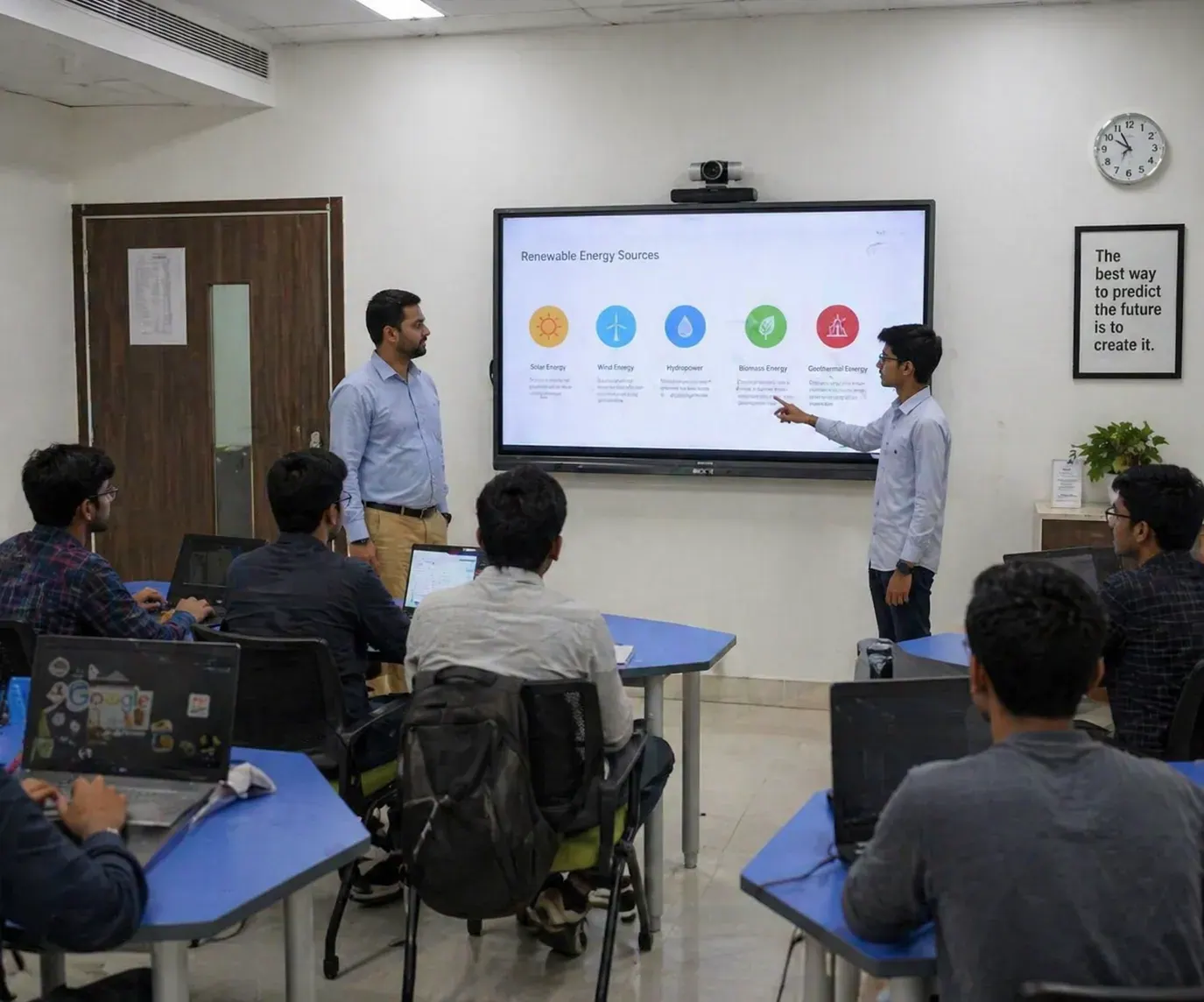
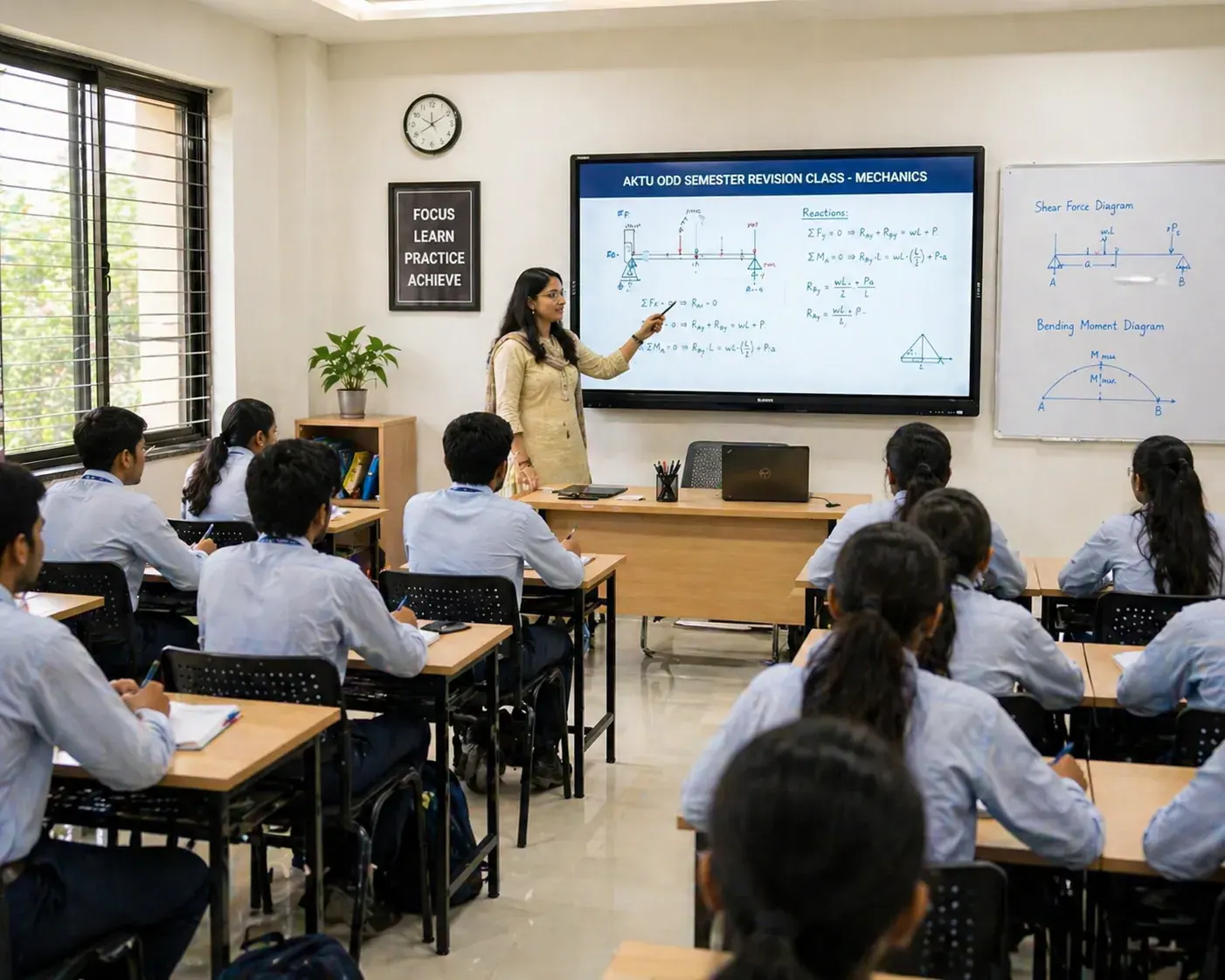
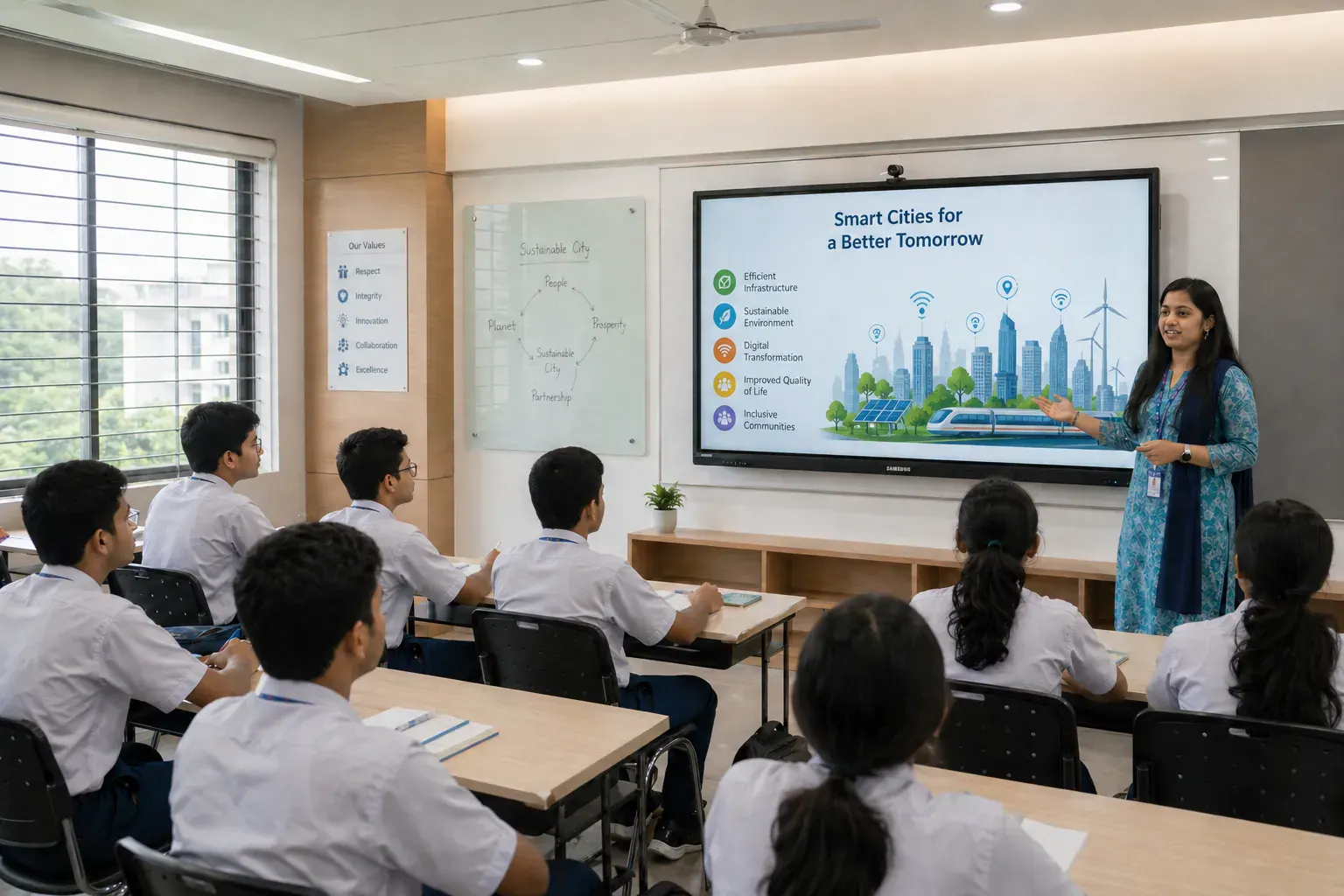
Choose by seating depth, touch smoothness and classroom-friendly tools so lessons stay clear from the back row.

  • Choose size by seating depth: 65" for compact rooms, 75"-86" for typical classrooms, 96"+ for large halls.
  • Prioritize smooth writing: low touch latency, accurate palm rejection and durable anti-glare glass for bright rooms.
  • Confirm built-in tools: whiteboard, annotation, file playback (PDF/PPT/video), screen sharing and classroom-friendly shortcuts.
  • Plan the full package: wall mount/trolley, cabling, optional OPS PC, basic audio and installation + handover training.
Meeting room & boardroom use-case (corporate)

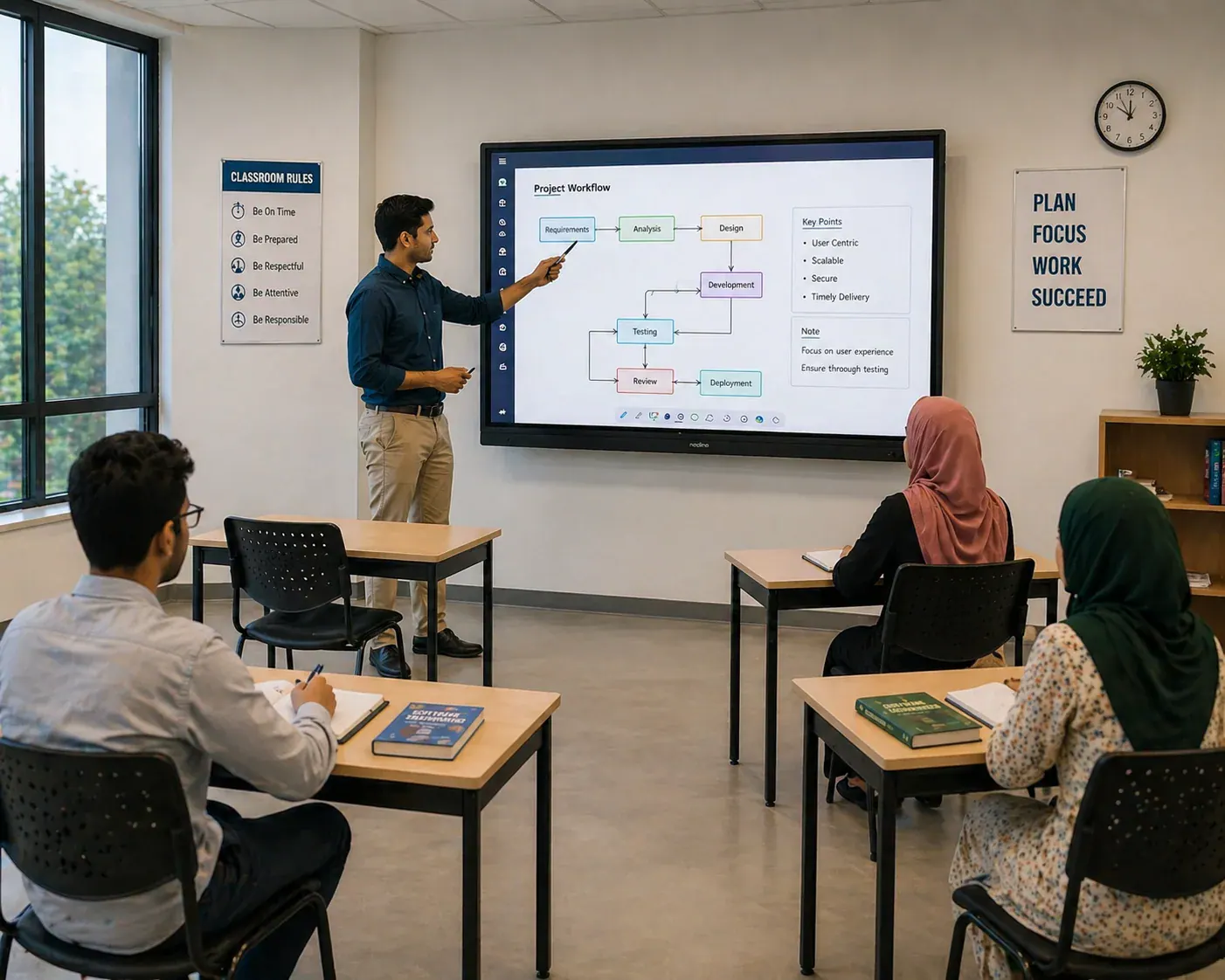
Focus on collaboration flow, switching speed and accessory compatibility for daily business use.

  • Decide Android-only vs Windows workflow: OPS PC matters if your team relies on Office, browser tools, Teams/Zoom and multiple windows.
  • Check collaboration features: wireless casting, multi-device screen share, annotation over live documents and presenter switching.
  • Look for professional visibility: 4K clarity, wide viewing angle, strong brightness and anti-reflection for office lighting.
  • Confirm integration: camera/speakerphone compatibility, HDMI/USB ports, LAN/Wi-Fi stability and a clean cable-management plan.
What changes the final quotation

Price changes with panel series, workflow setup and installation complexity, not only screen size.

  • Screen size and brand series (panel grade, glass, speaker output and chipset performance).
  • Android version/performance and whether OPS PC (Windows) is included, plus RAM/SSD configuration if applicable.
  • Mounting type (wall mount vs trolley), installation height, cable routing complexity and site floor level.
  • Support scope: delivery, installation, commissioning, user training, warranty terms and after-sales response commitment.
Key features most buyers request

Most buyers shortlist around visibility, writing feel, sharing speed and Windows readiness.

  • 4K UHD panel with anti-glare glass for clear visibility under bright classroom/office lighting.
  • Multi-touch writing for teaching and collaboration (smooth pen feel + reliable palm rejection).
  • Wireless screen sharing from laptop/mobile, plus quick switching between presenters.
  • Android built-in for simple operation, with OPS PC option when a full Windows workflow is required.
Accessories & setup (often included in BOQ)

A practical quotation usually covers mounts, cabling and training so deployment stays smooth from day one.

  • Wall mount or floor trolley stand (based on room layout and mobility needs).
  • OPS PC (optional), HDMI/USB extensions, LAN cable planning and power protection.
  • Audio setup: use built-in speakers for small rooms, or integrate external audio for larger spaces.
  • On-site commissioning + user handover training so teachers/teams can start using it confidently.
How we reduce purchase risk for procurement

We align product, site and after-sales scope so procurement teams avoid model mismatch and missing items.

  • BOQ & tender support: specification mapping so your requirements match the model you receive.
  • Site-ready installation: clean cabling, correct mounting height and verification at handover.
  • Use-case based recommendation: sizing + workflow (Android/OPS) aligned with your daily usage, not just brochure specs.
  • After-sales continuity: guidance for app setup, accessories and operational stability post-installation.

Interactive Flat Panel Use-Case Selection Guide

Shortlist the right interactive flat panel size by environment so your BOQ stays cleaner and you avoid under-sizing or over-spending.

Tap To Expand Use-Case Guide
Classrooms

4K clarity, smooth writing, whiteboard + annotation tools

Size
65" - 86"
Focus
4K clarity, smooth writing, whiteboard + annotation tools
Meeting rooms

Wireless sharing, quick presenter switching, clean cabling

Size
65" - 75"
Focus
Wireless sharing, quick presenter switching, clean cabling
Training centers

Wide visibility, multi-user touch, durable glass surface

Size
75" - 98"
Focus
Wide visibility, multi-user touch, durable glass surface
Auditoriums & halls

Long-distance readability, high impact, stable installation

Size
98" - 110"
Focus
Long-distance readability, high impact, stable installation
Hospitals & clinics

Clear visuals, quick annotation, easy daily operation

Size
65" - 86"
Focus
Clear visuals, quick annotation, easy daily operation
Reception/showrooms

Bright display, simple content playback, easy casting

Size
65" - 75"
Focus
Bright display, simple content playback, easy casting

Optional OPS PC Module for Interactive Flat Panel

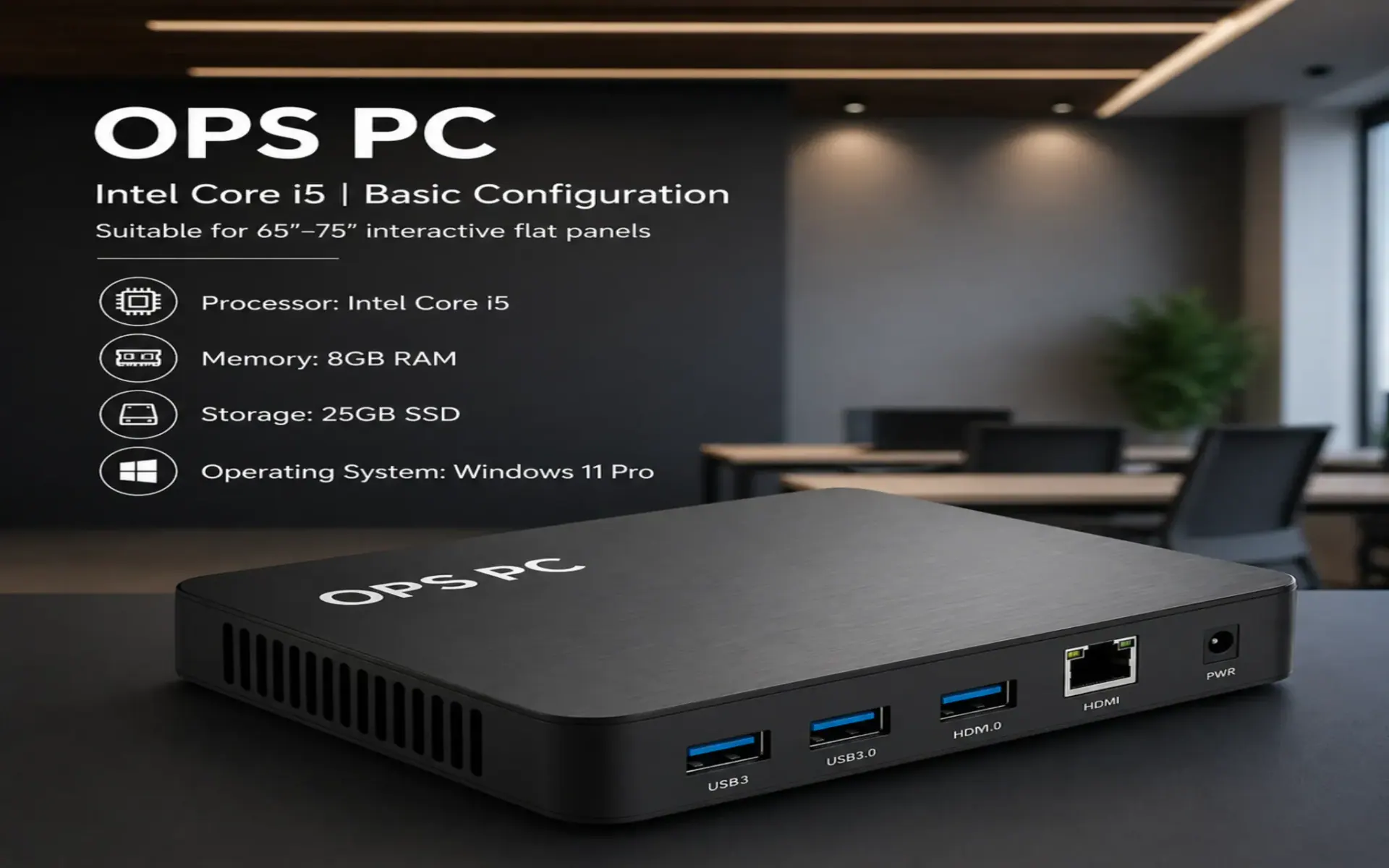
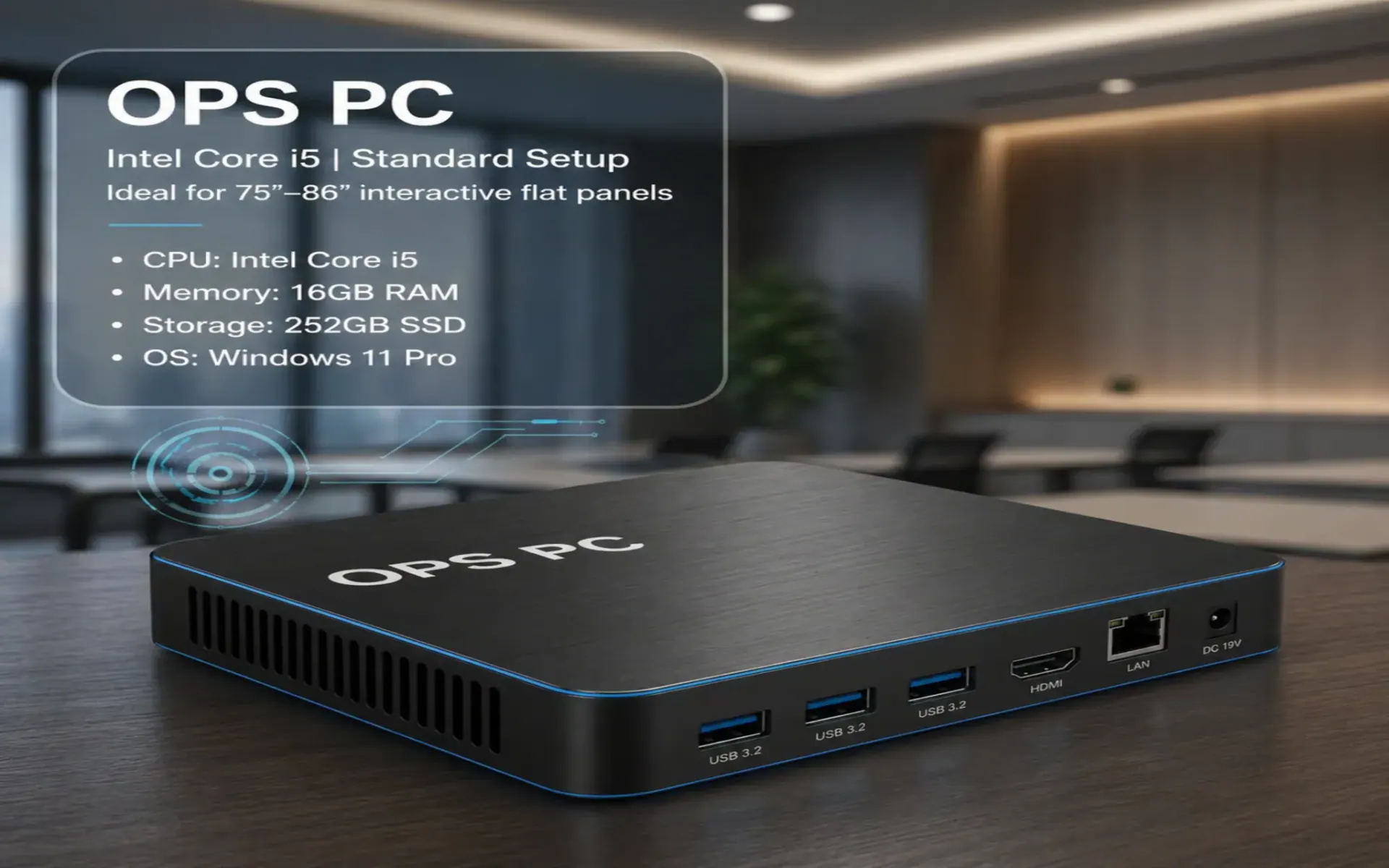
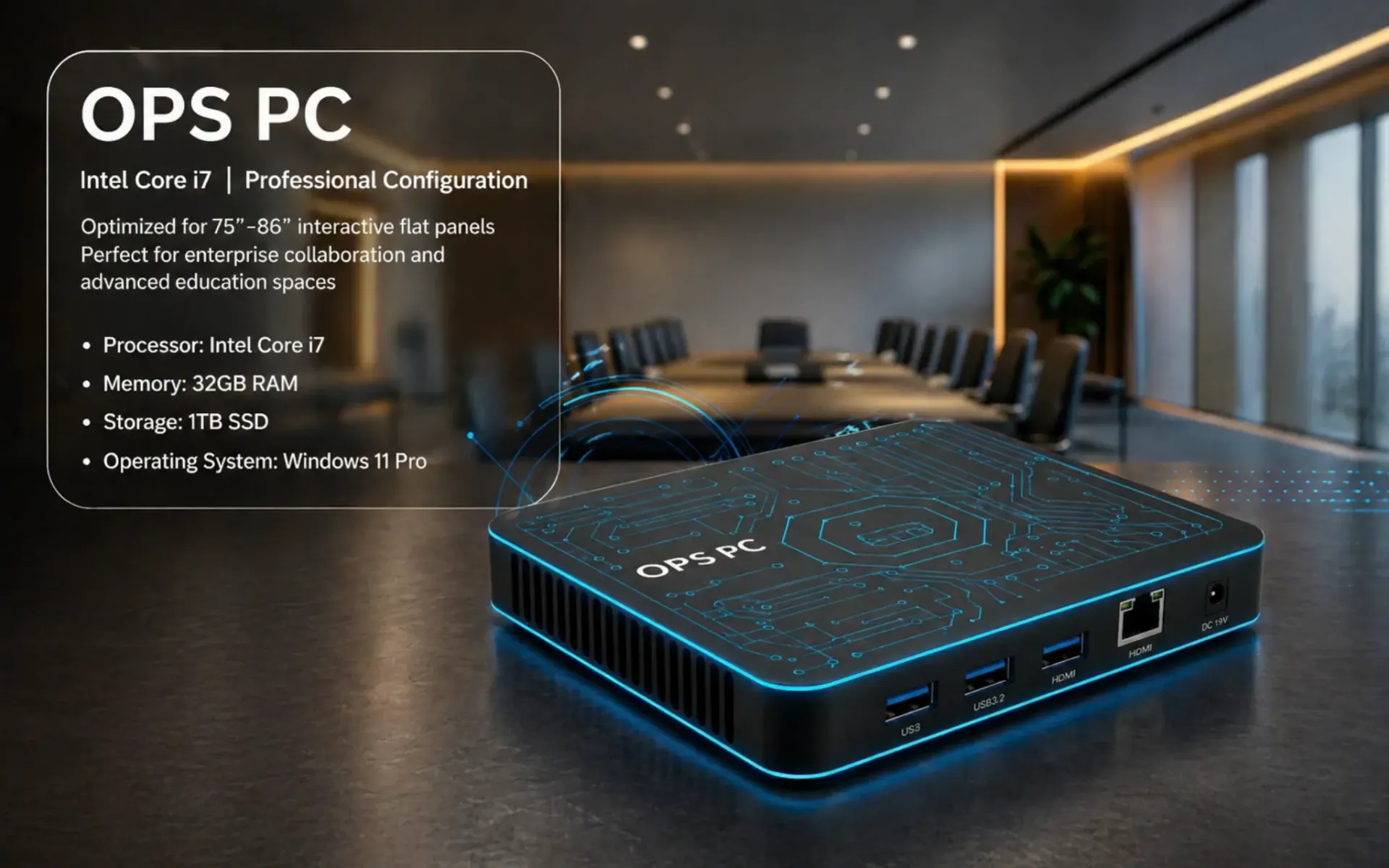
If your team needs a full Windows workflow with Office apps, browser tools, Teams or heavier software, add an OPS PC module inside the interactive flat panel and choose the configuration by workload and room type.

OPS PC - Core i5 (Everyday)
Basic
OPS PC - Core i5 (Everyday)

For standard classrooms and training rooms with common Office + browser usage.

Recommended panel size: 65" - 75"
  • Intel Core i5
  • 8GB RAM
  • 256GB SSD
  • Windows 11 Pro
OPS PC - Core i5 (Smooth Multitask)
Standard
OPS PC - Core i5 (Smooth Multitask)

For smart classrooms and training setups that multitask apps and content during sessions.

Recommended panel size: 75" - 86"
  • Intel Core i5
  • 16GB RAM
  • 512GB SSD
  • Windows 11 Pro
OPS PC - Core i7 (Power User)
Pro
OPS PC - Core i7 (Power User)

For university labs, corporate boardrooms and heavier workloads with multiple windows and meetings.

Recommended panel size: 86" - 110"
  • Intel Core i7
  • 16GB - 32GB RAM
  • 512GB - 1TB SSD
  • Windows 11 Pro

Benefits of Interactive Smart Screen

An interactive smart screen can replace a projector plus whiteboard setup and make daily teaching and collaboration simpler with clearer visuals, smooth writing and quick sharing.

Clear 4K visibility

Crisp text and sharp visuals help people follow content from the back row, improving readability in classrooms and meetings.

Natural writing and annotation

Write, highlight and explain directly on-screen during lessons, trainings and presentations for diagrams and review sessions.

All-in-one daily workflow

Built-in whiteboard tools, apps and speakers reduce dependency on extra devices and cut down switching time.

Faster sharing and switching

Cast from laptop or mobile and switch presenters quickly, which is useful in multi-teacher or multi-speaker sessions.

Lower maintenance than projectors

No lamp cycle and fewer calibration tasks compared with projector classrooms, so upkeep stays simpler.

Higher engagement and collaboration

Multi-touch interaction supports group learning, brainstorming and team activities where people work together on one screen.

How to Choose the Right Interactive Flat Panel Display

The best model depends on viewing distance, daily usage and connectivity needs. Use the checklist below to shortlist options, then share your room details for a BOQ-ready recommendation.

Shortlisting checklist

Use these points to narrow the right panel size, workflow and installation scope before asking for a quotation.

  • Confirm seating depth and content type (text-heavy teaching needs a larger size than video-only usage).
  • Pick a size: 65" for compact rooms, 75"-86" for most classrooms, 96"+ for larger halls.
  • Decide Android-only vs OPS PC (Windows) based on your apps (Office, browser tools, Teams/Zoom and multiple windows).
  • Check ports and connectivity: HDMI, USB, LAN/Wi-Fi, casting method and any camera/speakerphone integration.
  • Plan installation: wall mount vs trolley, cabling route, power protection and mounting height for comfortable use.
  • Evaluate service: commissioning, user training, warranty terms and after-sales response.
What to share for an accurate quotation

A quick room snapshot helps avoid under-sizing and makes our recommendation more practical from the first reply.

  • Room length-width and the farthest viewing distance
  • Use-case: classroom, meeting room, training, auditorium or reception
  • Preferred size (if you have a shortlist) and mounting type (wall/trolley)
  • Android-only vs OPS PC requirement and any app/workflow needs
  • Location and floor level for delivery and installation planning

Advantages of Interactive Flat Panel Over Projectors

Both setups can be used for teaching and presentations, but interactive flat panels usually deliver more consistent picture quality, faster day-to-day use and fewer maintenance tasks.

No lamp replacements and fewer consumables

Projectors often need periodic lamp changes and ongoing cleaning. A flat panel reduces recurring consumable costs and downtime.

Clear visibility in bright rooms

Panels keep text and color consistent even with ambient light, which helps classrooms with windows or bright offices.

No alignment and calibration hassle

A fixed display removes keystone correction, focus drift and daily adjustment issues, so the screen stays ready.

Built-in touch and whiteboard workflow

Write, annotate and save notes directly on the screen without extra boards, making collaboration simpler.

Simpler installation footprint

Wall mounting or trolley deployment is often cleaner than projector throw planning and ceiling work.

More reliable sharing and switching

Modern casting and HDMI/USB connections let presenters connect faster and switch devices with less friction.

Why Choose Sasha Corporation for Interactive Flat Panel

Buying an interactive flat panel is not only a product decision. It is also an installation and daily-usage decision, so we help schools, training centers and businesses choose the right size, plan accessories and receive a BOQ-ready quotation with setup and after-sales support.

Use-case based recommendation

We propose models based on room depth, audience distance and workflow (Android-only vs OPS PC) so the panel feels right in real use.

BOQ & specification support

Share your requirement or tender spec and we map a suitable configuration to reduce mismatch risk.

Professional installation & commissioning

Mounting height, clean cabling, connectivity checks and on-site commissioning are handled for stable performance from day one.

Training and handover

We provide basic user guidance so whiteboard, annotation and screen sharing can be used confidently.

Warranty and after-sales continuity

Clear warranty terms and practical support help troubleshooting, accessories and long-term operation stay manageable.

Nationwide delivery planning

We support projects across Bangladesh with delivery coordination and installation planning based on site readiness.

Buyer Checklist for Faster Quotation

Share the items below and we can respond with a clearer BOQ and a more accurate price range.

Room size and seating depth

Room length/width and distance to the farthest viewer helps confirm 65/75/86/96/98/110 size.

Android-only vs Windows workflow

Tell us whether you need OPS PC for Office/Teams/Zoom or Android-only is enough for daily use.

Mounting preference

Wall mount or trolley-mounting affects installation scope, cabling and user comfort height.

Connectivity needs

HDMI/USB count, LAN/WiFi readiness, casting expectations and any camera/speakerphone integration.

Installation location

Floor level and site location helps plan cabling and manpower requirements.

Support expectations

Training, handover, warranty and after-sales support preferences matter for long-term operational stability.

FAQ

Quick answers about interactive flat panel selection, OPS PC requirement and installation scope in Bangladesh.

Price varies by screen size, brand, Android performance, touch specification, OPS PC configuration (if required), mounting type (wall mount or trolley) and installation scope. Quantity and project location also impact quotation.

A practical choice depends on room depth and seating distance. Many classrooms select 75 - 86 inch panels, while smaller rooms may use 65 inch and larger halls may require 96 inch or above.

Android covers whiteboard, basic apps and casting for many users. OPS PC is useful for a full Windows workflow, Office/Teams requirements, and heavier content handling. We recommend based on use-case.

Yes. We support mounting and cabling guidance, commissioning checks, and basic training so teachers or staff can operate the panel confidently.

Yes. IFPs are commonly used for presentations, annotation on documents, brainstorming sessions and hybrid meeting workflows when paired with the right accessories.

Common accessories include a wall mount or floor trolley, OPS PC (if Windows workflow is needed), HDMI/USB cabling, wireless screen sharing tools, camera, speakerphone, and basic audio integration depending on classroom or meeting-room use.

Chat on WhatsApp support