Sasha Corporation logo
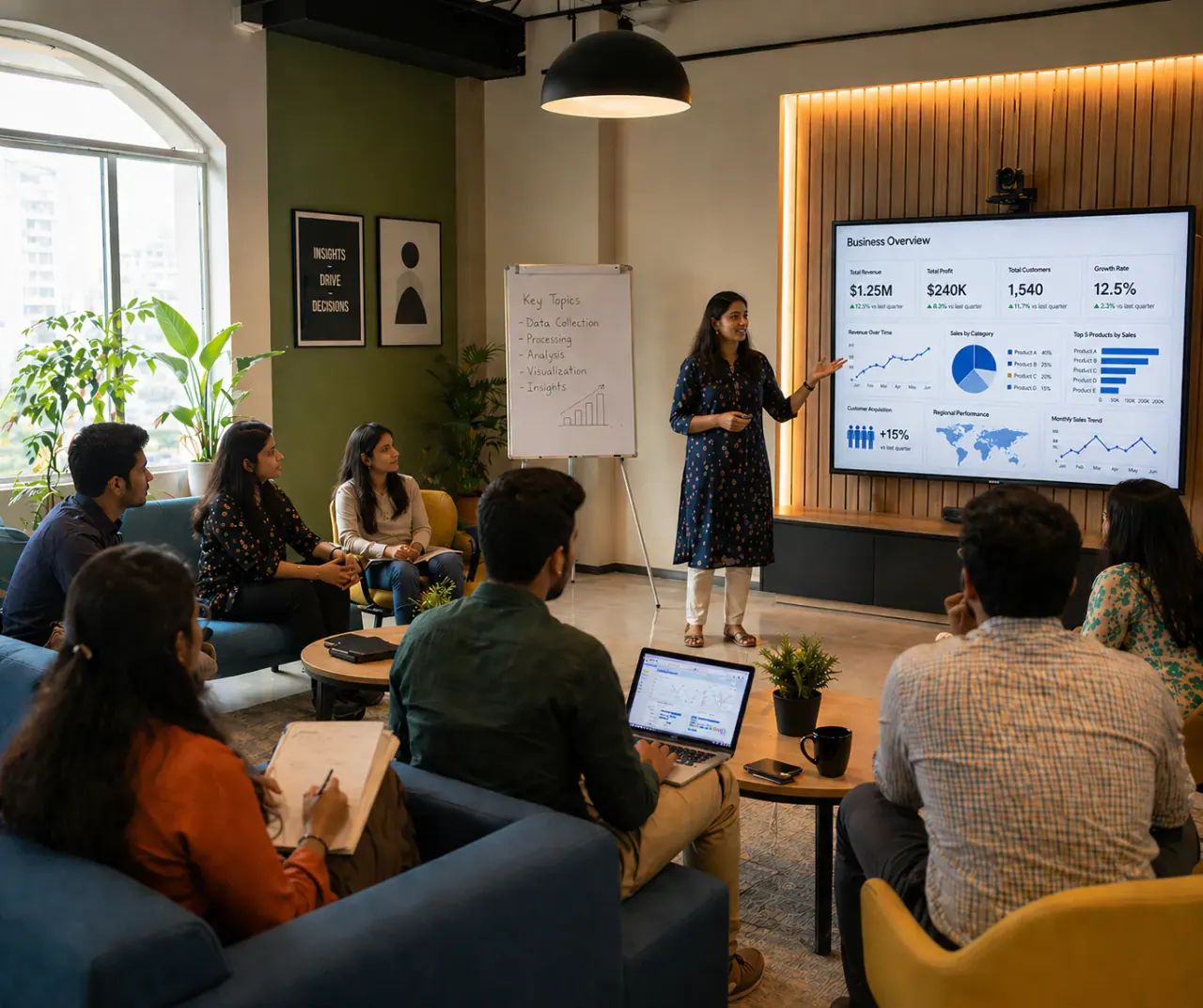
LG 65-inch Interactive Flat Panel – CreateBoard TR3DK Series

LG 65-inch Interactive Flat Panel – CreateBoard TR3DK Series

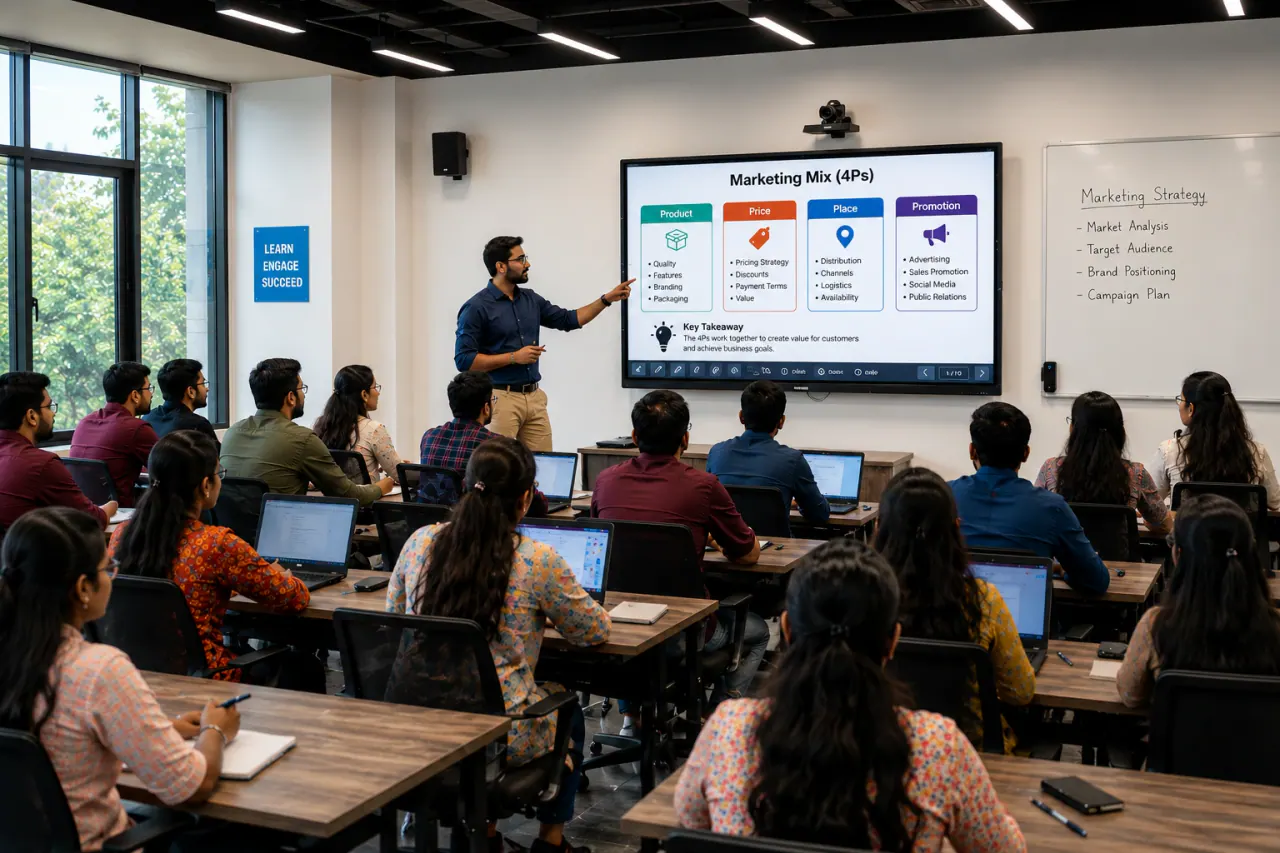
Compact smart display for meetings, trainings and smaller classrooms with smooth touch writing and screen sharing.

Price: On request (supply + installation)
Recommended: Small meeting room, Principal room, Compact training

Key highlights

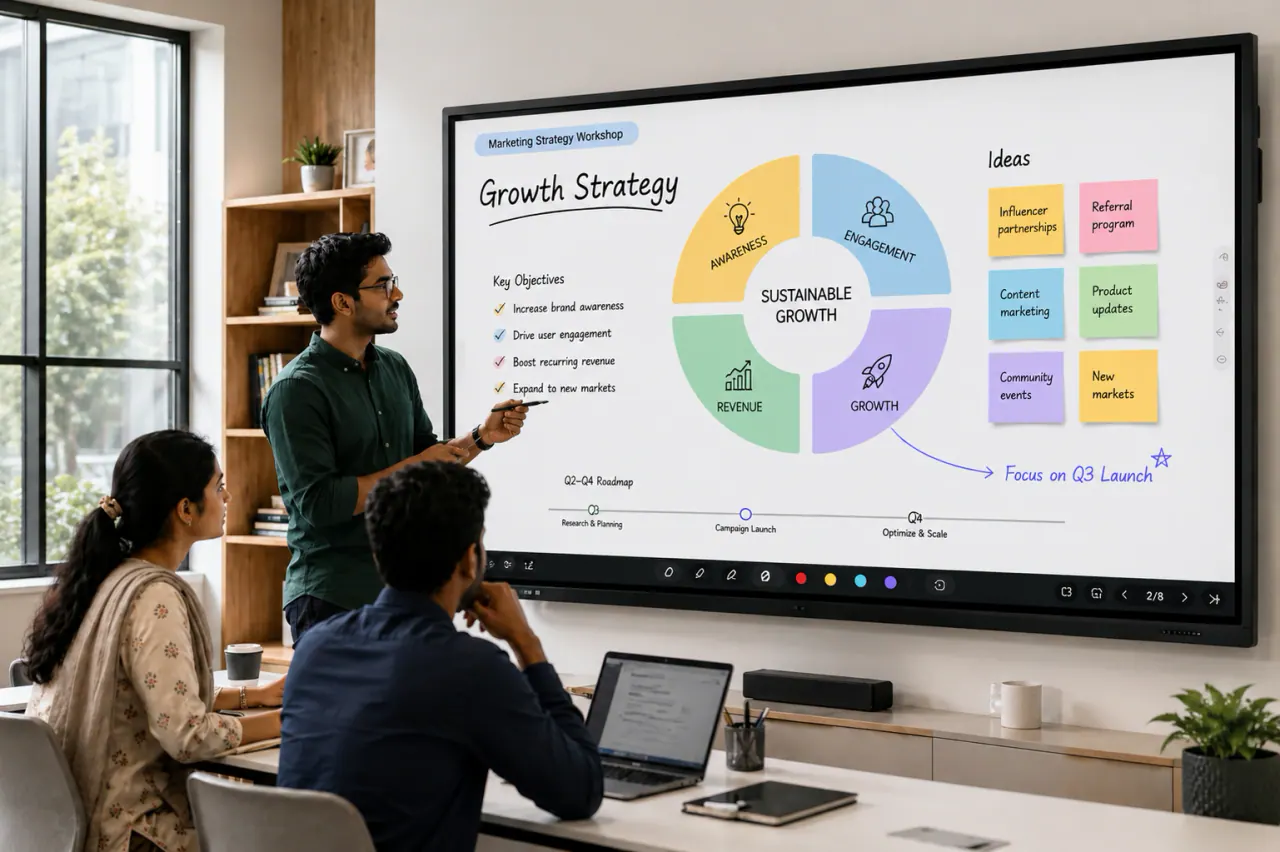
  • Smooth touch writing for annotation, teaching and brainstorming
  • Wireless screen sharing workflow for laptops and mobile devices (feature set varies by model)
  • Android-based operation for quick start, plus OPS PC option for full Windows workflow
  • Installation planning covers mounting height, cable management and room viewing angles
LG65-inch4K UHDMulti-touchAndroidOPS-ready
Panel size
65"
Resolution
4K UHD (3840 × 2160)
Display type
IPS/VA LED-backlit panel
Brightness
Around 350–400 nits (typical)
Contrast ratio
Approximately 1200:1 (typ.)
Viewing angle (H/V)
178° / 178°
Refresh rate
60 Hz
Touch technology
Infrared / in-glass (varies by model)
Touch points
Up to 40-point multi-touch (model dependent)
Response time
About 6–8 ms (typical)
Glass type
Anti-glare tempered glass
Glass hardness
Up to 7H (approx.)
Operating system
Built-in Android 11 (CreateBoard OS)
CPU / RAM / storage
Quad-core CPU, 4 GB RAM, 32–64 GB storage (model dependent)
Speakers
20W + 20W front-facing speakers
Connectivity (front)
USB, HDMI (varies), touch USB, Type‑C (optional)
Connectivity (rear)
HDMI in, VGA (optional), audio in/out, USB 2.0/3.0, LAN, RS232 (model dependent)
Wi‑Fi / network
Built-in Wi‑Fi + LAN
OPS slot
Yes — OPS PC slot supported (Intel OPS compatible)
Wall mount / stand
VESA mount compatible; wall bracket / trolley optional
Power
AC 100–240V, 50/60 Hz
Operating temperature
0°C to 40°C
Operating humidity
10%–80% RH (non‑condensing)
Use-case
Smart classrooms, huddle rooms and small-to-medium meeting spaces
Mount
Wall mount or trolley stand (project dependent)
What you get from Sasha

Clear recommendations and BOQ-friendly scope so your installation works smoothly from day one.

  • Model and size guidance based on room layout
  • Mounting + cabling scope planning for clean installation
  • Optional OPS PC and accessories selection (if required)
  • Commissioning + basic user handover guidance
  • Warranty and after-sales support planning
Featured Products
View all products
LG 75-inch Interactive Flat Panel – CreateBoard TR3DK Series
LG 86-inch Interactive Flat Panel – CreateBoard TR3DK Series
LG 96-inch Interactive Flat Panel – CreateBoard Ultra Series

Need a complete interactive flat panel solution?

Share your room size, seating distance, and daily usage workflow. We will suggest a relevant interactive flat panel setup with mounting, OPS PC, accessories, and installation planning.

FAQ

Quick answers before ordering an interactive flat panel in Bangladesh.

We can quote for supply-only or supply + installation. Installation scope depends on mounting type, cabling distance, power/LAN readiness and any accessories like OPS PC or trolley.

Size selection depends on room depth, viewing distance, and content type. Share room dimensions and seating layout and we will recommend a practical size for readability.

Not always. Android is enough for whiteboard, basic apps and casting in many rooms. OPS PC is helpful when you need a full Windows workflow, Office/Teams/Zoom requirements, or heavier content handling.

Chat on WhatsApp support