
LED Display Accessories in Bangladesh
Receiving cards, controllers/video processors, and power supplies are the three core accessories that keep an LED display system running accurately, smoothly, and safely in real-world use. The receiving card handles module data and proper pixel mapping inside the cabinet, the controller or video processor manages signal input, scaling, and content output, and the power supply delivers stable DC power to the modules and control hardware. Choosing the right combination is important for screen stability, brightness consistency, clean playback, and long-term reliability in both indoor and outdoor installations. Select a category below to explore model details, practical guidance, and recommended setup information.
Browse Accessories
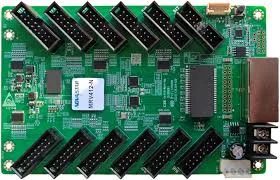
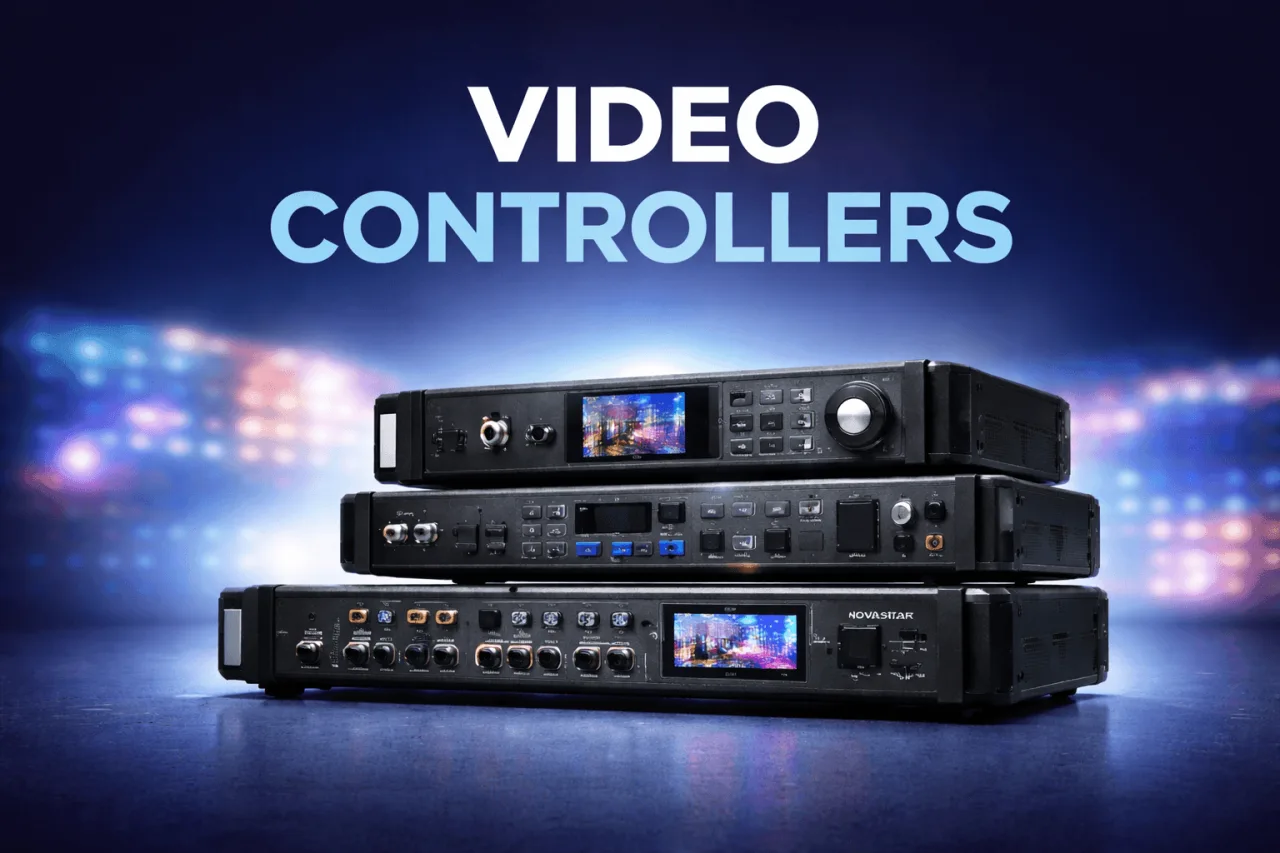
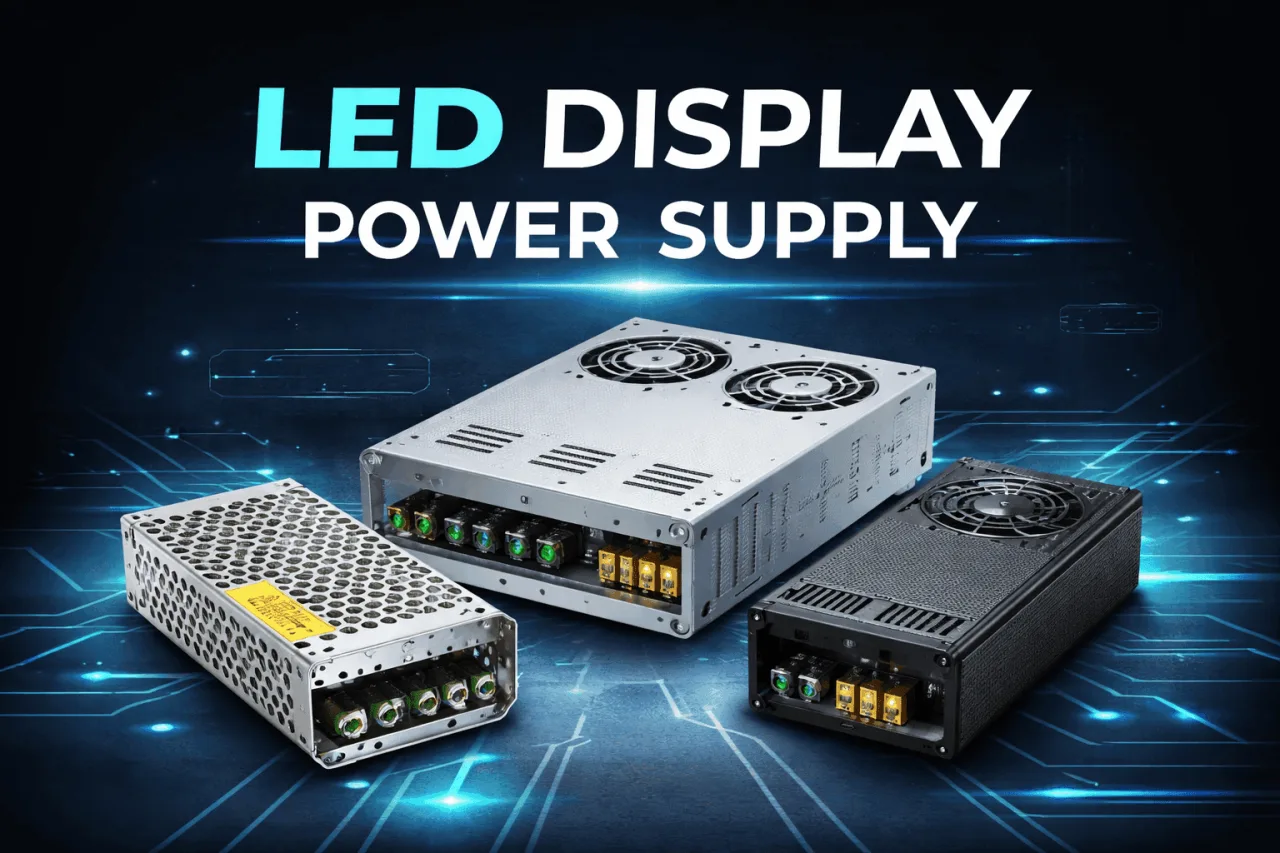
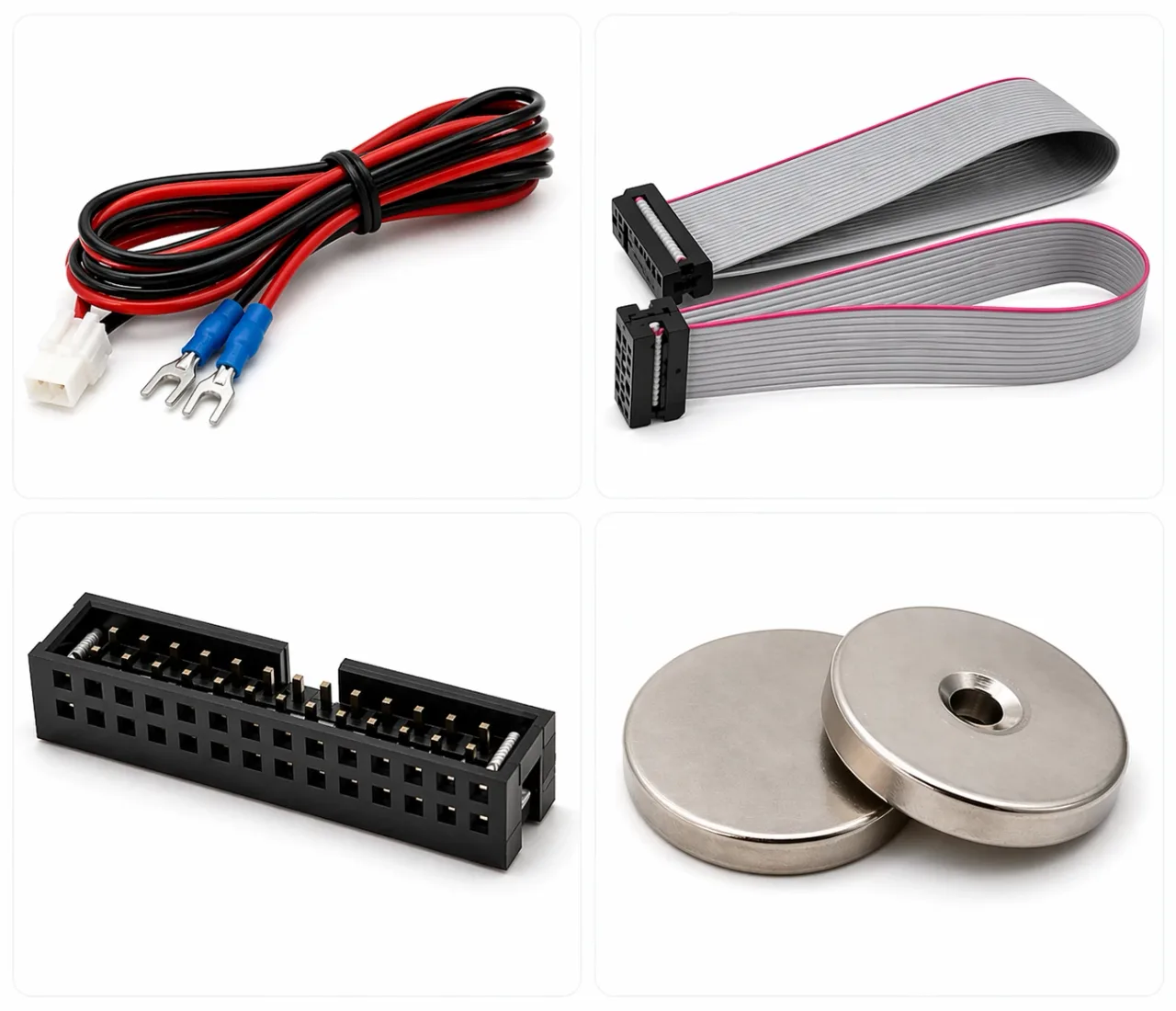
Popular Controller Models
These are commonly selected video processors for LED walls and event setups. Use them as a quick starting point.
What Are LED Display Accessories?
LED display accessories are the control and power parts that make a screen work reliably, not just extra items. A typical LED wall has three essential building blocks: (1) a controller / video processor to accept and manage input signals, (2) a receiving card to distribute mapped data to each cabinet, and (3) a stable power supply to deliver clean DC power to modules and control hardware. When these accessories match the screen's resolution and cabinet wiring, you get stable brightness, smooth motion, accurate mapping, and fewer downtime issues.
Handles input, scaling, switching, and output configuration for your LED screen.
Sits inside cabinets to decode data and ensure correct pixel mapping and refresh output.
Provides stable DC power with protection features to keep modules and control parts safe.
Controller & Receiving Card: What They Do
Think of the controller as the brain at the front and the receiving card as the dispatcher inside each cabinet. The controller accepts signals (HDMI/DVI/DP, media player, laptop, camera switcher), scales the content to your target resolution, and sends the final data to the screen. The receiving card then ensures each cabinet shows the correct portion of the image with the correct scan type, color depth, and refresh behavior.
- Input handling: connects your laptop, player, or live source
- Scaling: fits content to exact LED resolution
- Switching: smooth change between sources when needed
- Screen setup: brightness, output format, cabinet layout support
- Pixel mapping: keeps rows/columns aligned across cabinets
- Scan support: matches the LED module scan configuration
- Refresh behavior: helps deliver stable visuals for camera use
- Maintenance-friendly: supports replacement and re-mapping workflows
Power Supply (PSU): Why It Matters
A power supply is not just a "5V box." It affects brightness stability, long-term reliability, and safety. LED modules draw high current, and poor-quality PSUs can cause voltage drop, overheating, flicker under load, or premature failure. A correctly sized PSU with proper protections helps your screen run cooler, stay stable, and reduce maintenance cost over time.
Keeps color and brightness consistent across cabinets during peak load.
Over-current, over-voltage, and short-circuit protection reduces risk.
Running below max rating improves reliability in hot and dusty environments.
How to Choose LED Display Accessories
The-best-accessories depend on your screen size, pixel pitch, cabinet type, and content workflow. Use this practical checklist to avoid common mismatches and to select accessories that support stable output and smooth operation in Bangladesh conditions.
- Confirm total resolution (W x H) and cabinet layout before choosing a controller
- Match receiving card model to your module scan type and HUB mapping requirements
- Choose a controller with the right inputs (HDMI, DVI, DP) for your source devices
- Plan redundancy and spare parts if the screen is mission-critical (control room, event, signage)
- Calculate real load (module + receiving card + fans) and keep headroom for reliability
- Use proper cable sizing, grounding, and distribution (MCB/DB) planning for the screen
- Prefer PSUs with protections and stable output under continuous operation
- Keep ventilation and service access in mind-heat management improves lifespan
FAQ
Common questions people ask before buying LED display controllers, receiving cards, and power supplies.
Yes for most setups. A controller or video processor is typically required to accept input signals, scale content to your screen resolution, and output the correct data format for the LED system.
The controller manages inputs and screen configuration at the system level. The receiving card sits inside the cabinet and distributes mapped pixel data to the modules so each cabinet shows the correct part of the image.
Compatibility depends on your LED module scan type, HUB connector mapping, and the control platform used in your system. Matching these correctly prevents mapping issues and unstable output.
They can. The controller configuration, receiving card capability, and signal quality all influence stability. For camera use, proper configuration and a reliable control chain are important for clean output.
Start with your module and cabinet load, then keep safe headroom for continuous operation. Correct sizing helps prevent voltage drop, heat stress, and early failure.
Common causes include incorrect mapping/configuration, weak or overloaded power supplies, loose connections, or signal issues. A proper accessory match and clean wiring reduce these problems.
For commercial signage, event rentals, and control-room use, keeping a spare receiving card (and sometimes a spare PSU) reduces downtime and speeds up troubleshooting.
Yes. Share your screen size (W x H), pixel pitch, cabinet type, and intended use case to get a practical recommendation and quotation support.