
Interactive Flat Panel (IFP) Price in Bangladesh
Interactive flat panels upgrade classrooms and meeting rooms with a bright 4K display and touch writing. Share your room size and usage goal to receive a practical model recommendation, BOQ support and an installation-ready quotation.
65" / 75" / 86" / 96" / 98" / 110"
Android + OPS PC (optional)
Nationwide support
Size Selection (Practical Guide)
The “best” interactive flat panel is the one that stays readable from the back row and fits your daily workflow. Use the guide below, then share your room layout to validate sizing.
Great for principal rooms, small meetings and trainings where space is limited but touch interaction is required.
A common pick for schools, colleges and coaching centers because it stays readable for typical classroom depth.
Best for big training halls and premium boardrooms where the audience sits farther and screen presence matters.
Interactive Flat Panel Models
Below are popular brand and size combinations. For procurement, focus on fit: room size, accessories, mounting method and support scope.
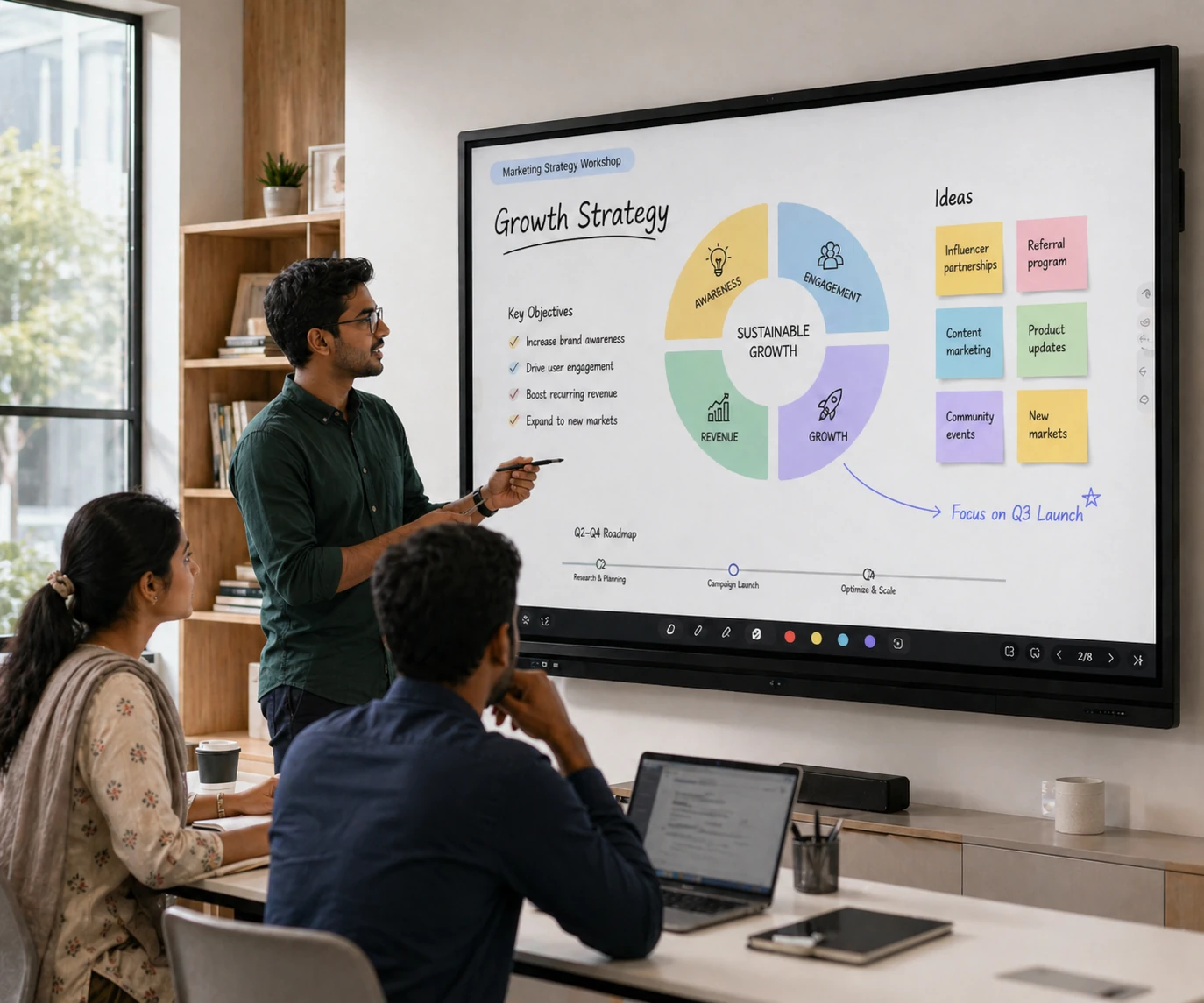
On request (supply + installation)
Compact smart display for meetings, trainings and smaller classrooms with smooth touch writing and screen sharing.

On request (project-based)
Balanced size for day-to-day classroom teaching and training rooms where back-row visibility matters.

On request (per unit)
Large format IFP choice for coaching centers, lecture rooms and boardrooms with wide viewing angle and clear annotation.

On request (package)
Extra-large panel recommended for bigger venues where content needs to stay readable from longer distances.
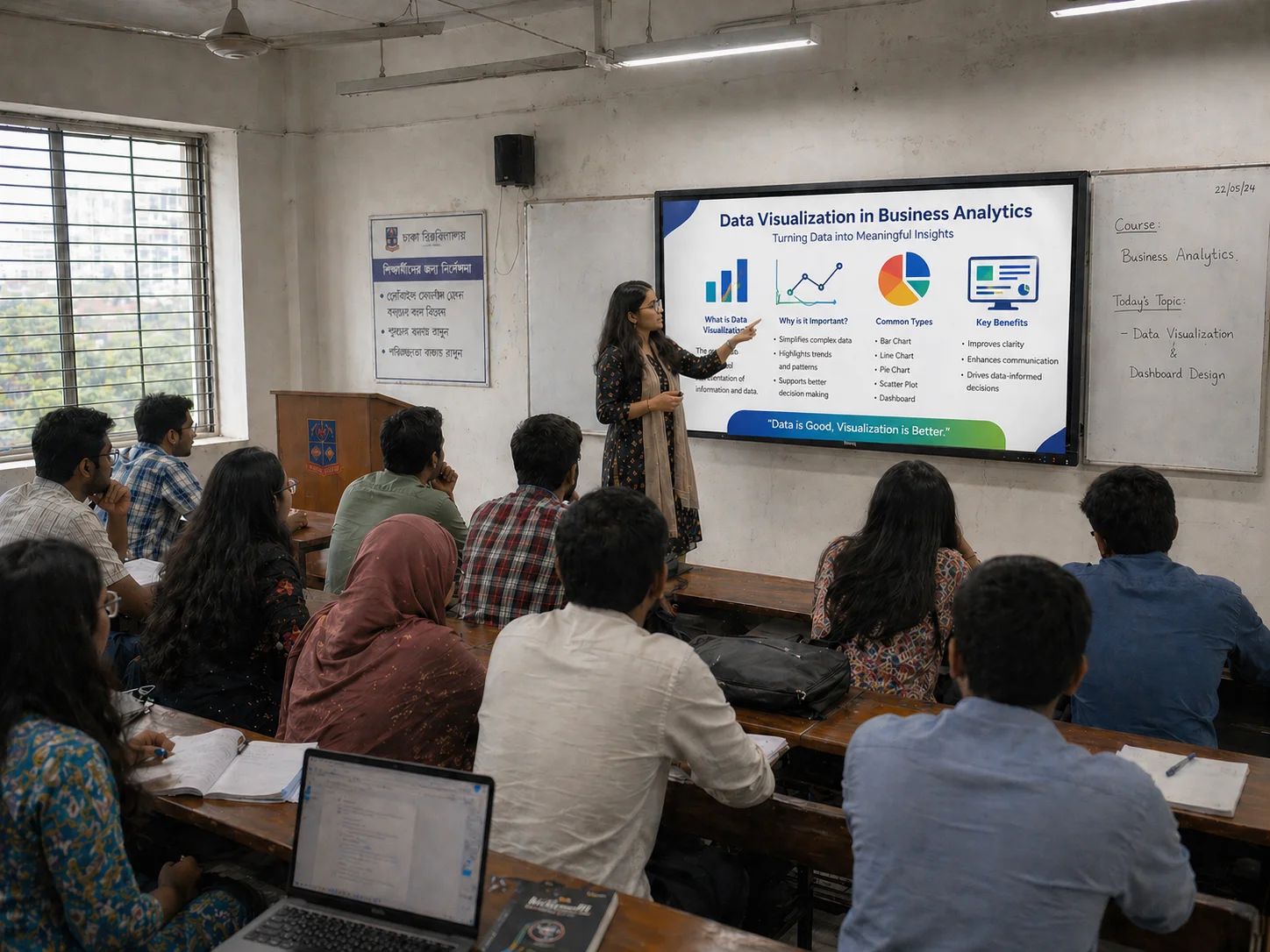
On request (project-based)
Maximum-impact interactive display for auditoriums and premium boardrooms when screen presence is a priority.
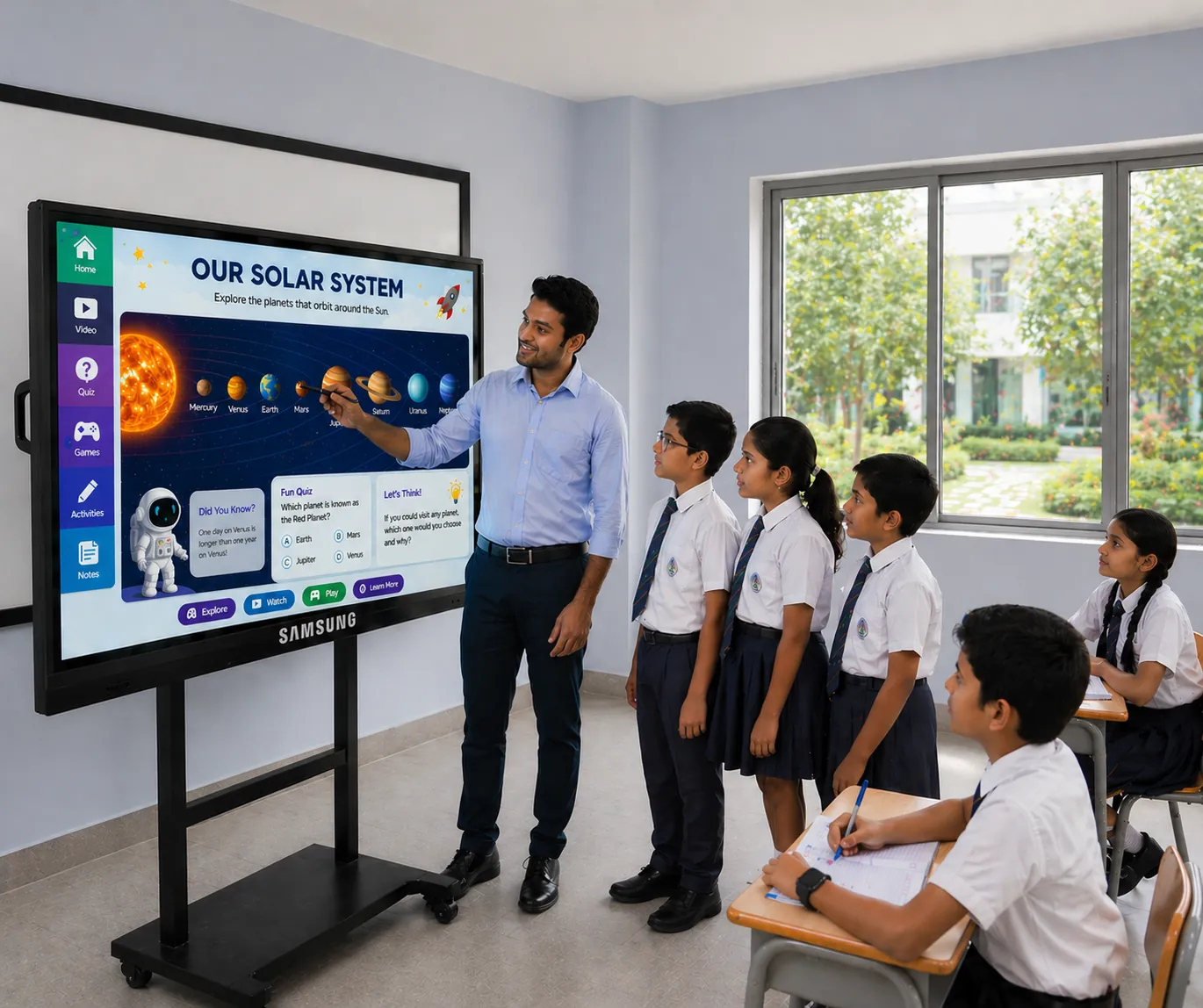
On request (supply + setup)
Business-friendly interactive display for writing, presenting and quick content sharing in smaller rooms.
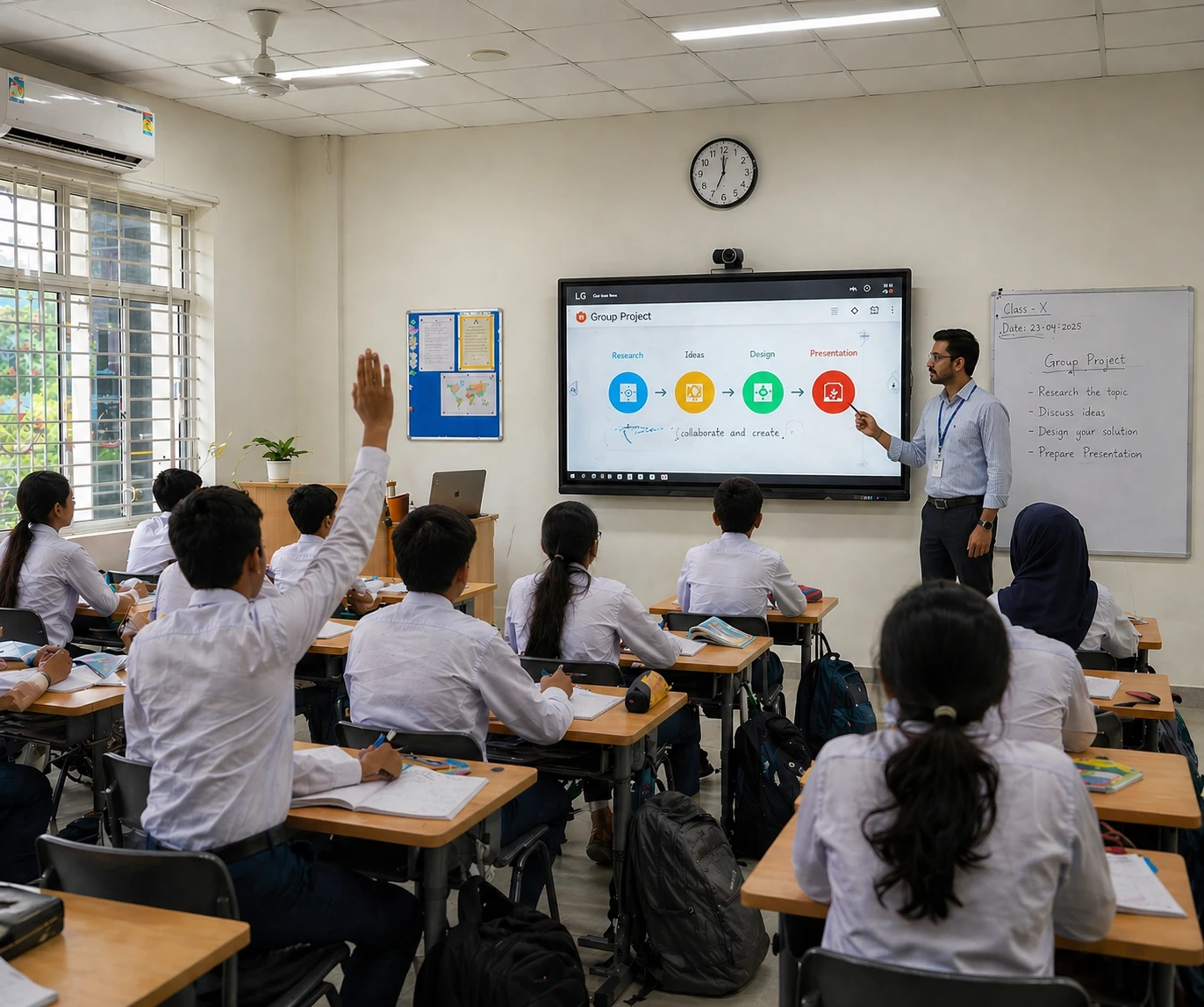
On request (project-based)
Popular classroom size that supports smooth touch interaction and a clean teaching workflow.
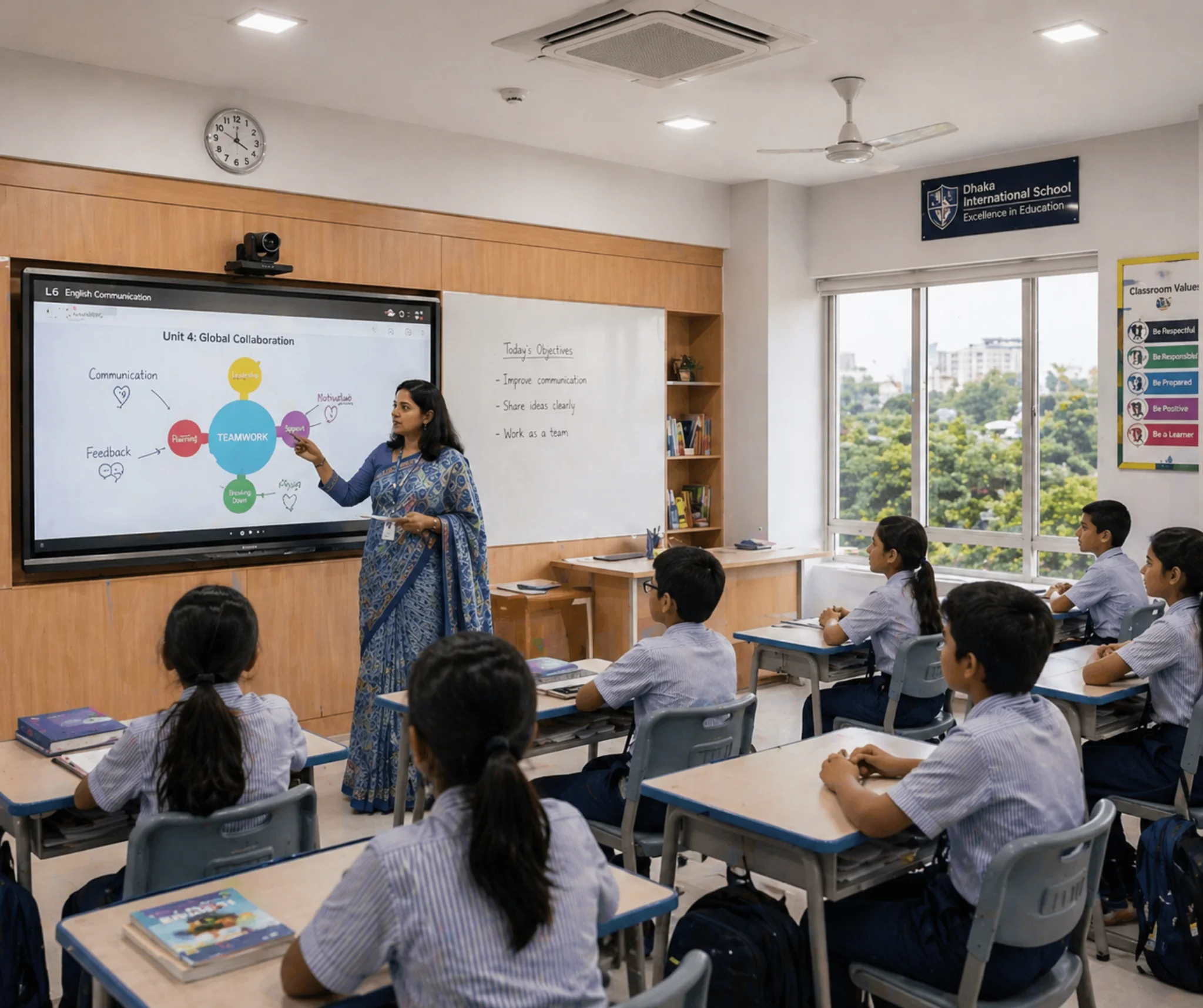
On request (per unit)
Large interactive board option for bigger classrooms and trainings where multiple users collaborate on-screen.
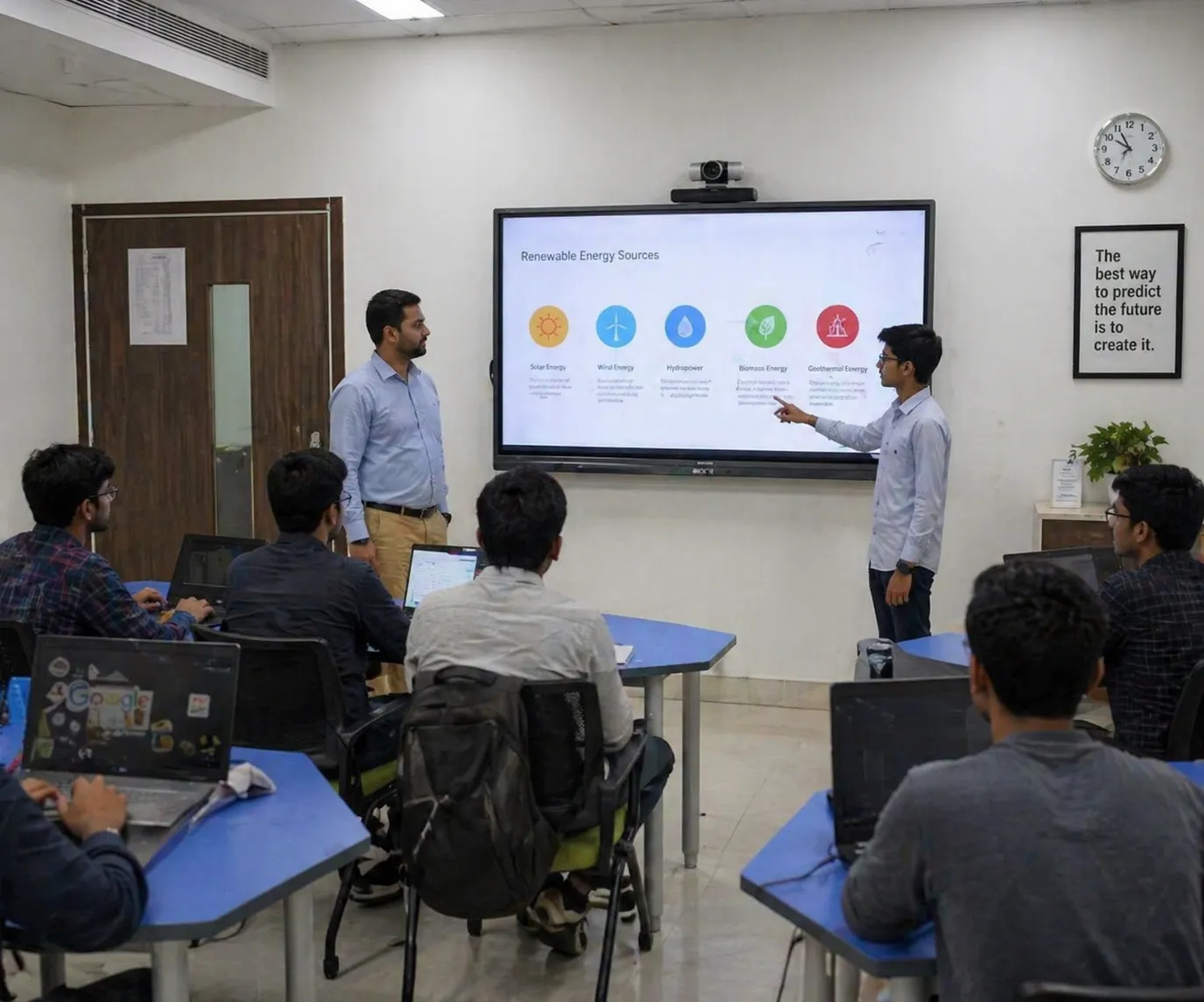
On request (package)
Value-focused interactive panel for meeting rooms, principal rooms and small training spaces.
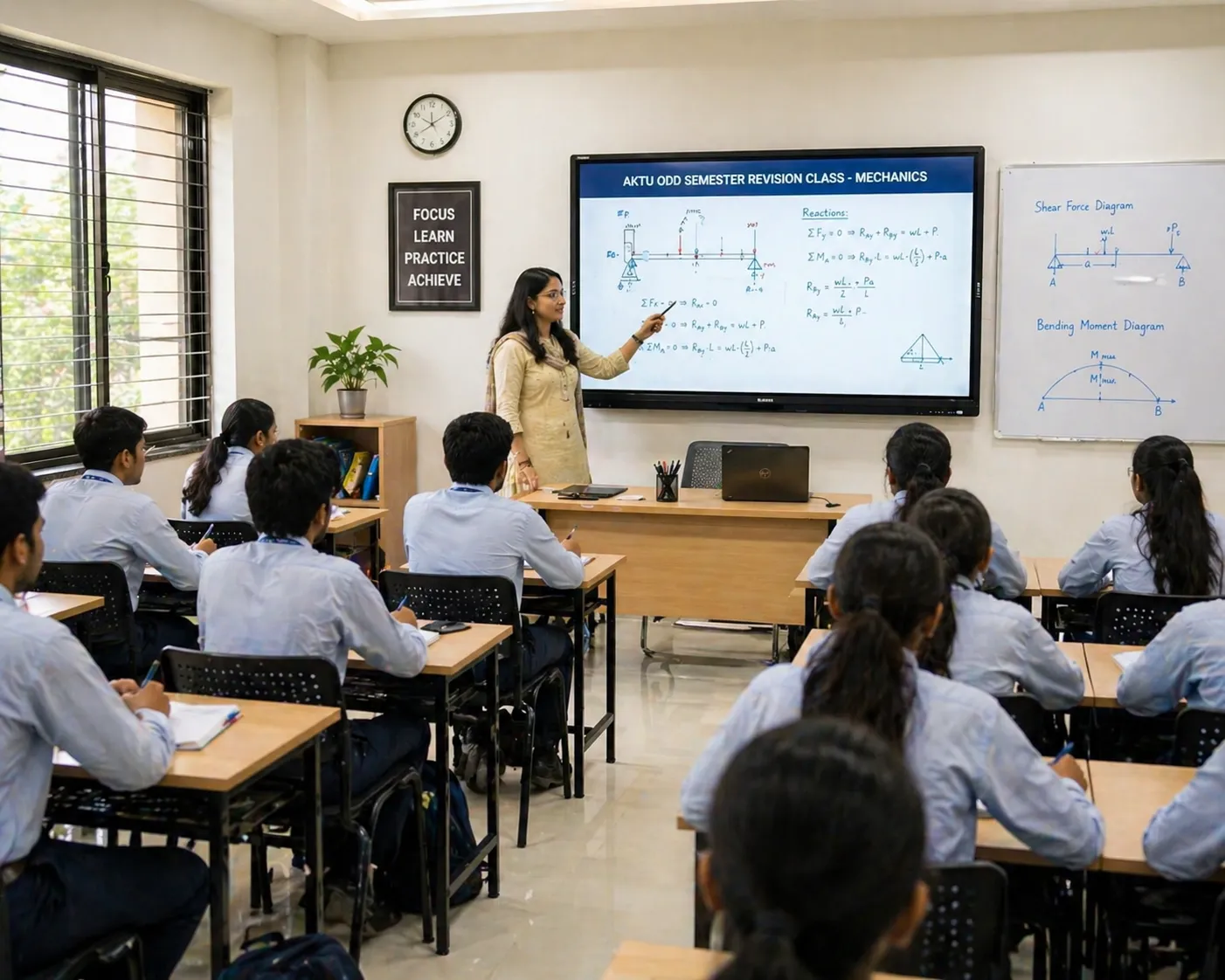
On request (project-based)
Practical interactive board for schools and coaching centers with clear visuals and responsive writing.
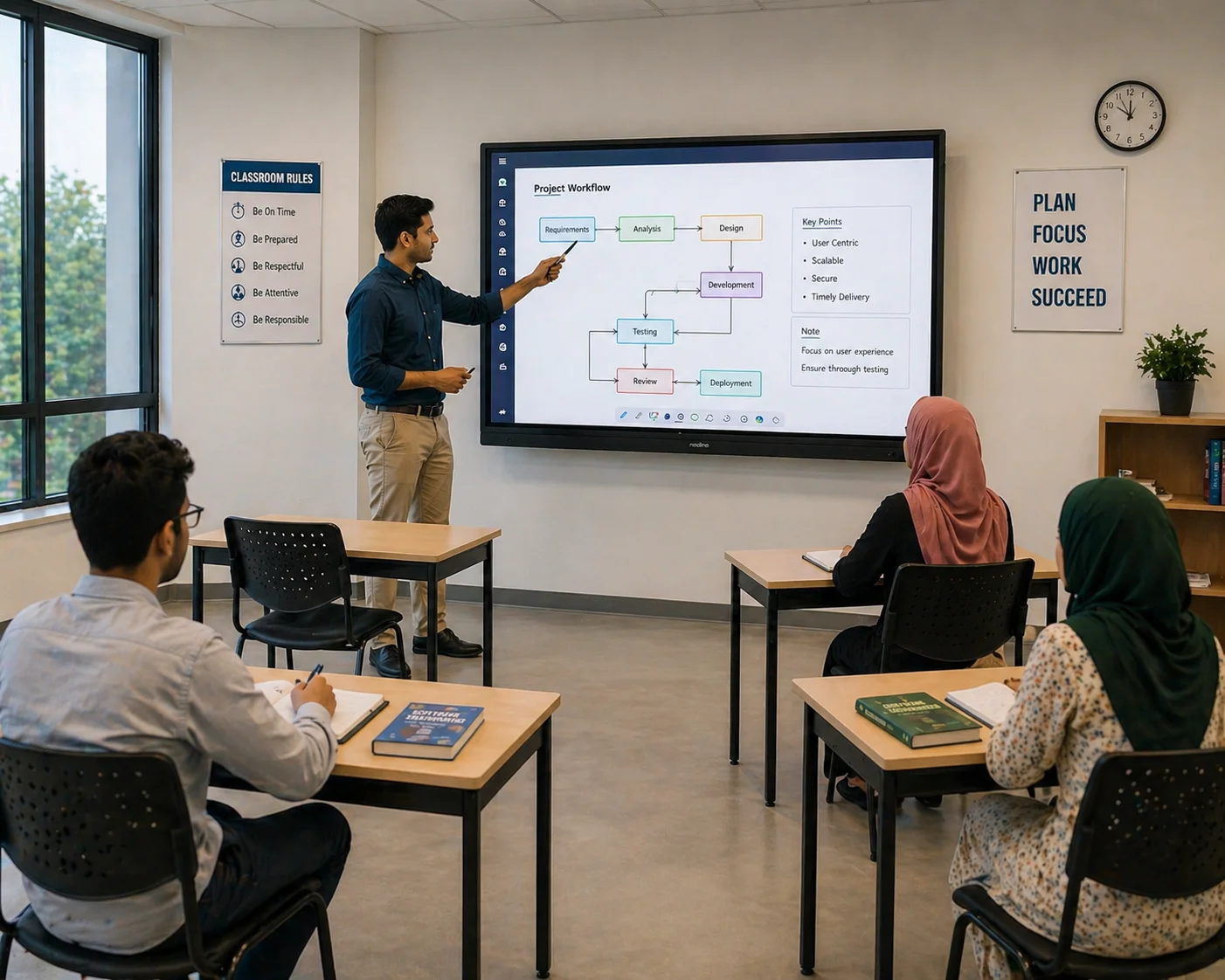
On request (per unit)
Large format interactive panel for seminar rooms and training halls where audience seating is deeper.
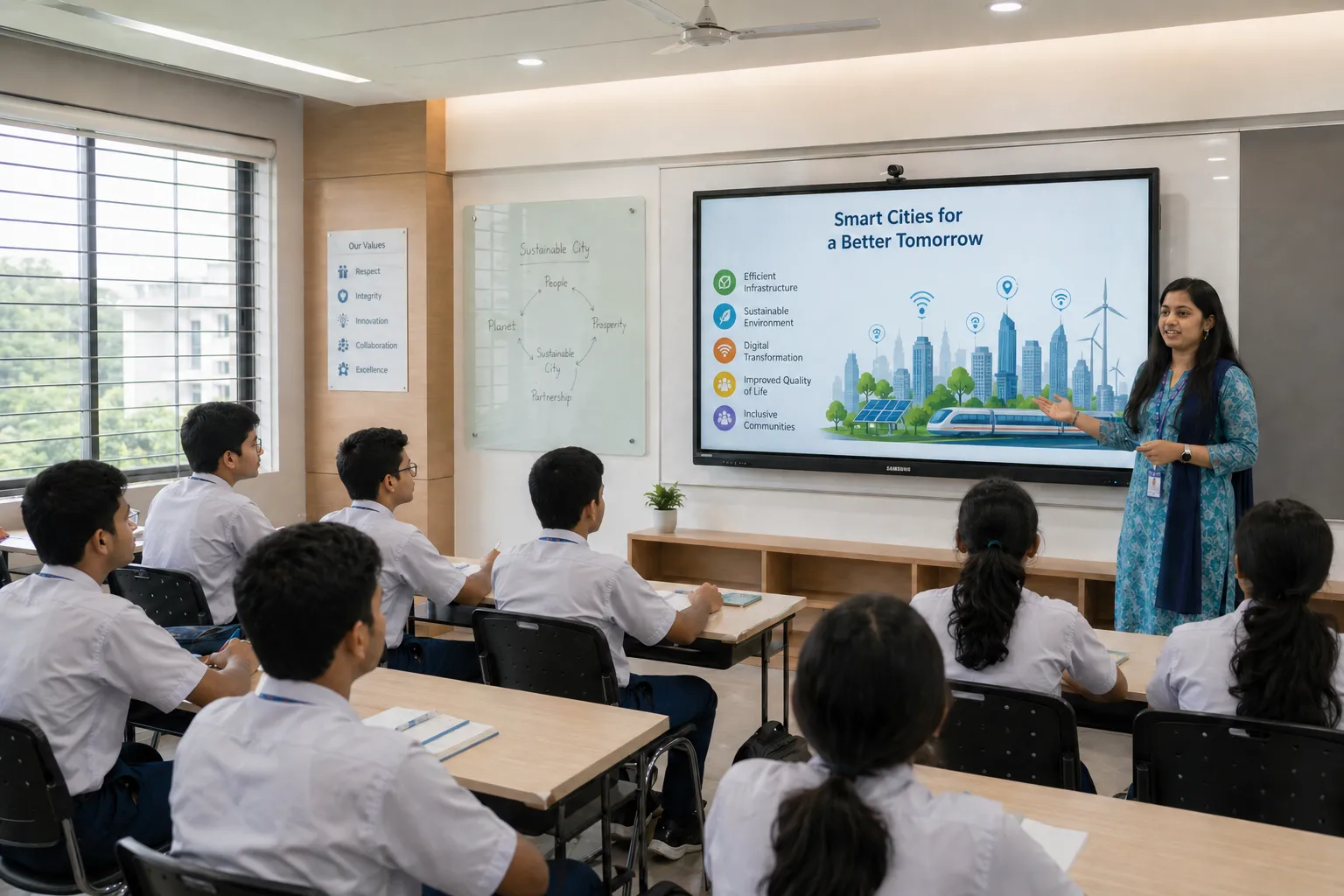
On request (supply + setup)
Budget-friendly interactive solution for coaching rooms and offices with strong day-to-day usability.

On request (project-based)
Core classroom size option for schools and colleges where touch teaching and casting are needed.

On request (per unit)
Large display choice for bigger classrooms and training halls with improved readability and collaboration space.
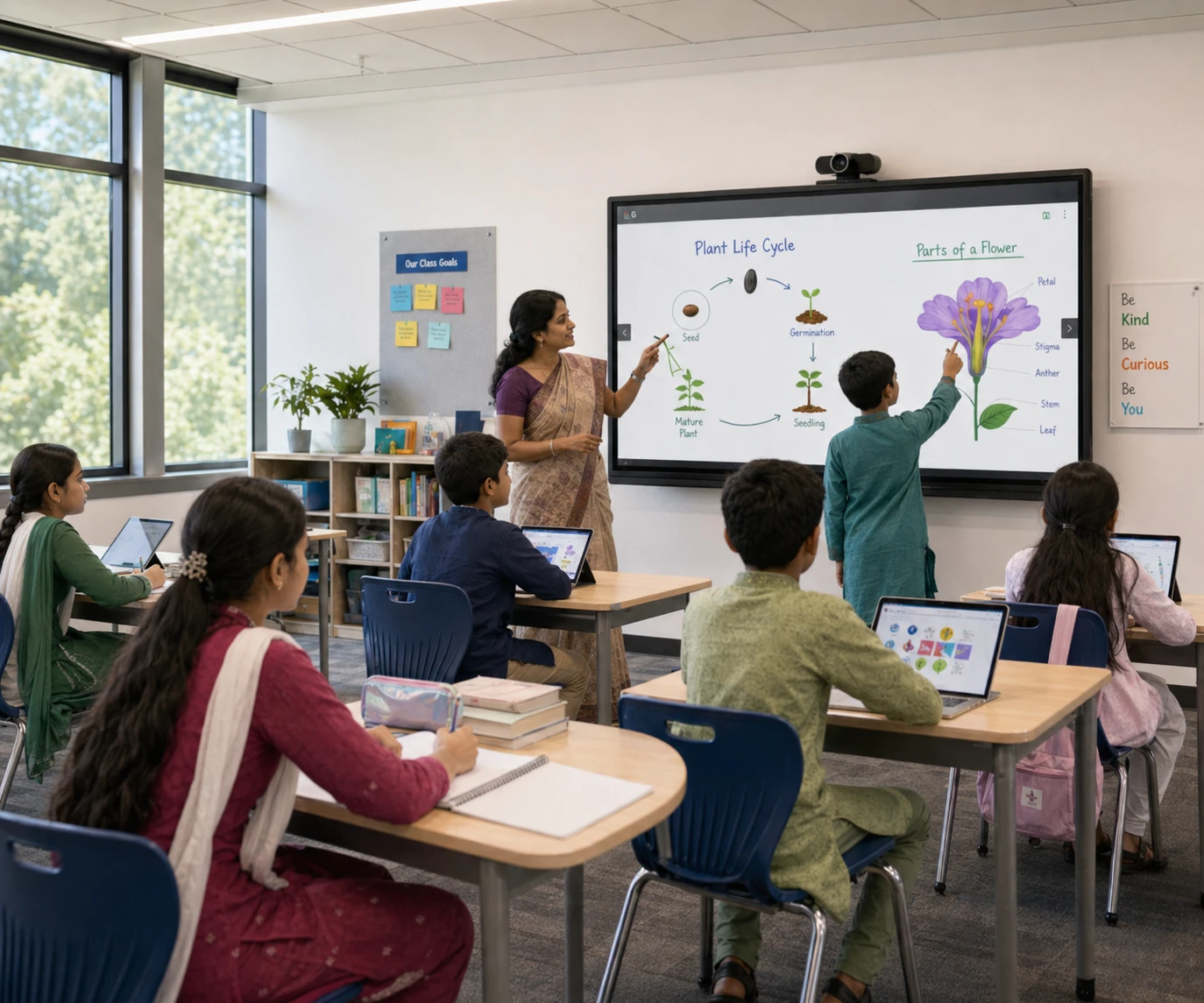
On request (package)
Compact interactive display for small rooms where budget and practicality are key.

On request (project-based)
Everyday teaching display for schools and coaching centers—good balance of size, cost and usability.

On request (per unit)
Large classroom and seminar room panel option for collaborative teaching, training and annotation.
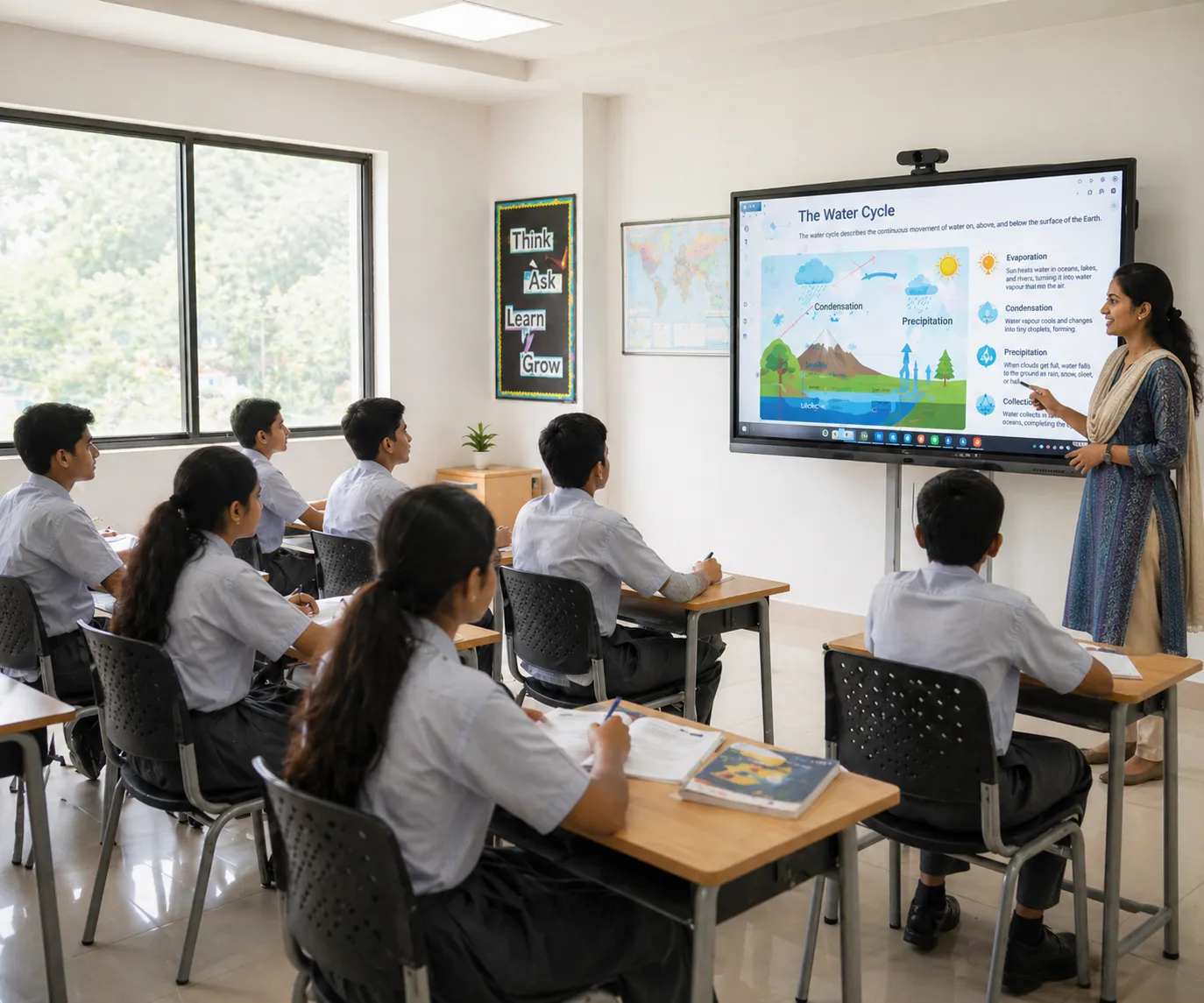
On request (project-based)
Big-screen interactive panel for larger halls and premium meeting spaces where screen impact matters.
These are indicative price ranges by screen size to help you shortlist. Final quotation can vary by brand series, Android and OPS PC configuration, mounting type, installation scope and delivery location.
| Screen size | Indicative price (BDT) | Most common use |
|---|---|---|
| 65" | ৳ 2,30,000 - ৳ 2,80,000 | Small classrooms, meeting rooms, reception and compact collaboration spaces |
| 75" | ৳ 3,20,000 - ৳ 3,80,000 | Standard classrooms and training rooms where back-row visibility matters |
| 86" | ৳ 4,20,000 - ৳ 5,00,000 | Large classrooms, coaching centers and boardrooms with deeper seating |
| 98" | ৳ 6,80,000 - ৳ 7,80,000 | Large training halls, lecture rooms and premium meeting spaces |
| 110" | ৳ 8,50,000 - ৳ 9,50,000 | Auditoriums and large venues where screen impact is a priority |
Use this quick guide when the farthest seat matters (classrooms, trainings and boardrooms). For precise sizing, share your room layout and seating depth.
| Viewing distance | Recommended size | Typical room |
|---|---|---|
| Up to 2 m | 65" | Small meeting rooms / compact classrooms |
| 2 - 3 m | 65" - 75" | Standard classrooms / team rooms |
| 3 - 4 m | 75" - 86" | Training rooms / larger classrooms |
| 4 - 5 m | 86" - 98" | Large classrooms / seminar rooms |
| 5 m + | 98" - 110" | Auditoriums / big halls |
Most projects are quoted as a complete solution (panel + installation). This checklist makes comparisons fair when you evaluate interactive flat panel price in Bangladesh across vendors.
- Interactive flat panel model and size (Android platform, touch capability, speaker output and glass type).
- Mounting option: wall mount or trolley stand, plus installation height planning.
- Cabling and connectivity: HDMI/USB/LAN, power protection and clean cable management.
- Optional OPS PC (Windows) when Office/Teams/Zoom workflow is required.
- Delivery, professional installation, commissioning, user handover training and warranty terms.
Interactive Flat Panel in Bangladesh: What to Compare
If you are comparing interactive flat panel price in Bangladesh, focus on project fit - not just a single unit price. Two panels with the same screen size can perform very differently in daily smart classroom or meeting-room use depending on touch response, Android performance, glass quality, OPS PC readiness, accessories and after-sales support.
- Choose size by seating depth: 65" for compact rooms, 75"-86" for typical classrooms, 96"+ for large halls.
- Prioritize smooth writing: low touch latency, accurate palm rejection and durable anti-glare glass for bright rooms.
- Confirm built-in tools: whiteboard, annotation, file playback (PDF/PPT/video), screen sharing and classroom-friendly shortcuts.
- Plan the full package: wall mount/trolley, cabling, optional OPS PC, basic audio and installation + handover training.
- Decide Android-only vs Windows workflow: OPS PC matters if your team relies on Office, browser tools, Teams/Zoom and multiple windows.
- Check collaboration features: wireless casting, multi-device screen share, annotation over live documents and presenter switching.
- Look for professional visibility: 4K clarity, wide viewing angle, strong brightness and anti-reflection for office lighting.
- Confirm integration: camera/speakerphone compatibility, HDMI/USB ports, LAN/Wi-Fi stability and a clean cable-management plan.
- Screen size and brand series (panel grade, glass, speaker output and chipset performance).
- Android version/performance and whether OPS PC (Windows) is included, plus RAM/SSD configuration if applicable.
- Mounting type (wall mount vs trolley), installation height, cable routing complexity and site floor level.
- Support scope: delivery, installation, commissioning, user training, warranty terms and after-sales response commitment.
- 4K UHD panel with anti-glare glass for clear visibility under bright classroom/office lighting.
- Multi-touch writing for teaching and collaboration (smooth pen feel + reliable palm rejection).
- Wireless screen sharing from laptop/mobile, plus quick switching between presenters.
- Android built-in for simple operation, with OPS PC option when a full Windows workflow is required.
- Wall mount or floor trolley stand (based on room layout and mobility needs).
- OPS PC (optional), HDMI/USB extensions, LAN cable planning and power protection.
- Audio setup: use built-in speakers for small rooms, or integrate external audio for larger spaces.
- On-site commissioning + user handover training so teachers/teams can start using it confidently.
- BOQ & tender support: specification mapping so your requirements match the model you receive.
- Site-ready installation: clean cabling, correct mounting height and verification at handover.
- Use-case based recommendation: sizing + workflow (Android/OPS) aligned with your daily usage, not just brochure specs.
- After-sales continuity: guidance for app setup, accessories and operational stability post-installation.
Shortlist the right interactive flat panel size by environment. This helps you build a cleaner BOQ and avoid under-sizing (visibility issues) or over-sizing (unnecessary cost).
| Use case | Recommended size | Key focus |
|---|---|---|
| Classrooms | 65" - 86" | 4K clarity, smooth writing, whiteboard + annotation tools |
| Meeting rooms | 65" - 75" | Wireless sharing, quick presenter switching, clean cabling |
| Training centers | 75" - 98" | Wide visibility, multi-user touch, durable glass surface |
| Auditoriums & halls | 98" - 110" | Long-distance readability, high impact, stable installation |
| Hospitals & clinics | 65" - 86" | Clear visuals, quick annotation, easy daily operation |
| Reception/showrooms | 65" - 75" | Bright display, simple content playback, easy casting |
Optional OPS PC Module for Interactive Flat Panel
If your team needs a full Windows workflow (Office apps, browser tools, Teams/Zoom and heavier software), add an OPS PC module inside the interactive flat panel. Choose a configuration based on daily workload and room type, then request a quotation for the latest availability and package pricing.
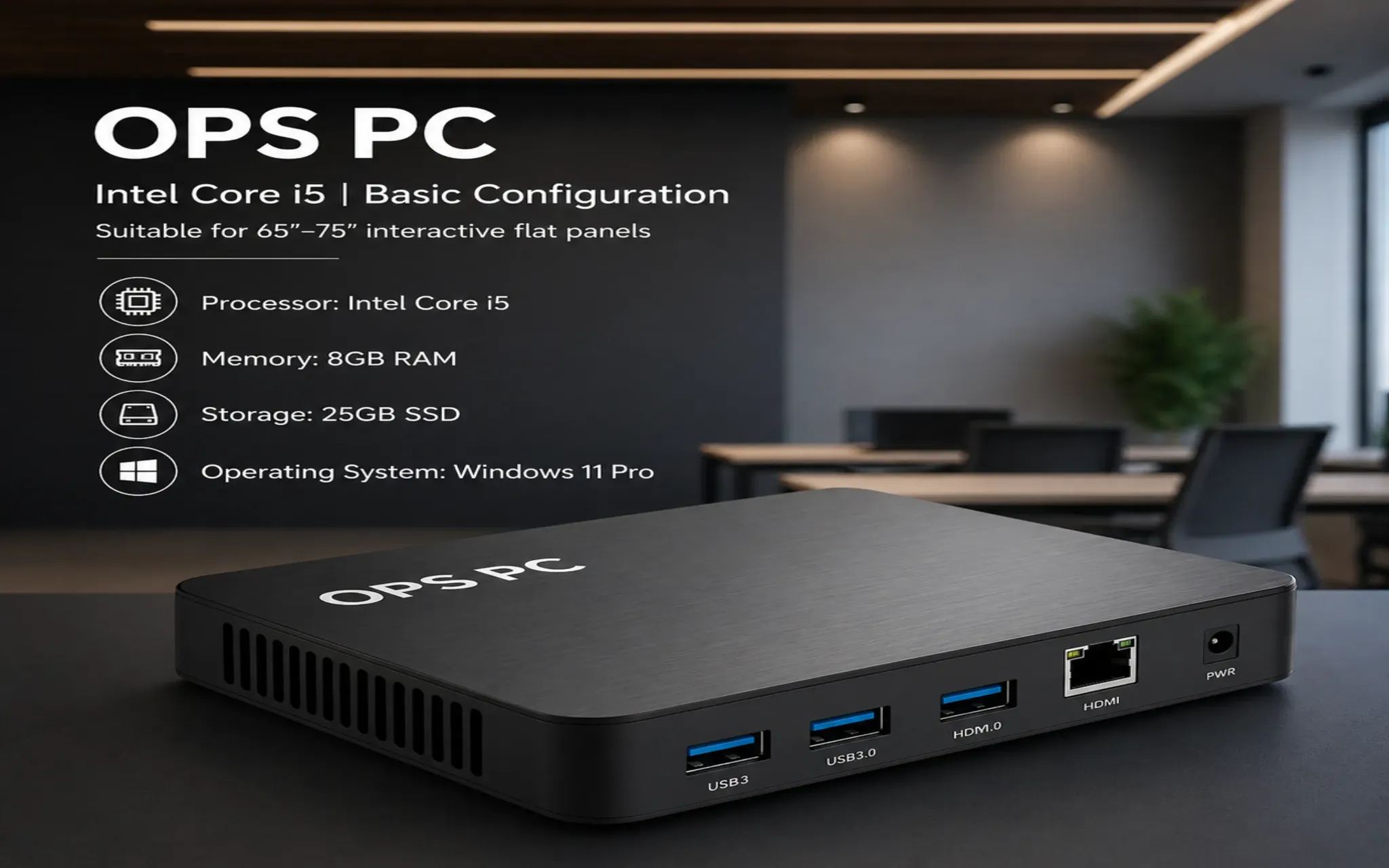
- Intel Core i5
- 8GB RAM
- 256GB SSD
- Windows 11 Pro
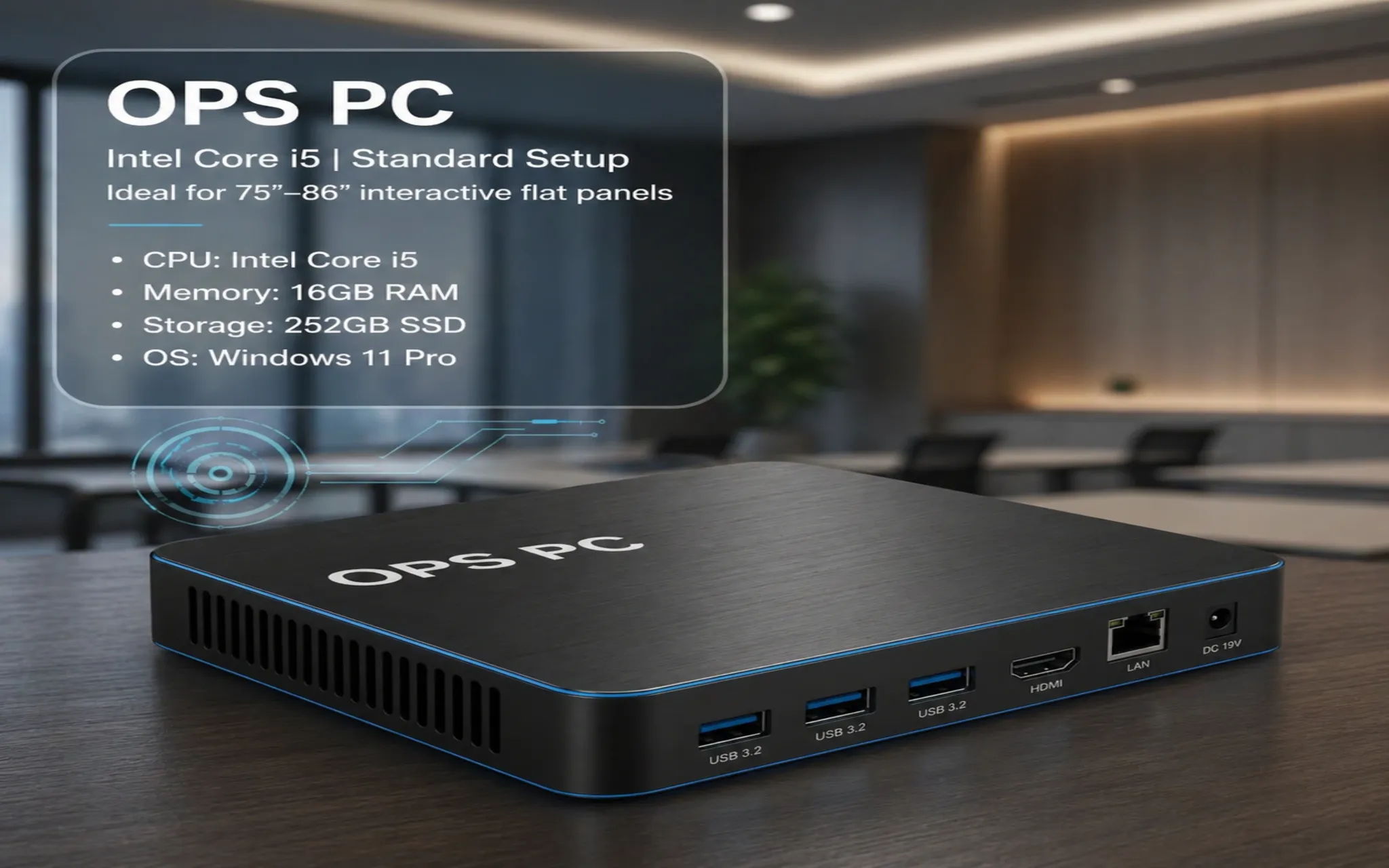
- Intel Core i5
- 16GB RAM
- 512GB SSD
- Windows 11 Pro
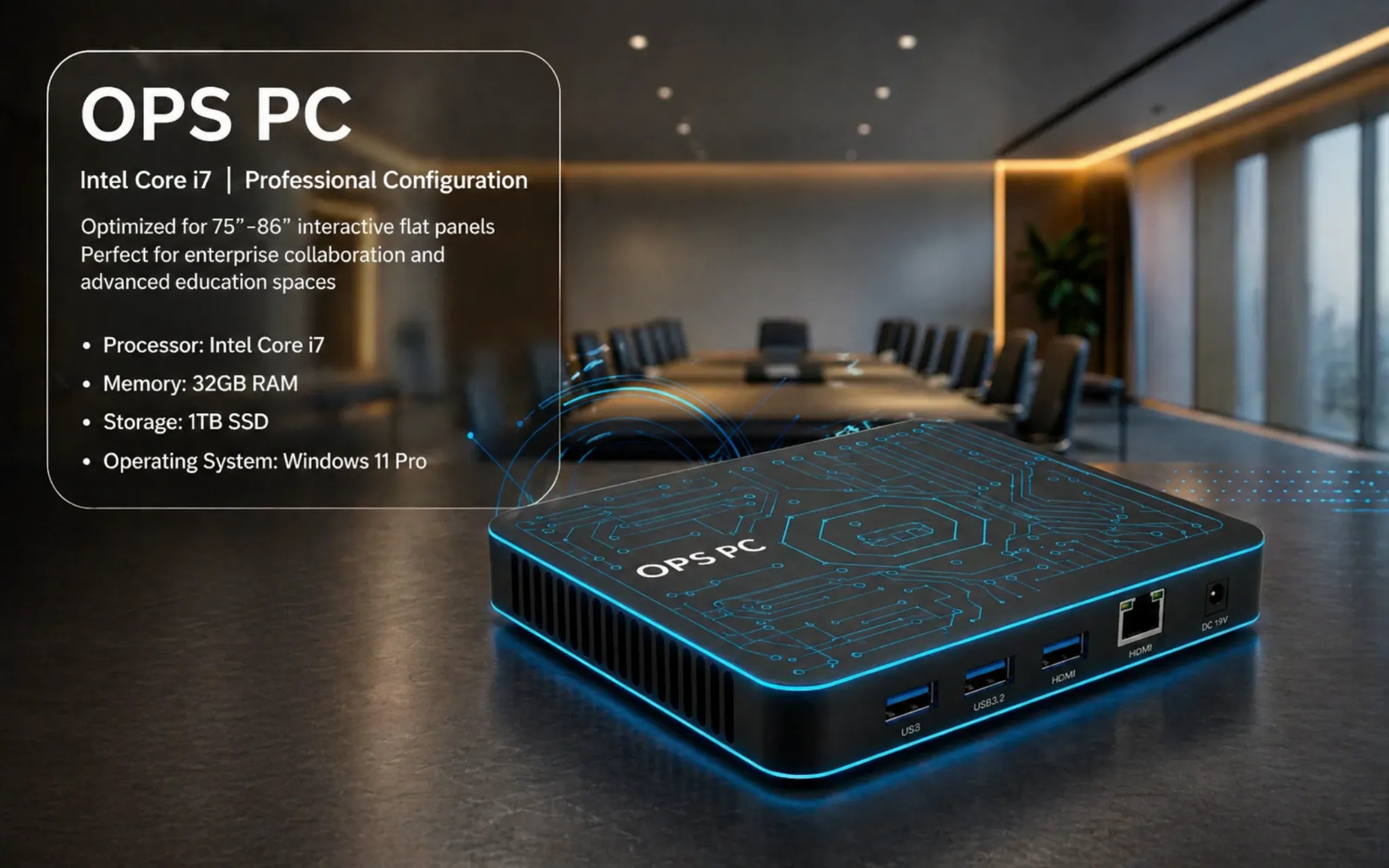
- Intel Core i7
- 16GB - 32GB RAM
- 512GB - 1TB SSD
- Windows 11 Pro
Benefits of Interactive Smart Screen
An interactive smart screen can replace a projector + whiteboard setup and make daily teaching and collaboration simpler. The biggest advantage is consistency: clear visuals, smooth writing and quick sharing without lamp replacements or frequent alignment issues.
Crisp text and sharp visuals help people follow content from the back row, improving readability in classrooms and meetings.
Write, highlight and explain directly on-screen during lessons, trainings and presentations - great for diagrams and review sessions.
Built-in whiteboard tools, apps and speakers reduce dependency on extra devices and cut down switching time.
Cast from laptop or mobile and switch presenters quickly, which is useful in multi-teacher or multi-speaker sessions.
No lamp cycle and fewer calibration tasks compared with projector classrooms.
Multi-touch interaction supports group learning, brainstorming and team activities where people work together on one screen.
How to Choose the Right Interactive Flat Panel Display
The best model depends on viewing distance, daily usage and connectivity needs. Use the checklist below to shortlist options, then share your room details for a BOQ-ready recommendation.
- Confirm seating depth and content type (text-heavy teaching needs a larger size than video-only usage).
- Pick a size: 65" for compact rooms, 75"-86" for most classrooms, 96"+ for larger halls.
- Decide Android-only vs OPS PC (Windows) based on your apps (Office, browser tools, Teams/Zoom and multiple windows).
- Check ports and connectivity: HDMI, USB, LAN/Wi-Fi, casting method and any camera/speakerphone integration.
- Plan installation: wall mount vs trolley, cabling route, power protection and mounting height for comfortable use.
- Evaluate service: commissioning, user training, warranty terms and after-sales response.
A quick room snapshot makes recommendations more accurate and helps avoid under-sizing. If you message us, include:
- Room length × width and the farthest viewing distance
- Use-case: classroom, meeting room, training, auditorium or reception
- Preferred size (if you have a shortlist) and mounting type (wall/trolley)
- Android-only vs OPS PC requirement and any app/workflow needs
- Location and floor level for delivery and installation planning
Advantages of Interactive Flat Panel Over Projectors
Both setups can be used for teaching and presentations, but interactive flat panels generally offer more consistent picture quality, faster day-to-day use and fewer maintenance tasks. Here are the practical differences most schools and offices notice after switching.
Projectors often need periodic lamp changes and ongoing cleaning. A flat panel reduces recurring consumable costs and the downtime that comes with it.
Panels keep text and color consistent even with ambient light. This is useful for classrooms with windows or training rooms that cannot be fully darkened.
A fixed display removes keystone correction, focus drift and misalignment over time, so the screen stays ready without daily adjustments.
Write, annotate and save notes directly on the screen. It supports interactive lessons, quick reviews and collaborative brainstorming without extra boards.
No ceiling mounting and long throw-distance planning in many rooms. Wall mounting or a trolley keeps cabling cleaner and service access easier.
With modern casting and HDMI/USB options, presenters can connect quickly and switch devices smoothly during meetings and multi-teacher sessions.
Why Choose Sasha Corporation for Interactive Flat Panel
Buying an interactive flat panel is not only a product decision - it's an installation and daily-usage decision. We help schools, training centers and businesses choose the right size, plan accessories and deliver a BOQ-ready quotation with professional setup and after-sales support.
We propose models based on room depth, audience distance and workflow (Android-only vs OPS PC) so the panel feels right in real use.
Share your requirement or tender spec and we map a suitable configuration (size, accessories and installation scope) to reduce mismatch risk.
Mounting height, clean cabling, connectivity checks and on-site commissioning are handled for stable performance from day one.
We provide basic user guidance for teachers and teams so whiteboard, annotation and screen sharing can be used confidently.
Clear warranty terms and practical support for troubleshooting, accessories and long-term operation.
We support projects across Bangladesh with delivery coordination and installation planning based on site readiness.
Buyer Checklist for Faster Quotation
Share the items below and we can respond with a clearer BOQ and a more accurate price range.
Room length/width and distance to the farthest viewer helps confirm 65/75/86/96/98/110 size.
Tell us whether you need OPS PC for Office/Teams/Zoom or Android-only is enough for daily use.
Wall mount or trolley—mounting affects installation scope, cabling and user comfort height.
HDMI/USB count, LAN/WiFi readiness, casting expectations and any camera/speakerphone integration.
Floor level and site location helps plan cabling and manpower requirements.
Training, handover, warranty and after-sales support preferences for long-term operational stability.
FAQ
Quick answers about interactive flat panel selection, OPS PC requirement and installation scope in Bangladesh.
Price varies by screen size, brand, Android performance, touch specification, OPS PC configuration (if required), mounting type (wall mount or trolley) and installation scope. Quantity and project location also impact quotation.
A practical choice depends on room depth and seating distance. Many classrooms select 75–86 inch panels, while smaller rooms may use 65 inch and larger halls may require 96 inch or above.
Android covers whiteboard, basic apps and casting for many users. OPS PC is useful for a full Windows workflow, Office/Teams requirements, and heavier content handling. We recommend based on use-case.
Yes. We support mounting and cabling guidance, commissioning checks, and basic training so teachers or staff can operate the panel confidently.
Yes. IFPs are commonly used for presentations, annotation on documents, brainstorming sessions and hybrid meeting workflows when paired with the right accessories.