
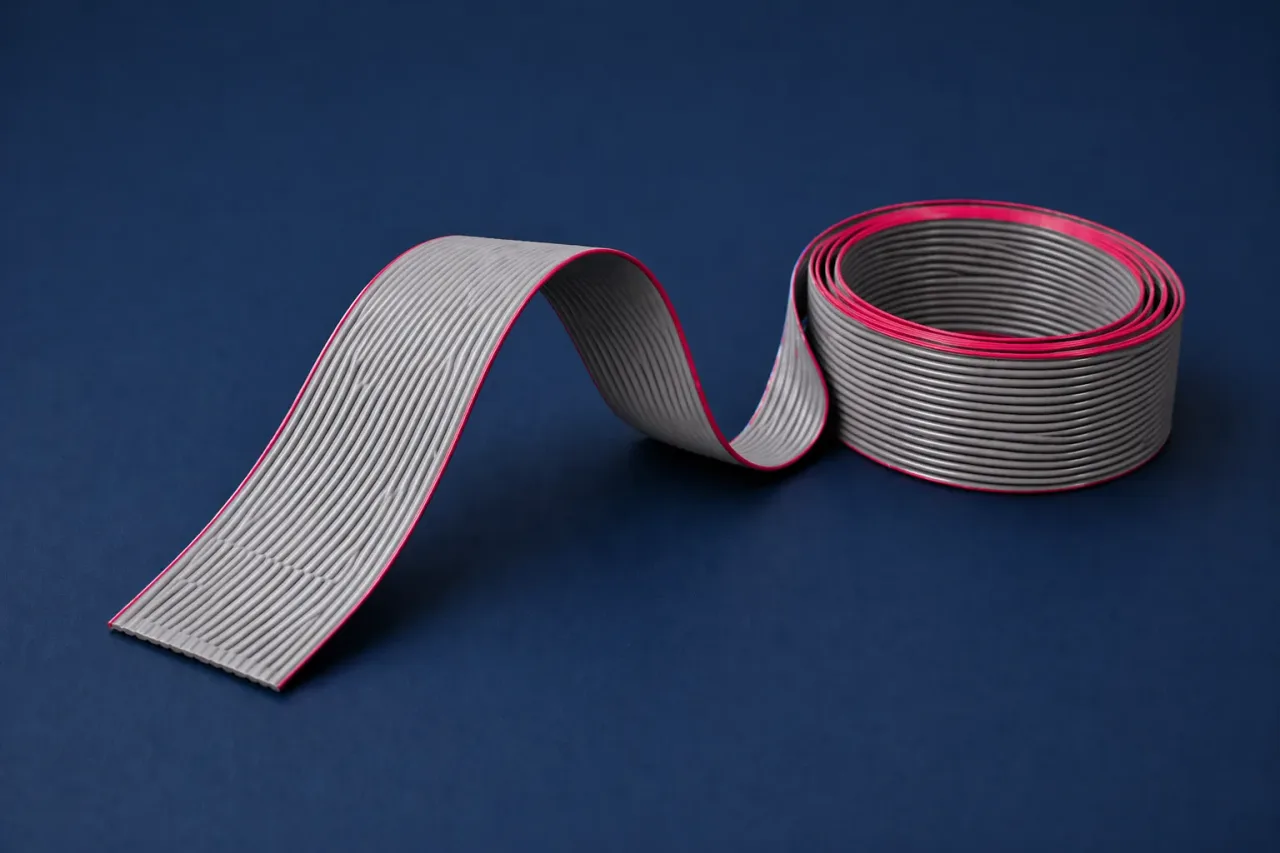
26 Pin FRC Flat Ribbon Cable with IDC Connector
26-pin flat ribbon cable for receiving card and HUB connectivity - common for cabinet internal data distribution.
On request (per piece / project quantity)
- Receiving card to HUB internal data connection
- Common cabinet ribbon for data distribution wiring
- Good spare item for service and quick replacement
Overview
26 Pin FRC Flat Ribbon Cable with IDC Connector is used to support reliable installation, maintenance, and day-to-day operation for LED display systems. Using the right accessory variant reduces service time and helps keep output stable in real-world setups.
Selection Notes
A few checks before buying help avoid mismatched parts and rework.
- Confirm pin count and connector orientation before ordering
- Match the cable length with your cabinet layout and service access needs
- Keep spares for rental and high-uptime screens to reduce downtime
Installation & Maintenance
Practical tips that keep wiring clean, service-friendly, and stable.
- Avoid twisting the ribbon - keep routing flat and strain-free
- Ensure correct orientation to prevent mapping issues
- Use tidy cable routing to reduce accidental unplugging during service
More LED Accessories
Other items you may also need for installation or service.
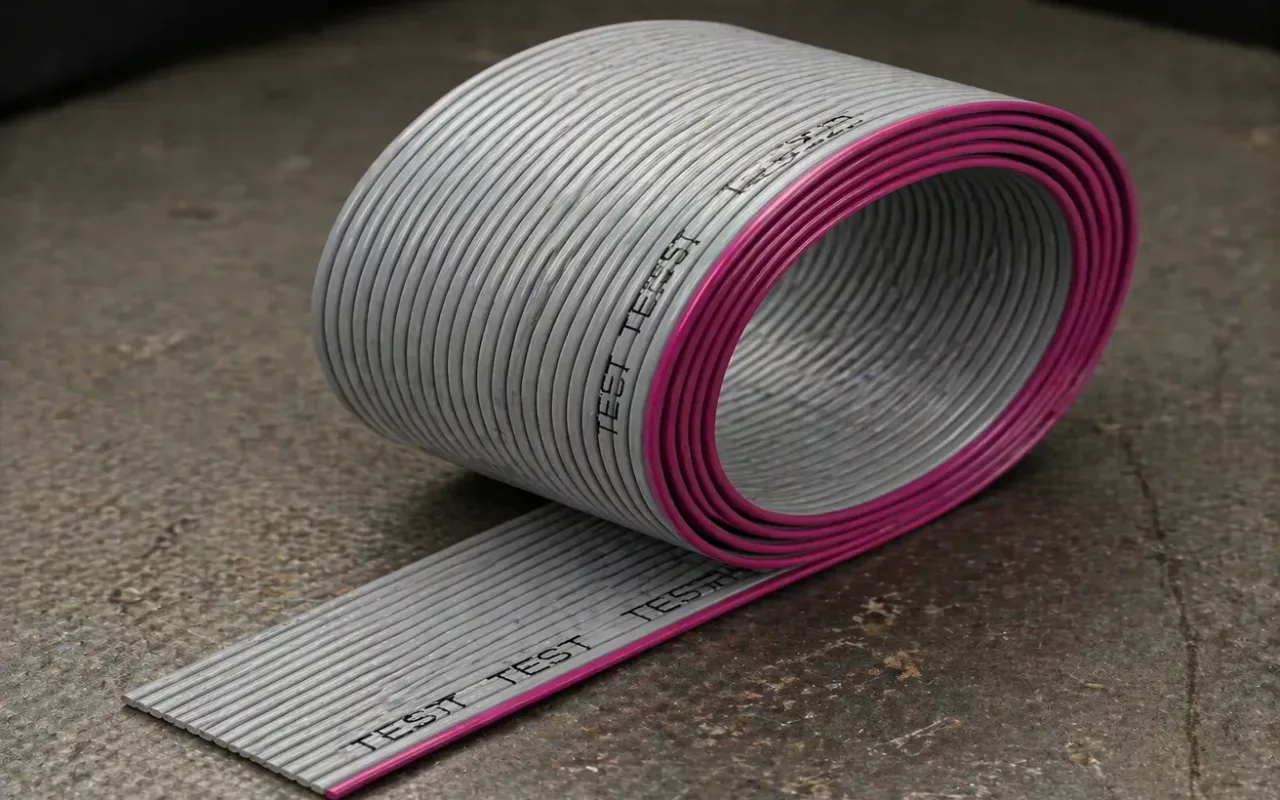
On request (per piece / project quantity)
- - Selected cabinet signal/control ribbon connections
- - Common for service, replacement, and internal wiring jobs
- - Suitable for maintenance stock and spares planning
- - Internal cabinet signal connection
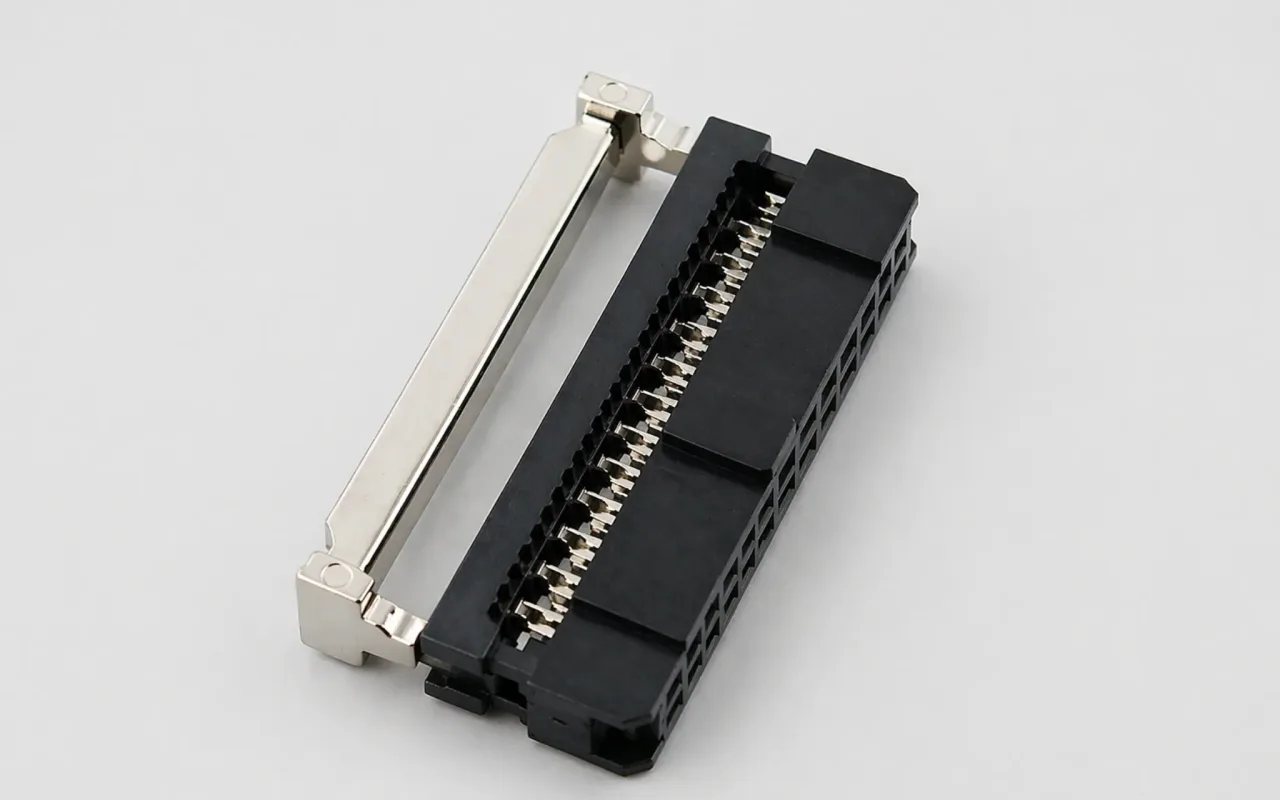
On request (per piece / project quantity)
- - IDC connector for 26-pin ribbon termination
- - Used for cabinet data wiring and HUB board connections
- - Useful for service replacement and spare stock
- - 26-pin ribbon-cable termination
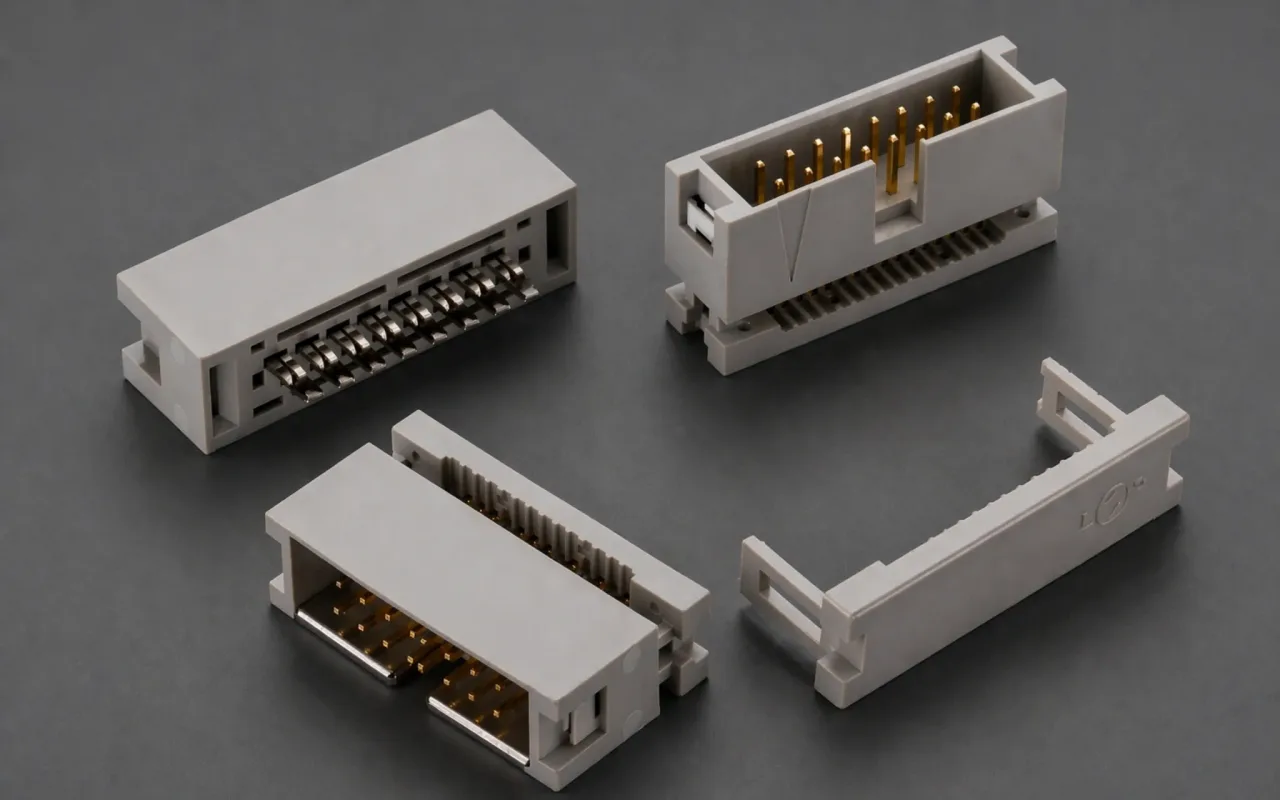
On request (per piece / project quantity)
- - IDC connector for 16-pin ribbon termination
- - Used for selected cabinet internal wiring points
- - Suitable for maintenance, replacement, and assembly work
- - 16-pin ribbon-cable termination
FAQs
Quick answers before ordering accessories in Bangladesh.
1Is 26-pin used for every cabinet?+
It depends on the receiving card/HUB ecosystem. Some setups use different pin counts - confirm your existing ribbon type before ordering.
2Can wrong ribbon orientation cause problems?+
Yes - incorrect orientation can lead to no output, wrong mapping, or unstable behavior. Always verify alignment before powering on.