Quick Summary
- Smaller pitch = higher pixel density and better close-view clarity.
- P2: premium detail for short viewing distance.
- Finer pitch improves readability for close audiences.
Introduction
Simple guide to understand LED pixel pitch, including P2 P3 P4 LED display difference and how pitch impacts resolution. The sections below explain the practical choices, trade-offs, and planning details to review before selecting a solution or requesting a quotation.
For available models and current planning details, visit our .
Table of Contents
Section 1
What is Pixel Pitch
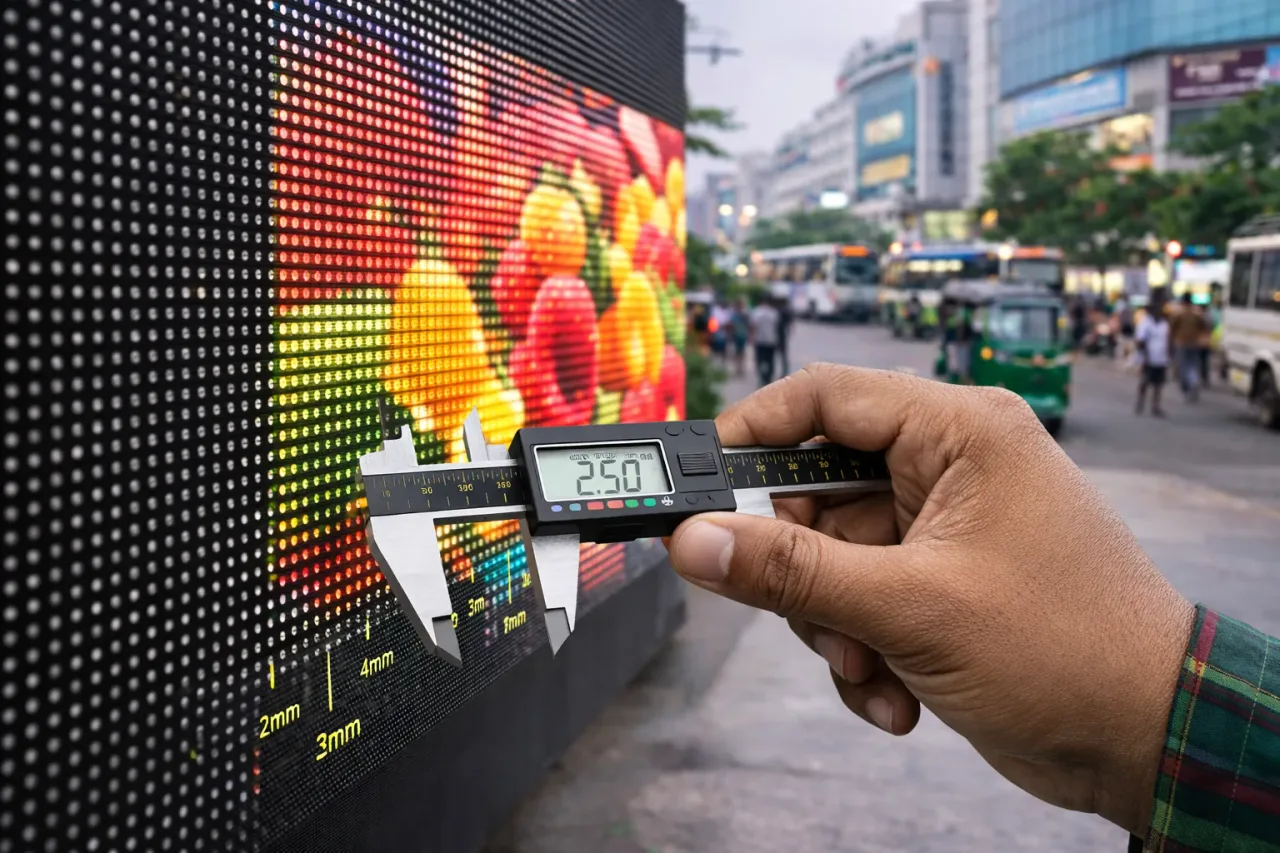
Pixel pitch means the distance in millimeters between two adjacent LED pixels on a display module. A smaller number means pixels are closer together and the image looks sharper at short viewing distance. View more about LED display
For example, P2 has smaller pitch than P4, so P2 usually provides better detail and text clarity when people stand near the screen.
This is why pitch selection should always be based on audience distance and content type, not only price.
- Smaller pitch = higher pixel density and better close-view clarity.
- Larger pitch = lower density and better value for long-distance viewing.
- Pitch decision directly affects both image quality and budget.
Section 2
Common Pixel Pitch Types
Common pitch classes in real projects include P2, P2.5, P3, and P4 for indoor scenarios, and larger pitches for longer-distance use cases.
When people compare P2 P3 P4 LED display difference, the main variation is clarity at close range and cost per square foot.
P2 is usually selected for high-detail indoor content, P3 is a balance option, and P4 can be suitable where viewers are a bit farther away.
- P2: premium detail for short viewing distance.
- P3: balanced performance and budget for many indoor uses.
- P4: cost-effective option for medium viewing distance.
- Final choice should follow real site measurement.
Section 3
How Pixel Pitch Affects Resolution
Resolution quality depends on both pixel pitch and total screen size. Smaller pitch allows more pixels within the same area, producing sharper image and smoother text.
If pitch is too large for the viewing distance, content may look grainy or less readable, especially for small text and detailed graphics.
So pitch should be selected with content style in mind: text-heavy dashboards and close-view screens need finer pitch than simple visual branding from distance.
- Finer pitch improves readability for close audiences.
- Coarser pitch can reduce cost but may reduce detail quality.
- Resolution planning should match real content and audience behavior.
Section 4
Choosing the Right Pixel Pitch
Start with the average viewing distance. Then review content type, screen size, and budget target. This method prevents over-spec and under-spec decisions.
If your audience stands close and reads text, choose a finer pitch. If the screen is viewed from farther distance, a wider pitch can still deliver good communication at lower cost.
Before final purchase, request practical recommendation based on site survey, not generic online assumptions.
- Use distance-first logic for pitch selection.
- Match pitch with content complexity and readability needs.
- Balance quality and budget using BOQ-based planning.