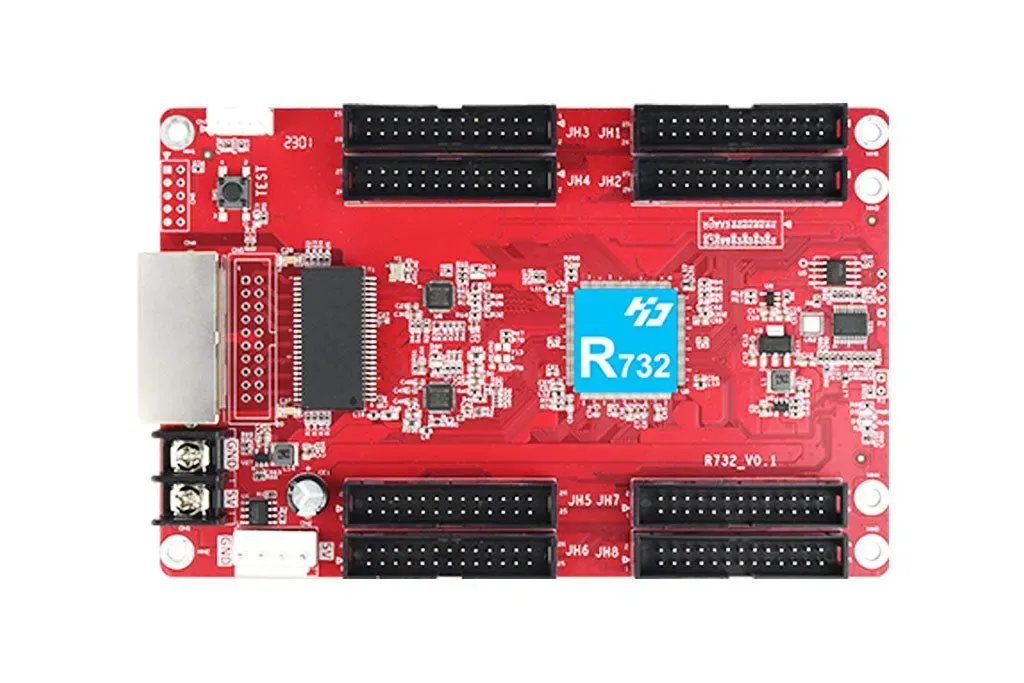
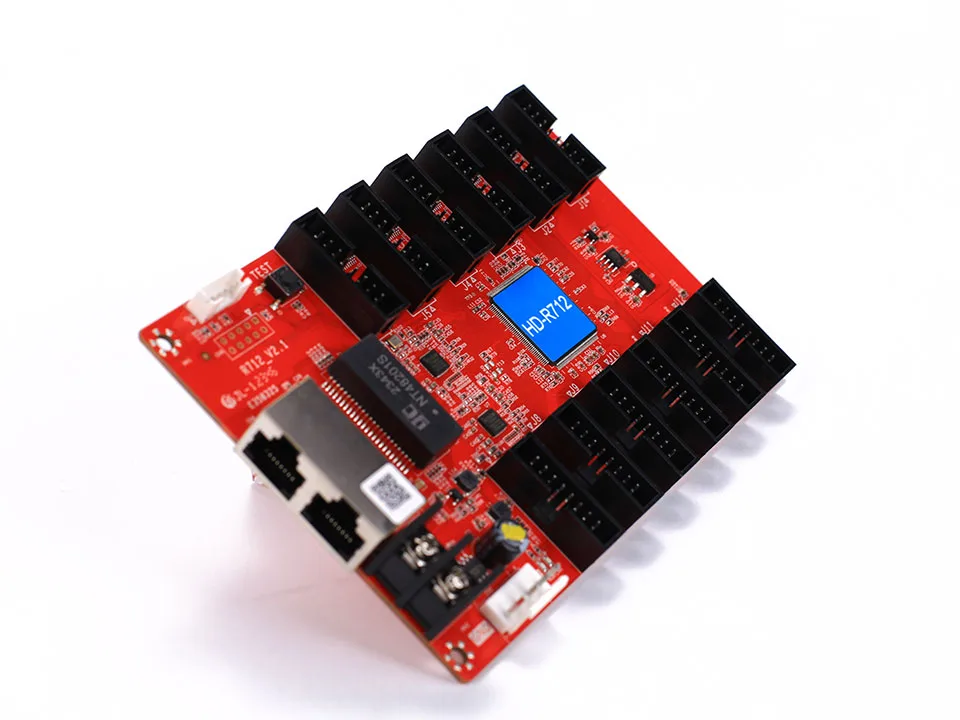

NovaStar MRV336 Receiving Card
Professional receiving card for indoor, outdoor, and rental LED cabinets with practical HUB mapping support, stable data distribution, and cleaner commissioning workflow.
Price: ৳3,200.00 (per card, offer & project size)
Practical features that reduce mapping issues and improve long-term stability.
- Stable data receiving workflow for indoor, outdoor, and rental LED cabinets
- Practical HUB-based cabinet wiring support for cleaner installation planning
- Useful for video wall, billboard, stage, and spare-card service workflows
- Reliable mapping and cabinet-to-cabinet routing during commissioning
- Works with common scan configurations and module ecosystems
- Good choice for system expansion, maintenance stock, and replacement planning
Detailed Overview
NovaStar MRV336 Receiving Card is a core part of LED module data processing. Proper compatibility with module scan type, HUB interface, and controller ecosystem is essential for stable output and predictable commissioning.
- Stable data receiving workflow for indoor, outdoor, and rental LED cabinets
- Practical HUB-based cabinet wiring support for cleaner installation planning
- Useful for video wall, billboard, stage, and spare-card service workflows
- Reliable mapping and cabinet-to-cabinet routing during commissioning
- Works with common scan configurations and module ecosystems
- Good choice for system expansion, maintenance stock, and replacement planning
Compatibility Checklist
Matching these points before ordering reduces wrong-selection risk.
- Confirm module scan rate, HUB type, and cabinet resolution before selection
- Match the receiving card with the correct NovaStar sender / processor ecosystem
- Check ribbon pinout and cabinet routing order to avoid shift or mirror issues
- Power stability and clean grounding help reduce flicker and communication noise
Installation & Commissioning
Following best practices reduces downtime and makes maintenance easier.
- Label HUB ribbon order and cabinet signal routing before commissioning
- Keep sender, cable path, and cabinet map documented for faster servicing later
- Run test patterns after setup to confirm mapping, colors, and cabinet alignment
- Keep at least one spare receiving card for large or uptime-critical LED walls
Common Issues & Quick Fix
During setup, most issues come from mapping, scan settings, or cable routing.
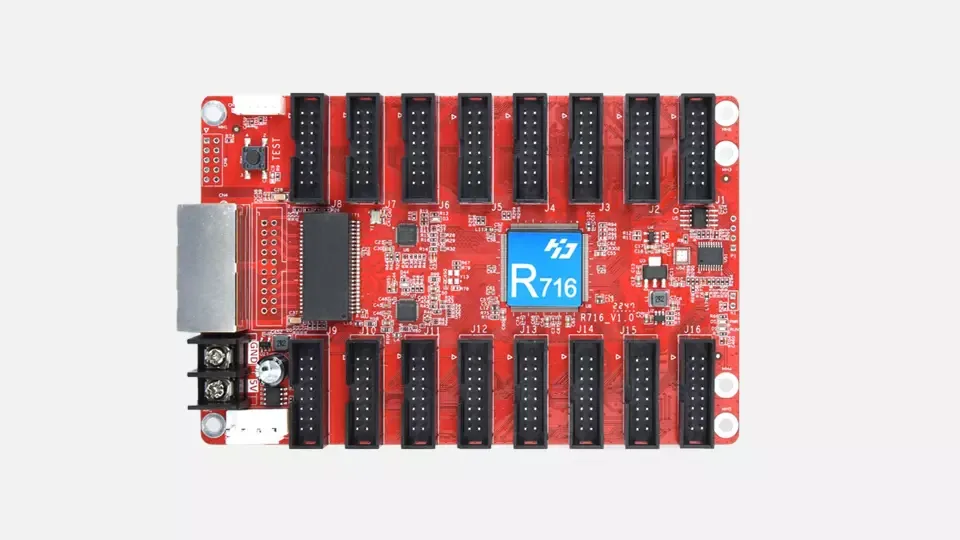
- Shifted or mirrored image -> re-check cabinet routing, mapping, and HUB pinout
- Section flicker -> inspect grounding, PSU stability, and signal cable quality
- No output in one cabinet -> verify port assignment and ribbon cable orientation
- Color mismatch -> review config file, scan setup, and driver IC compatibility
Featured Receiving Cards
Need help matching the right receiving card?
Share your module type, HUB connection, cabinet resolution, and controller brand. We will help you shortlist a relevant receiving card with matching guidance for stable output.