Sasha Corporation logo
+880160-8843419
LED Display/Accessories/Receiving Card/R-712 Receiving Card
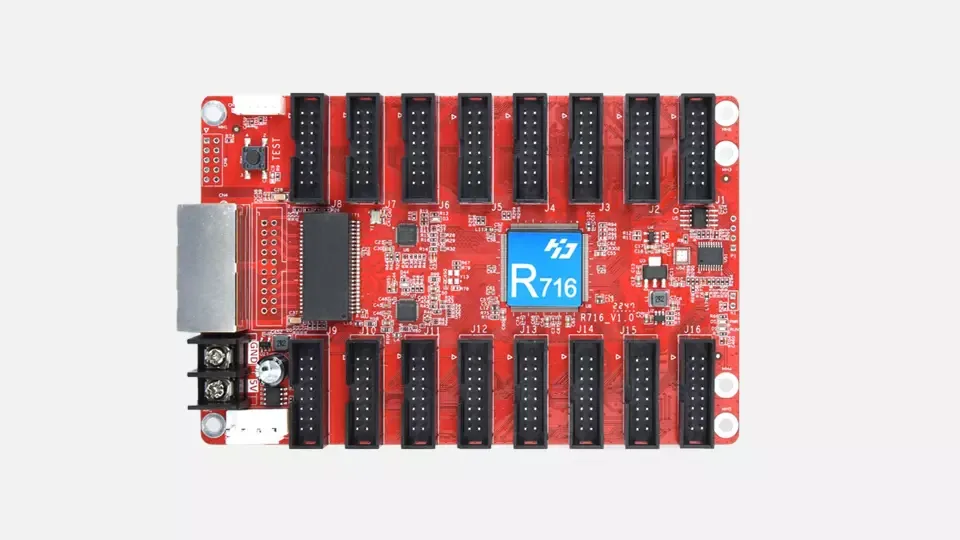
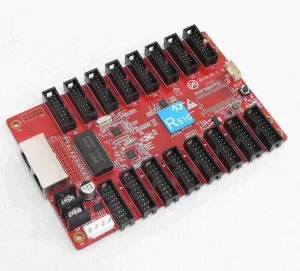
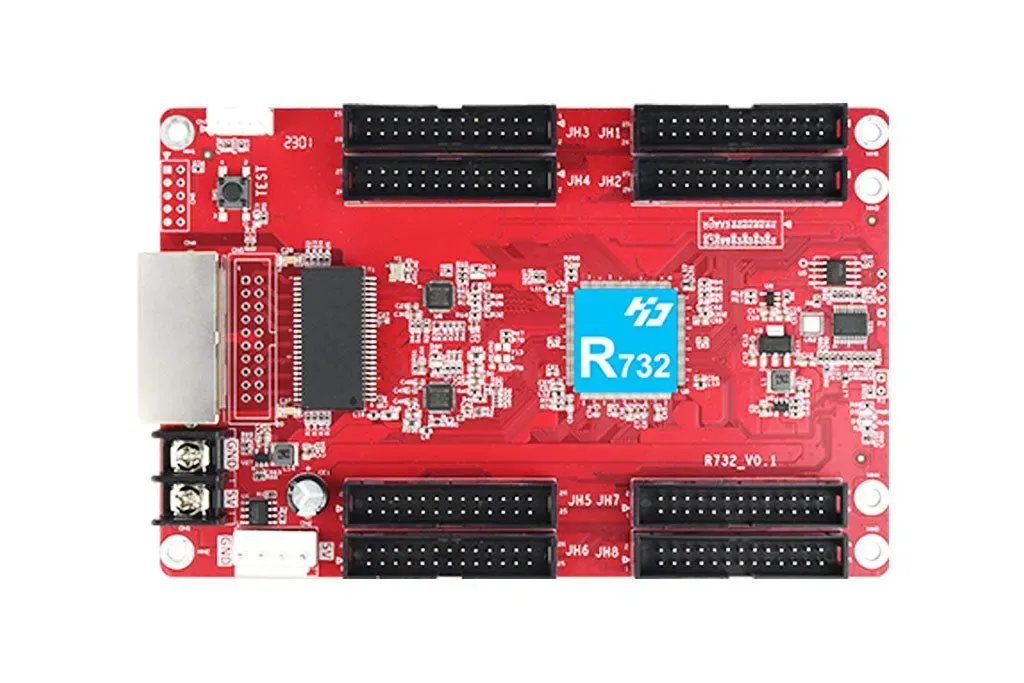
R-712 Receiving Card
HUB75E - 12 Ports

R-712 Receiving Card

High-performance receiving card for synchronous & asynchronous LED control systems. Built-in HUB75E ports for faster installation.

Quick Specs (Informational)

Model selection depends on module scan, HUB interface and controller ecosystem.

  • InterfaceHUB75E (Integrated ports)
  • Load CapacityUp to 131,072 pixels
  • Scan SupportStatic to 1/128
  • SystemSynchronous & Asynchronous
  • Use CaseRental, indoor fixed, outdoor screens

Detailed Overview

R-712 Receiving Card is a core part of LED module data processing. Proper compatibility with module scan type, HUB interface, and controller ecosystem is essential for stable output and predictable commissioning.

  • Dual compatibility (Sync + Async control systems)
  • Built-in HUB75E ports (no external adapter boards)
  • High load capacity (up to 131,072 pixels)
  • Scan mode support (static to 1/128 scan)
  • Flexible cascading + data group exchange
  • Offset alignment + multi-card cascade support
  • Stable performance + certification (CE/RoHS)
Specifications
Interface
HUB75E (Integrated ports)
Load Capacity
Up to 131,072 pixels
Scan Support
Static to 1/128
System
Synchronous & Asynchronous
Use Case
Rental, indoor fixed, outdoor screens

Key Features

Practical features that reduce mapping issues and improve long-term stability.

  • Dual compatibility (Sync + Async control systems)
  • Built-in HUB75E ports (no external adapter boards)
  • High load capacity (up to 131,072 pixels)
  • Scan mode support (static to 1/128 scan)
  • Flexible cascading + data group exchange
  • Offset alignment + multi-card cascade support
  • Stable performance + certification (CE/RoHS)

Compatibility Checklist

Matching these points before ordering reduces wrong-selection risk.

  • HUB75 series module wiring check (HUB75E recommended)
  • Scan rate must match (1/16, 1/32, 1/64, etc.) to avoid mapping mismatch
  • Verify driver IC type (Conventional/PWM) according to your system
  • Set config file and mapping according to controller/processor brand and model

Installation & Commissioning

Following best practices reduces downtime and makes maintenance easier.

  • Label ribbon cables and power cables before installation
  • Ensure proper grounding and signal cable quality (reduces noise)
  • During commissioning, use test patterns to check dead pixels or line issues
  • Keeping a spare receiving card is recommended (rental/outdoor projects)

Common Issues & Quick Fix

During setup, most issues come from mapping, scan settings, or cable routing.

  • Display shifted/mirrored -> mapping/scan mismatch or HUB pinout mismatch
  • Random flicker -> grounding/signal noise or weak PSU
  • Half screen dead -> loose ribbon cable or port assignment mismatch
  • Wrong colors -> IC config / gamma / data polarity check

Featured Receiving Cards

Explore other popular receiving card models.

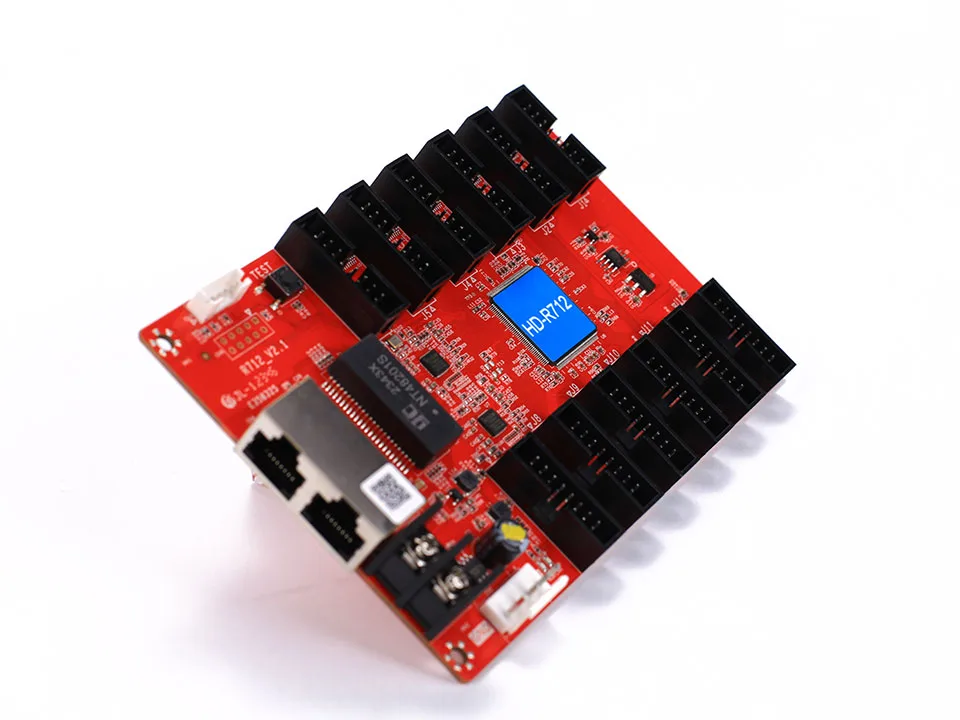
R-732 Receiving Card
Advanced Pixel Control
Accessories
R-732 Receiving Card

Advanced receiving card for fine-pitch & large LED video walls. Reliable transmission with flexible pixel mapping and cascade support.

Advanced pixel control (Conventional + PWM IC support)Direct connection to modules (flexible cascade)Stable communication over distance (system dependent)Offset & data exchange support (layout flexibility)
Request quotationView details →

FAQs

Common questions about receiving card selection:

1Are receiving card and sending card the same?
+

No. The sending card/processor sends data from the content source, while the receiving card inside the cabinet receives data and distributes it to modules.

2What happens if I choose the wrong card?
+

It can cause mapping mismatch (shift/mirror), flicker, half-screen failure, and color issues-especially with scan/HUB mismatch.

3What information is needed for selection?
+

Provide module size/pixel pitch, scan rate, HUB type, cabinet resolution, and controller brand/model for quick and accurate matching.